
Welcome to our complete nonprofit website guide. Building a nonprofit website doesn’t have to be hard or expensive. This guide covers everything you need. You’ll learn to create a professional site that accepts donations and grows your impact.
Your organization does important work. Your website should reflect that. A great nonprofit website builds trust with donors. It shares your mission clearly. It makes giving easy. And with WordPress, you can build one for less than $10 per month.
Why Your Nonprofit Needs a Great Website
Your website is often the first place people learn about you. Donors check your site before giving. Volunteers look online before signing up. Grant makers review your web presence before funding you.
A well-designed nonprofit website can:
- Build trust with potential donors and supporters
- Accept donations 24/7, even while you sleep
- Share your mission and impact stories
- Recruit volunteers for your programs
- Reduce paperwork with online forms
- Improve transparency by sharing reports
- Expand your reach beyond your local area
- Save money on printing and mailing
The good news? You don’t need a big budget. You don’t need technical skills. This nonprofit website guide will show you exactly what to do.
What You’ll Learn in This Guide
This guide is organized into clear sections. Each section covers one part of building your site:
- Getting Started – Domain, hosting, and WordPress basics
- Choosing a Theme – Best nonprofit WordPress themes
- Essential Features – What every nonprofit site needs
- Accepting Donations – Payment setup and best practices
- Growing Your Impact – Strategies to increase giving
- Real Examples – Nonprofit websites for inspiration
Let’s dive in.
Getting Started: The Foundation
Before you think about design, you need the basics. Think of this like building a house. First comes the foundation. Then comes everything else.
Step 1: Choose Your Domain Name
Your domain name is your web address. It’s what people type to find you. For example: yournonprofit.org
Here’s what works best for nonprofits:
- Use .org – This signals you’re a nonprofit, not a business
- Keep it short – Easier to remember and type
- Match your name – Use your official organization name
- Avoid hyphens – They’re hard to remember
- Skip numbers – They confuse people
Write down 3-5 options. Then check if they’re available. Most domain registrars let you search for free.
Step 2: Get Web Hosting
Hosting is where your website lives. Think of it as renting space on the internet. Your hosting provider stores your files. They make sure your site stays online.
For nonprofits, look for:
- Nonprofit discounts – Many hosts offer special pricing
- Free SSL certificate – Required for accepting donations
- Good uptime – Your donation page must work 24/7
- WordPress support – Makes setup much easier
- Daily backups – Protects your data
- Good customer service – Help when you need it
You can get quality hosting for $3-10 per month. That’s less than a coffee run.
Get WordPress HostingStep 3: Install WordPress
WordPress powers over 40% of all websites. It’s the best choice for nonprofits. Here’s why:
- It’s free – The software costs nothing
- Easy to use – No coding required
- Nonprofit themes – Thousands of options available
- Donation plugins – Accept payments easily
- Regular updates – Security is maintained
- Huge community – Help is always available
Most hosts offer one-click WordPress installation. Click a button. Fill in some details. Done. Your site is ready in minutes.
For a detailed walkthrough, read our guide:
How to Build a Nonprofit Website For Less Than $10/Month
Choosing the Right Theme
Your theme controls how your website looks. It also affects what features you have. For nonprofits, the right theme is crucial.
Look for these features:
- Donation integration – Built-in support for giving
- Events calendar – Promote fundraisers
- Cause showcases – Highlight your programs
- Team pages – Show your people
- Blog support – Share news and stories
- Mobile responsive – Works on all devices
- Fast loading – Slow sites lose visitors
- Good support – Help when you need it
Best Nonprofit WordPress Themes
We’ve built themes specifically for charitable organizations. Each one includes the features nonprofits need most.
Browse our collections:
- WordPress Themes for NonProfit Organizations
- Free WordPress Themes for Charity/Nonprofit
- Top Church WordPress Themes
- Free Church WordPress Themes
Want to see real examples? Check out:
7 Examples of Church Websites Using Benevolence Theme
10 Must-Have Features
After working with hundreds of nonprofits, we know what works. These features separate great nonprofit websites from mediocre ones.
1. Clear Mission Statement
Visitors should understand your purpose in seconds. Put your mission on your homepage. Make it prominent. Keep it simple.
2. Prominent Donate Button
Your donate button should be visible on every page. Put it in your header. Make it a contrasting color. Don’t make people search for it.
3. Impact Statistics
Show the difference donations make. “Last year we served 5,000 families.” Numbers build trust and motivate giving.
4. Stories and Testimonials
People give to people, not organizations. Share stories from those you’ve helped. Include photos when possible.
5. Transparent Financials
Post your annual reports. Show how you spend donations. Transparency builds donor confidence.
6. Multiple Giving Options
Offer one-time and recurring donations. Suggest specific amounts. Let people choose their own amount too.
7. Events Calendar
Promote fundraisers, volunteer days, and community events. Make it easy to find what’s coming up.
8. Email Signup
Build your supporter list. Offer something valuable in exchange. A newsletter keeps people connected.
9. Social Media Integration
Link to your social profiles. Add share buttons to content. Extend your reach beyond your website.
10. Mobile Optimization
Over 50% of donations come from mobile devices. Your site must work perfectly on phones and tablets.
For more details on each feature:
10 Must-Have Features for Your Non-Profit Website
Accepting Online Donations
Online donations keep modern nonprofits running. Setting up donations is easier than you think.
WordPress Donation Plugins
Plugins add donation features to WordPress. Popular options include:
- GiveWP – Most popular choice
- Charitable – Flexible and powerful
- PayPal Donations – Simple PayPal integration
- Stripe – Accept credit cards directly
See our full comparison: The 8 Top WordPress Donation Plugins
Donation Page Best Practices
Your donation page can make or break your fundraising. Follow these tips:
- Keep forms short – Only ask for what you need
- Suggest amounts – $25, $50, $100, $250, Custom
- Enable recurring – Monthly giving provides stable income
- Show impact – “$50 feeds a family for a week”
- Display security badges – SSL, payment logos
- Offer matching – Many employers match donations
- Thank immediately – Show appreciation right away
Growing Your Impact
Building your website is just the start. Growing donations takes ongoing effort. Here are proven strategies.
7 Ways to Increase Donations
- Tell compelling stories – People connect with people
- Make giving easy – Remove every obstacle
- Thank donors quickly – Within 48 hours
- Show results – Report how you used the money
- Create urgency – Matching campaigns work well
- Segment your audience – Different messages for different donors
- Optimize for mobile – Test on real phones
Read the full guide:
7 Ways Non-Profit Organizations Can Increase Charitable Donations
Real Examples for Inspiration
Sometimes the best way to learn is by seeing real sites. We’ve compiled examples of nonprofit websites using our themes.
See how organizations customized their sites. Notice what works. Get ideas for your own design.
7 Examples of Church Websites Using Benevolence Theme
Your Next Steps
You now have everything you need. Here’s your action plan:
- Get hosting – Start for under $10/month
- Choose a theme – Browse nonprofit themes
- Install donation plugin – Compare options
- Add essential pages – Home, About, Donate, Programs, Contact
- Launch – Share with your supporters
Need help? Our team specializes in nonprofit WordPress themes. We’re here for you.
Browse Nonprofit Themes Contact UsFrequently Asked Questions
- How much does a nonprofit website cost?You can build a professional nonprofit website for $100-500 total. That covers hosting (about $100/year), a domain ($10-15/year), and a premium theme ($50-100 one-time). Many nonprofits spend less than $10/month ongoing.
- Do I need technical skills?No. WordPress is designed for non-technical users. If you can use Microsoft Word, you can manage a WordPress website. Premium themes include documentation and support.
- How long does it take to build?A basic nonprofit website can be live in a weekend. A more complete site with custom content might take 2-4 weeks. Most of that time is writing content, not technical work.
- Should I hire a web developer?You don’t have to. Many nonprofits build their own sites with WordPress themes. However, if you have budget and want custom features, a developer can help. We offer customization services if needed.
- What about security?WordPress is secure when properly maintained. Keep WordPress, themes, and plugins updated. Use strong passwords. Choose a host with good security. An SSL certificate is essential for donations.
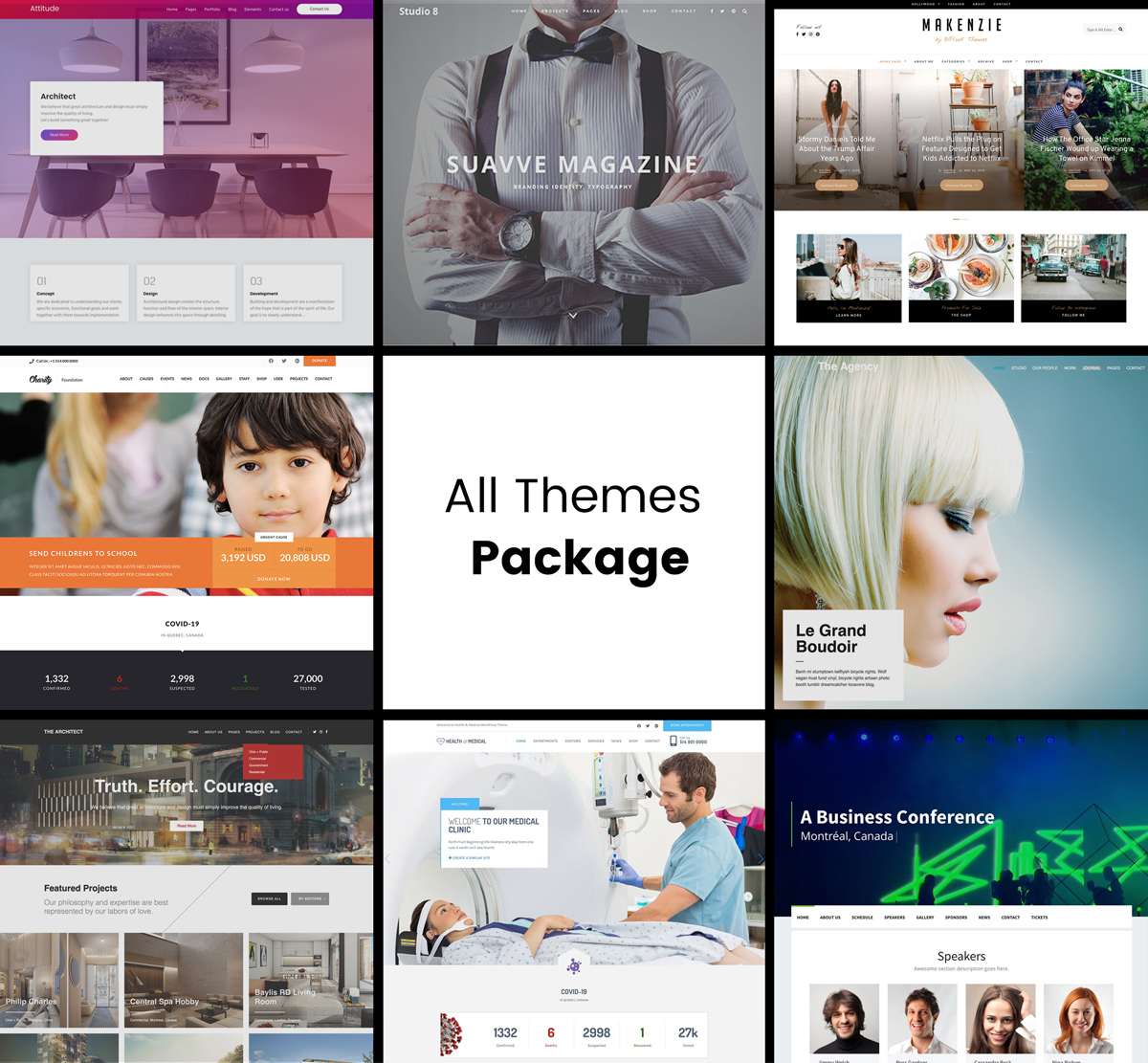

Get Access to All 28 WordPress Themes
Build unlimited websites with one subscription.