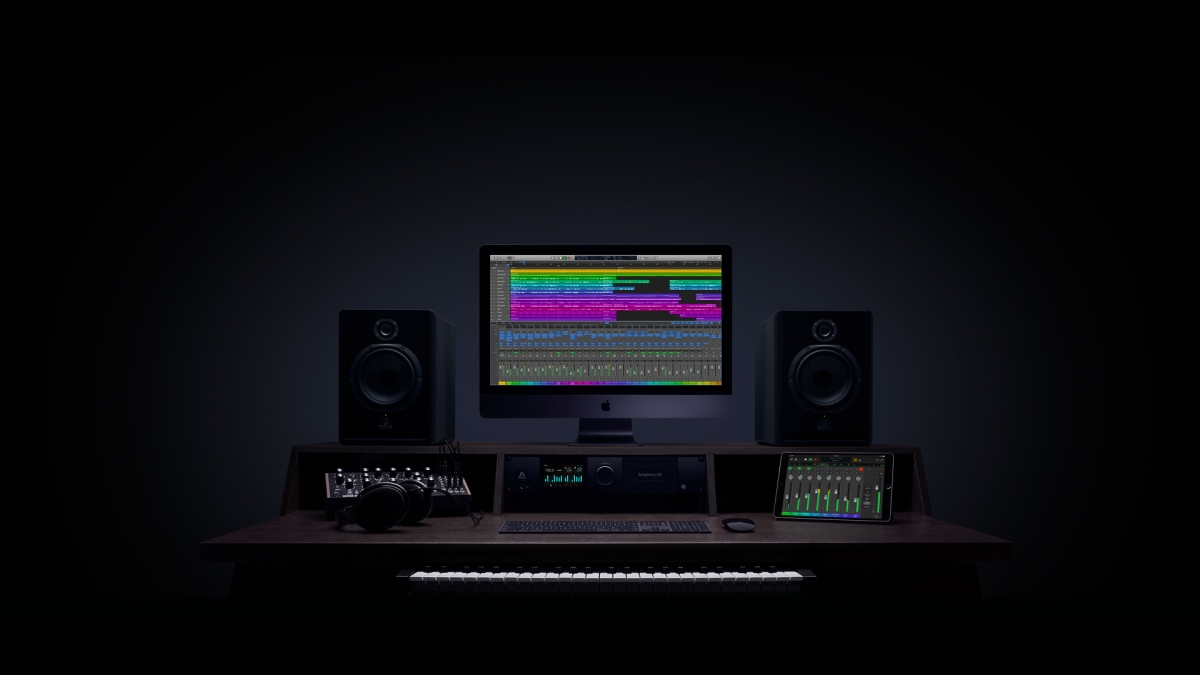
Professional audio editing software transforms raw recordings into polished productions. Whether you’re producing music, editing podcasts for your blog, creating sound effects, or mastering tracks, the right audio editor provides the tools to achieve studio-quality results on your computer.
This guide covers the best audio editing software for different skill levels and budgets. From free options that rival premium tools to industry-standard DAWs used by professional studios, you’ll find software that matches your audio production needs.
What Makes Great Audio Editing Software?
Before exploring specific tools, understand what features matter for audio editing:
- Multi-track editing – Layer and mix multiple audio sources
- Non-destructive workflow – Make changes without altering original files
- Effects and plugins – Apply EQ, compression, reverb, and more
- Noise reduction – Clean up recordings with background noise
- Format support – Import and export various audio formats
- MIDI integration – Work with virtual instruments
Adobe Audition
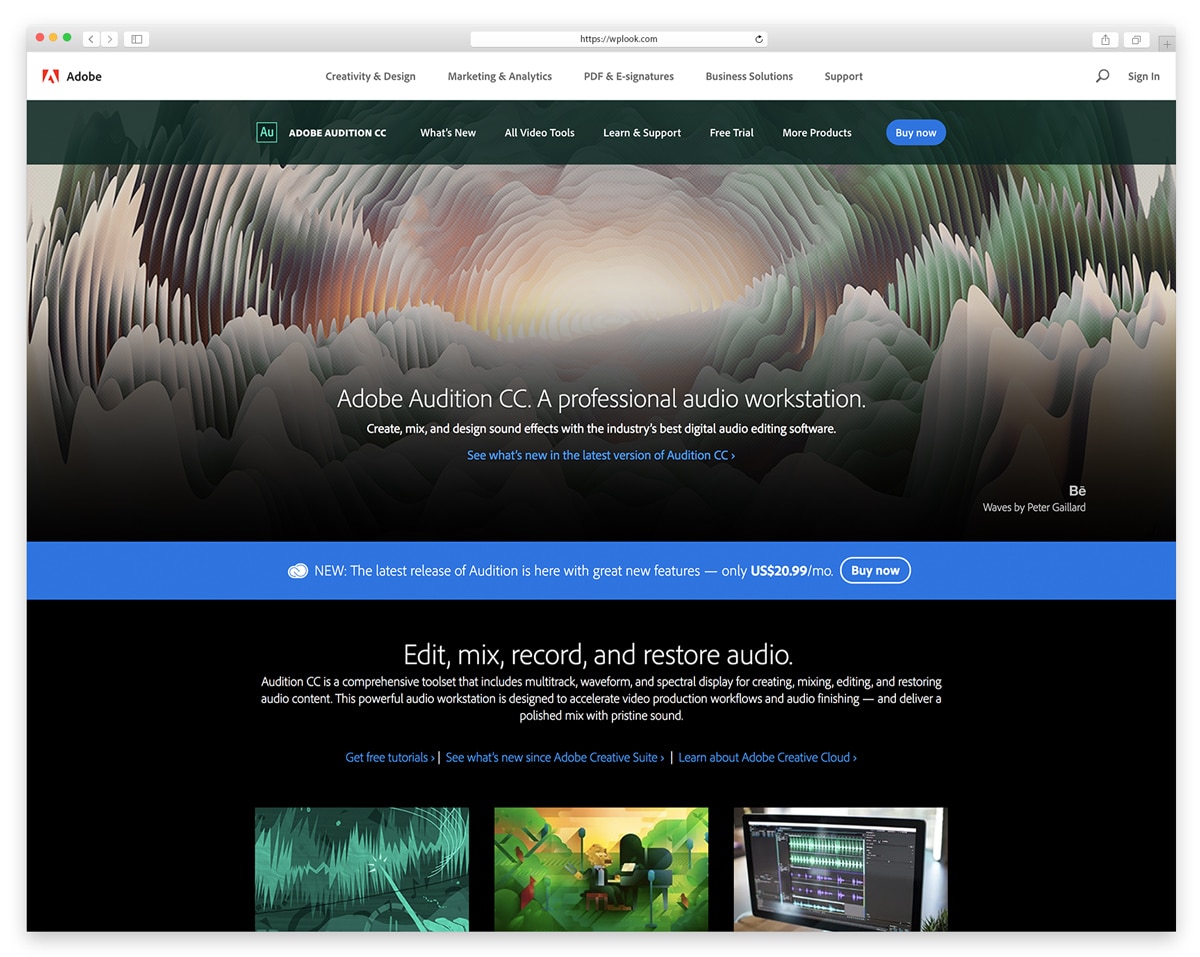
Adobe Audition is the industry standard for professional audio editing, used by podcasters, broadcast engineers, and sound designers worldwide. The multitrack mixing environment handles complex projects with dozens of audio tracks, while the waveform editor provides surgical precision for detailed edits. Spectral frequency display lets you visually identify and remove unwanted sounds like clicks, hums, and background noise with remarkable accuracy.
Integration with Adobe Premiere Pro makes Audition the go-to choice for video editors who need professional audio post-production. The Essential Sound panel simplifies common tasks like noise reduction, loudness normalization, and voice enhancement into one-click presets. Batch processing handles repetitive tasks across multiple files automatically, saving hours on large projects.
Key Features
- Multitrack mixing environment for complex projects with dozens of tracks.
- Spectral frequency display for visual noise removal and audio repair.
- Seamless integration with Adobe Premiere Pro for video workflows.
- Essential Sound panel with one-click presets for common audio tasks.
- Batch processing automates repetitive tasks across multiple files.
- Adaptive noise reduction removes background sounds without artifacts.
Best For: Professional podcasters, broadcast engineers, and video editors who need industry-standard audio editing with Adobe ecosystem integration.
Logic Pro
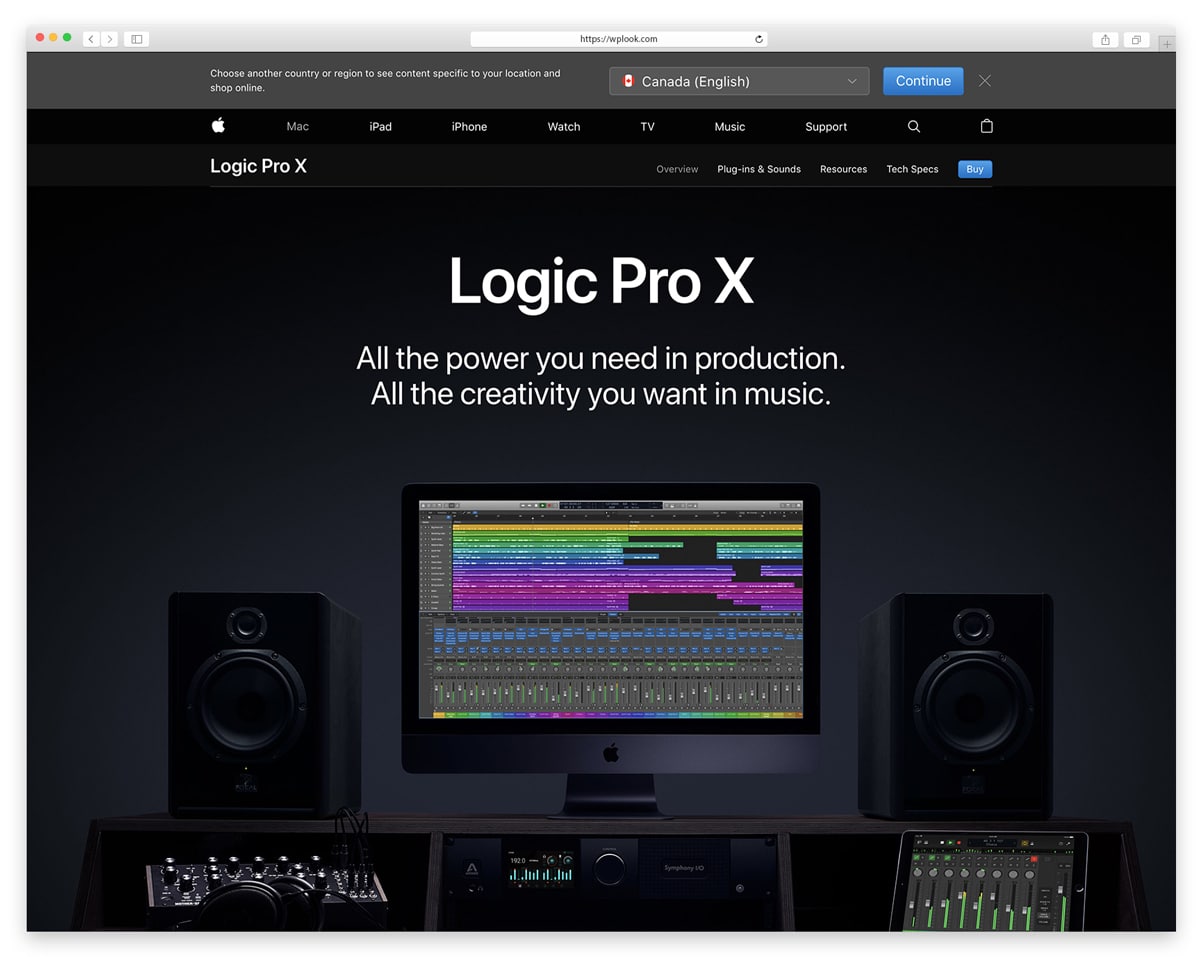
Logic Pro is Apple’s professional digital audio workstation that delivers studio-quality music production tools at a fraction of the cost of competitors. The software includes a massive sound library with over 7,000 instrument and effects patches, plus 2,800 loops across genres from electronic to orchestral. Flex Time and Flex Pitch allow you to manipulate timing and pitch of recorded audio non-destructively.
The Drummer feature uses AI to generate realistic drum performances that respond to your playing style and arrangement. Logic Pro also supports spatial audio mixing for Dolby Atmos, positioning it at the forefront of immersive audio production. With the recent iPad version, you can now start projects on the go and finish them on your Mac seamlessly.
Key Features
- Over 7,000 instrument and effects patches with a massive sound library.
- Flex Time and Flex Pitch for non-destructive timing and pitch editing.
- AI-powered Drummer generates realistic drum performances automatically.
- Spatial audio mixing support for Dolby Atmos productions.
- Available on both macOS and iPad with seamless project transfer.
- One-time purchase of $199.99 with no subscription required.
Best For: Mac users and musicians who want a professional DAW with world-class instruments and effects at a one-time price.
Audacity
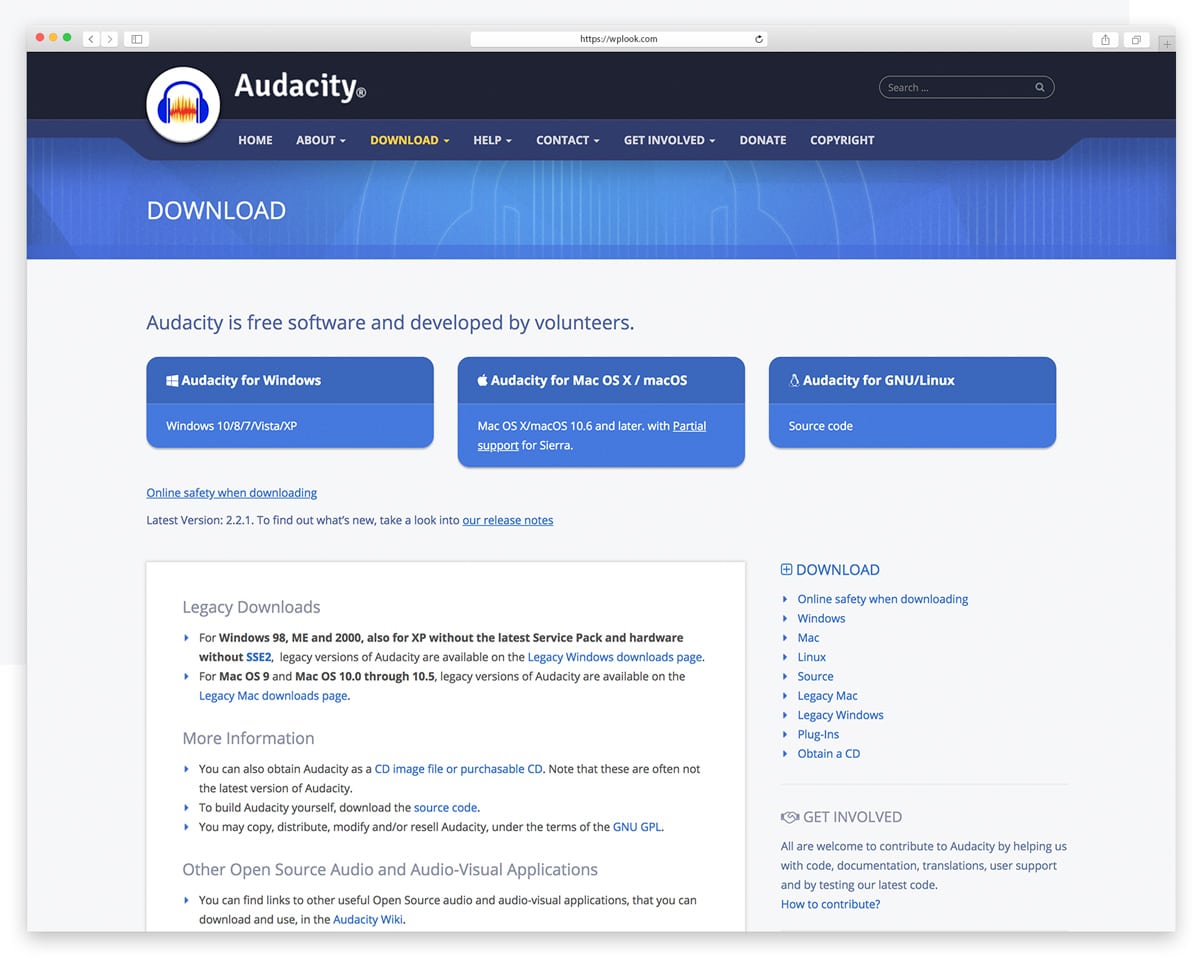
Audacity is the most popular free audio editor in the world, with over 100 million downloads since its initial release. This open-source software handles recording, editing, and mixing with a straightforward interface that beginners can learn quickly. Despite being free, it supports professional features like spectral analysis, noise reduction, and a wide range of audio formats including WAV, MP3, FLAC, and OGG.
The plugin ecosystem extends Audacity’s capabilities significantly — it supports VST, LV2, and Nyquist plugins for effects, analysis, and generation. Multi-track editing lets you layer recordings, music, and sound effects in a single project. For podcasters and voiceover artists, Audacity’s noise removal and compression tools produce broadcast-quality results without spending a dime.
Key Features
- Completely free and open-source with no features locked behind paywalls.
- Cross-platform support for Windows, macOS, and Linux.
- Supports VST, LV2, and Nyquist plugins for extended functionality.
- Built-in noise removal and compression for broadcast-quality audio.
- Multi-track editing for layering recordings, music, and effects.
- Exports to WAV, MP3, FLAC, OGG, and many other formats.
Best For: Beginners, podcasters, and anyone who needs capable audio editing without spending money.
Ableton Live
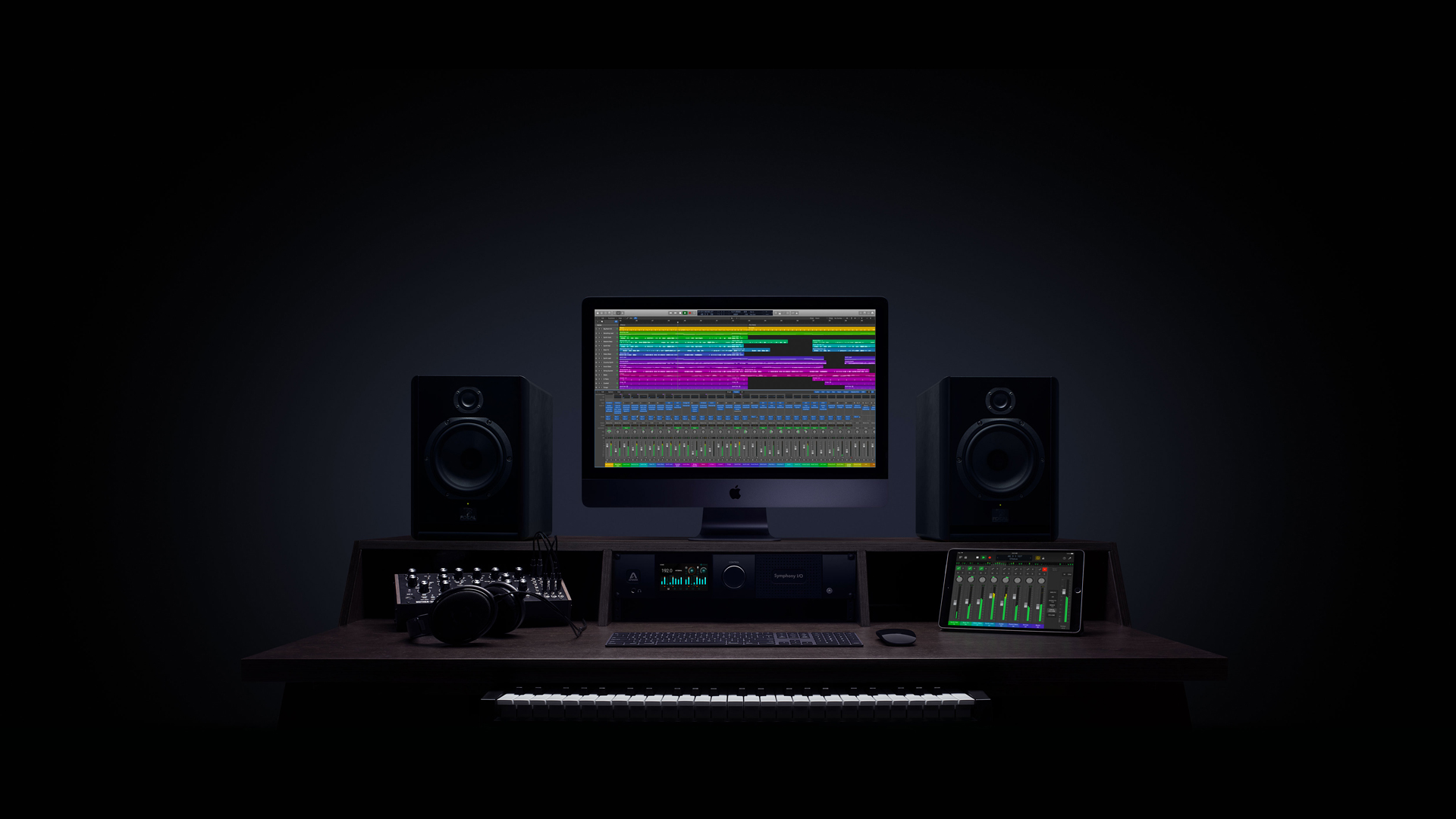
Ableton Live is the top choice for electronic music producers and live performers, with a unique Session View that lets you trigger loops, clips, and samples in real time. The arrangement and session workflows work together seamlessly, letting you improvise ideas in Session View and then arrange them into finished tracks. The built-in instruments including Wavetable, Operator, and Analog cover synthesis needs from analog emulation to complex wavetable design.
Live’s audio warping engine is unmatched for beat-matching and time-stretching, making it the standard tool for DJs and remix artists. Max for Live integration opens up unlimited creative possibilities with community-built instruments and effects. The Push hardware controller turns Ableton into a tactile instrument for hands-on music creation.
Key Features
- Session View for real-time loop triggering and live performance.
- Industry-leading audio warping for beat-matching and time-stretching.
- Built-in synthesizers including Wavetable, Operator, and Analog.
- Max for Live integration for unlimited creative extensions.
- Push controller support for hands-on music creation.
- Three editions (Intro $99, Standard $349, Suite $599).
Best For: Electronic music producers, DJs, and live performers who need real-time performance tools alongside studio production.
Pro Tools
Pro Tools has been the recording studio standard for decades, used in virtually every major recording studio and film post-production facility worldwide. The software handles massive sessions with hundreds of tracks and maintains rock-solid stability even during the most demanding projects. Avid now offers Pro Tools Intro completely free with up to 8 audio tracks and 16 instrument tracks, making professional-grade recording accessible to everyone.
The collaboration features allow multiple engineers to work on the same session simultaneously from different locations through Avid Cloud. Advanced automation, elastic audio time-stretching, and clip-based gain editing provide the precision that professional mixing demands. For film and TV post-production, Pro Tools integrates with industry-standard video workflows and supports surround sound mixing up to Dolby Atmos.
Key Features
- Industry standard in professional recording studios worldwide.
- Pro Tools Intro available free with 8 audio and 16 instrument tracks.
- Cloud collaboration for simultaneous remote session editing.
- Advanced automation and elastic audio for precision mixing.
- Dolby Atmos and surround sound support for film post-production.
- Rock-solid stability for sessions with hundreds of tracks.
Best For: Studio engineers, film composers, and audio professionals who need industry-standard tools with cloud collaboration.
Reaper
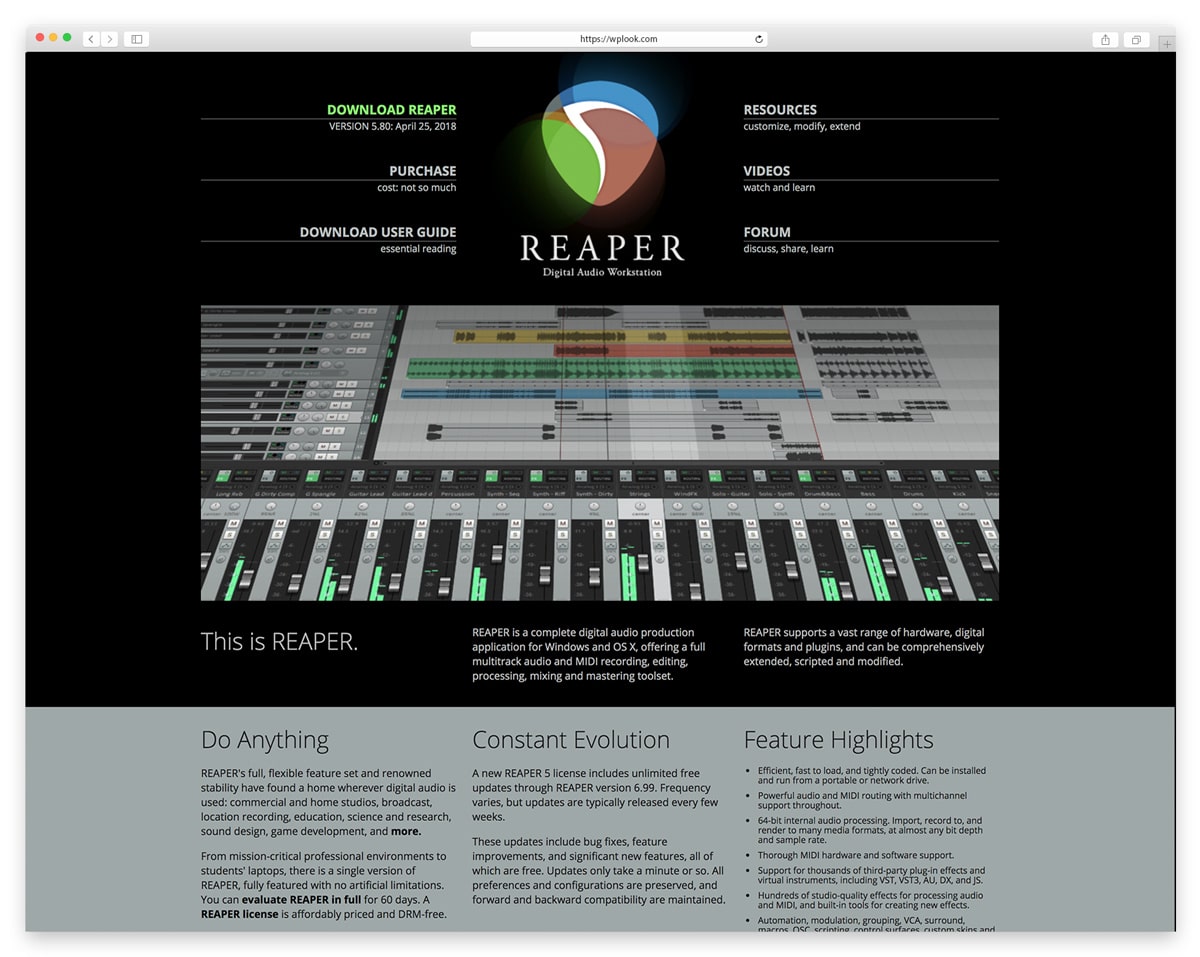
Reaper is the best-value professional DAW available, offering a full-featured digital audio workstation for just $60 (discounted license). The software is incredibly lightweight at under 20MB yet delivers capabilities that rival DAWs costing ten times more. Every aspect of Reaper is customizable — from keyboard shortcuts and toolbars to custom actions and scripting — making it adapt to any workflow.
The rendering engine is blazing fast, and Reaper handles large multitrack projects with minimal CPU usage compared to competitors. Native support for VST, VST3, AU, and JS effects means your existing plugin collection works immediately. The community around Reaper is exceptionally active, with thousands of free themes, scripts, and extensions available through the ReaPack package manager.
Key Features
- Full professional DAW for only $60 (discounted license).
- Extremely lightweight at under 20MB with low CPU usage.
- Deeply customizable interface, shortcuts, and scripted actions.
- Supports VST, VST3, AU, and JS plugin formats natively.
- Cross-platform on Windows, macOS, and Linux.
- Active community with free themes, scripts, and extensions.
Best For: Budget-conscious producers and power users who want deep customization and professional features without the premium price.
Cubase
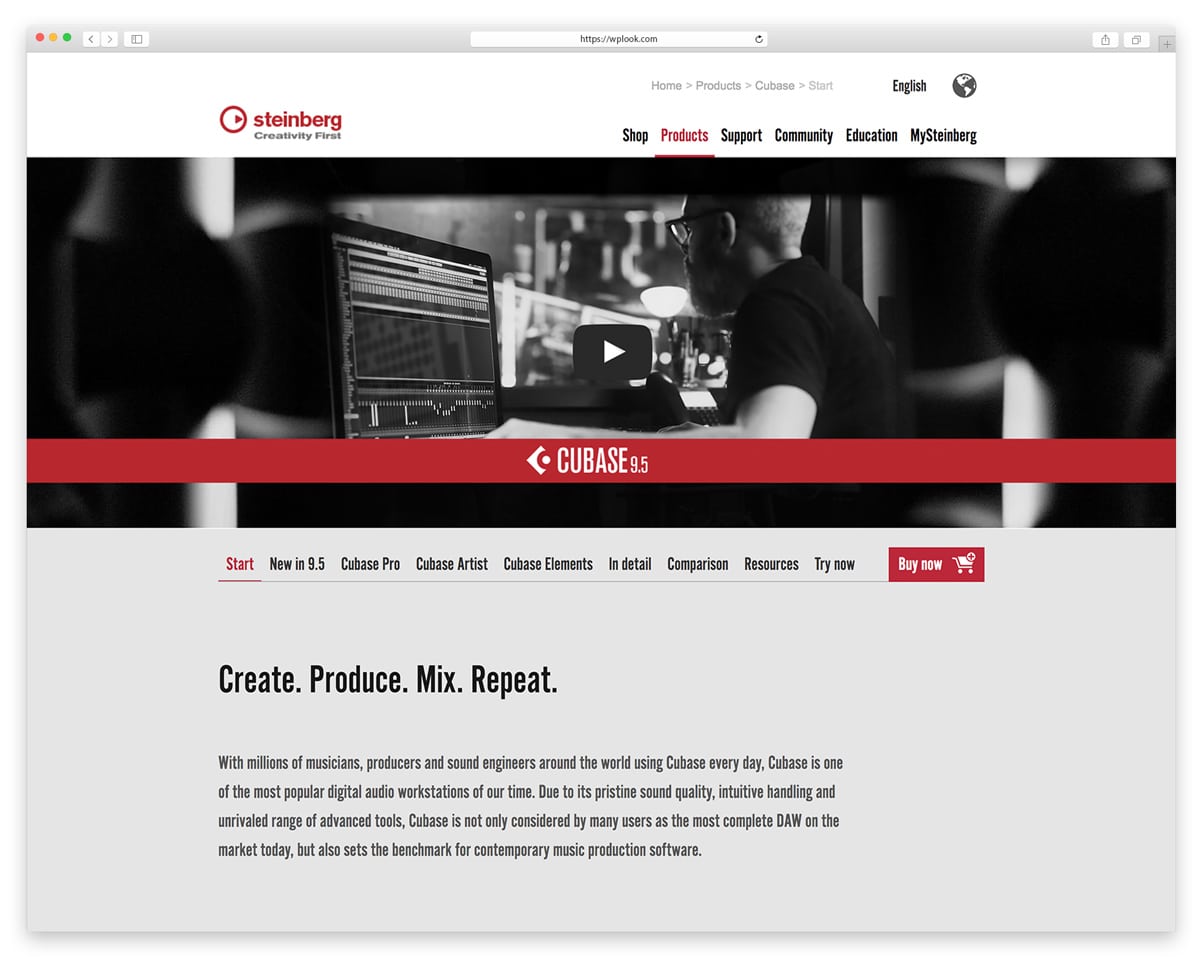
Cubase by Steinberg is one of the longest-running DAWs in existence, pioneering many features that other software later adopted. The MIDI editing capabilities are widely considered the best in any DAW, with the Key Editor, Drum Editor, and Score Editor providing specialized tools for every type of MIDI work. VariAudio allows pitch correction directly in the audio editor with Melodyne-like precision built right in.
The MixConsole provides a hardware-style mixing experience with full channel strip processing on every track. Cubase includes high-quality virtual instruments like HALion Sonic and Groove Agent for production-ready sounds. The chord track and chord assistant help songwriters find harmonies and progressions, making Cubase particularly strong for composition work.
Key Features
- Industry-leading MIDI editing with Key, Drum, and Score Editors.
- VariAudio built-in pitch correction rivaling dedicated tools.
- MixConsole with hardware-style channel strip processing.
- Included instruments: HALion Sonic and Groove Agent.
- Chord track and chord assistant for songwriting support.
- Three editions (Elements $99, Artist $329, Pro $579).
Best For: Composers, songwriters, and MIDI-heavy producers who need the best notation and MIDI editing tools available.
FL Studio
FL Studio has grown from a simple beat-maker into a complete professional DAW, known for its intuitive step sequencer and pattern-based workflow that makes creating beats and electronic music remarkably fast. The piano roll is consistently rated the best in any DAW for writing melodies and chord progressions. FL Studio’s lifetime free updates policy means you buy once and receive every future version at no additional cost.
The mixer supports up to 125 insert tracks with flexible routing, and the built-in plugins like Sytrus, Harmor, and Serum-rivaling Harmless cover a wide range of synthesis techniques. The mobile version for iOS and Android lets you sketch ideas on the go and import them into the desktop version. FL Studio’s workflow is particularly fast for hip-hop, trap, and EDM production.
Key Features
- Best-in-class piano roll for melody and chord writing.
- Pattern-based workflow ideal for beat-making and electronic music.
- Lifetime free updates — buy once, get every future version.
- 125 mixer insert tracks with flexible signal routing.
- Powerful built-in synths including Sytrus, Harmor, and Harmless.
- Mobile companion app for iOS and Android.
Best For: Beat-makers, hip-hop producers, and electronic music creators who want fast pattern-based production with lifetime updates.
Studio One
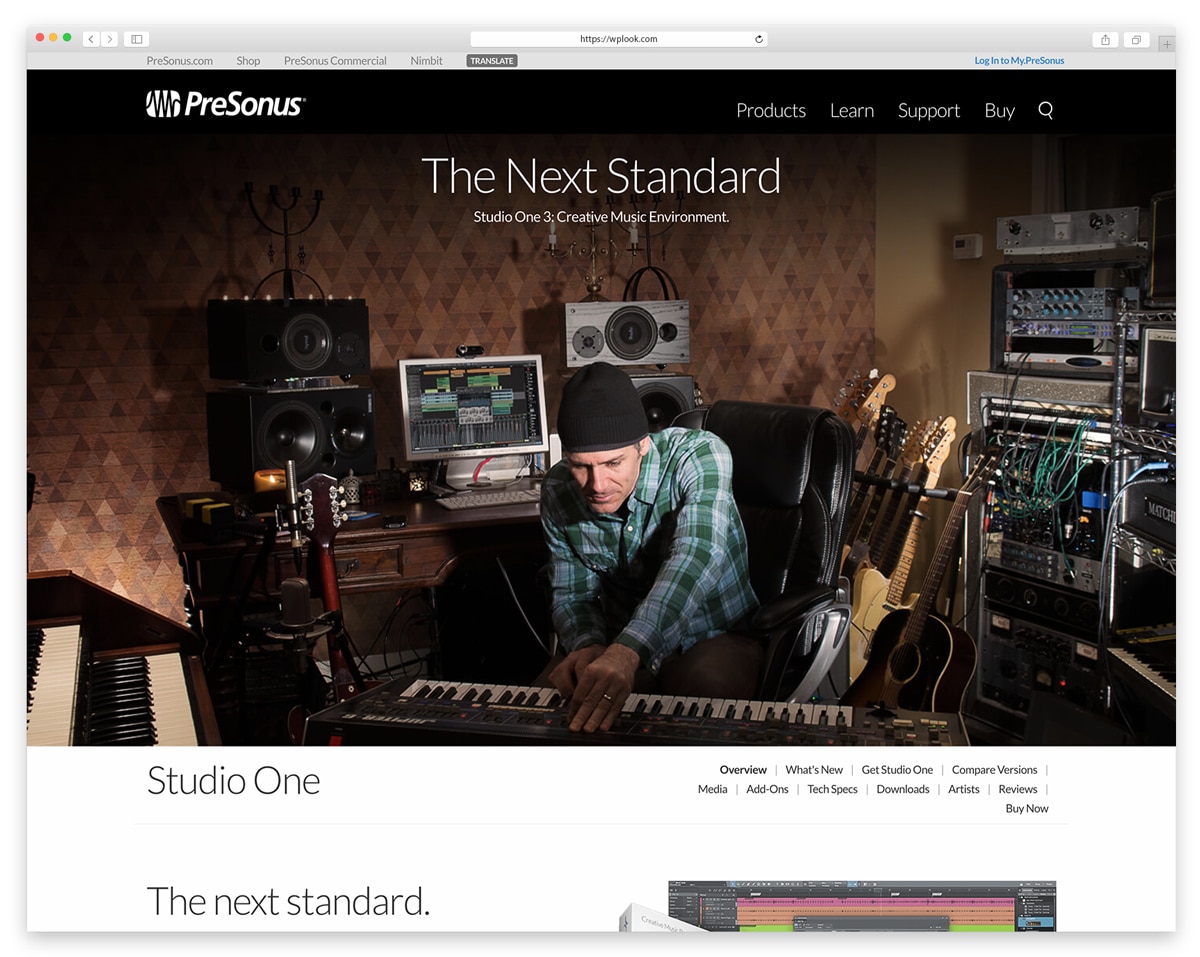
Studio One by PreSonus has quickly become one of the most popular DAWs thanks to its modern drag-and-drop workflow that eliminates many tedious steps found in older software. The single-window interface keeps everything accessible without constant window switching, and the Start page provides quick access to recent projects, demos, and templates. Studio One Prime is available completely free with unlimited tracks.
The integrated mastering suite in Studio One Professional lets you master your tracks without leaving the application, with DDP export for CD production. Scratch Pads allow you to experiment with arrangement ideas without affecting your main project. The Sound Variations feature simplifies working with orchestral sample libraries by managing articulations directly from the MIDI editor.
Key Features
- Modern drag-and-drop workflow that streamlines production.
- Studio One Prime available free with unlimited audio tracks.
- Integrated mastering suite for finishing tracks in one application.
- Scratch Pads for experimenting with arrangements non-destructively.
- Single-window interface eliminates constant window switching.
- Native support for PreSonus hardware with zero-latency monitoring.
Best For: Producers who want a modern, streamlined DAW with an integrated mastering workflow and free entry-level version.
Sound Forge
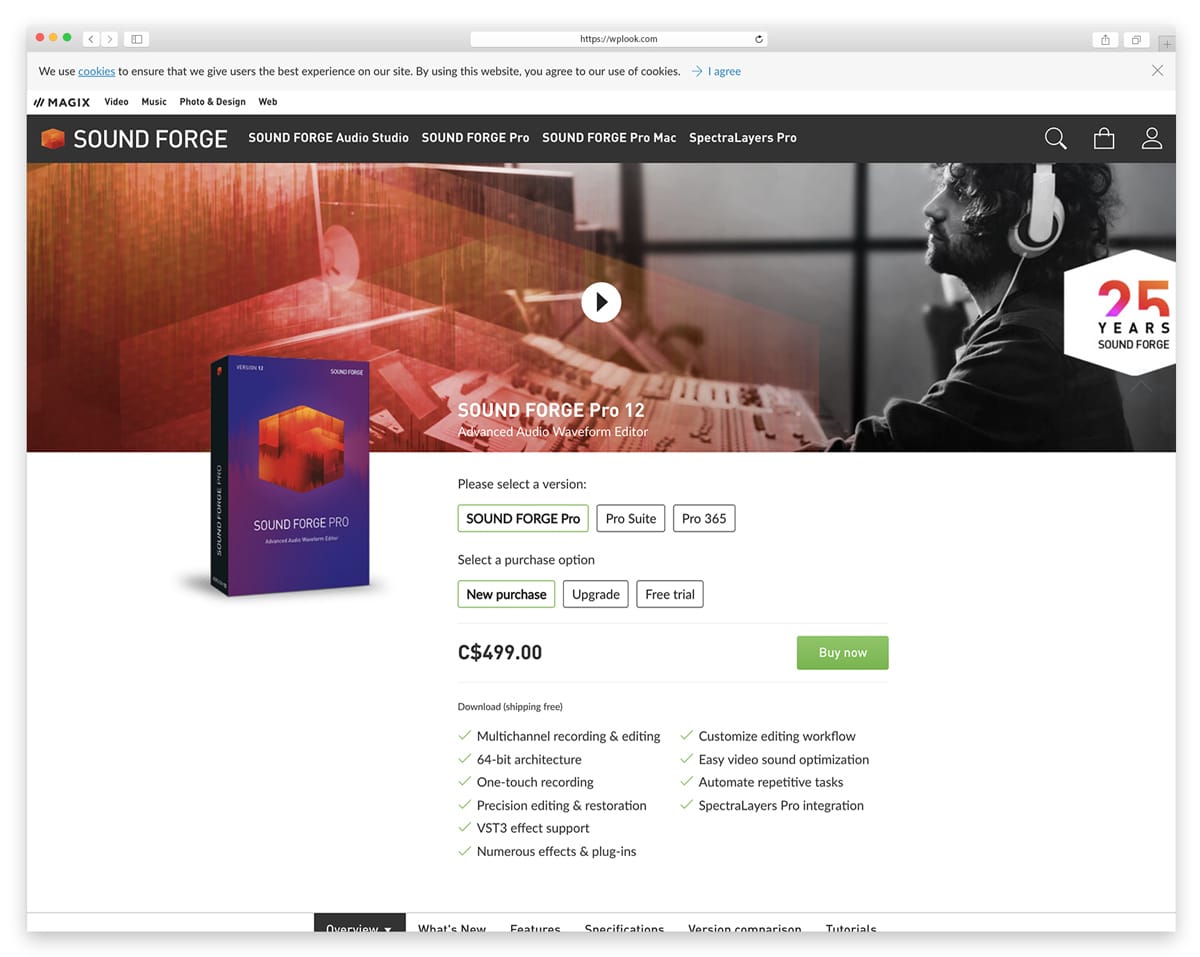
Sound Forge by MAGIX is a dedicated stereo audio editor focused on precision waveform editing and mastering rather than multitrack production. The software excels at tasks like audio restoration, format conversion, and detailed sample editing where surgical accuracy matters more than creative production tools. The waveform view provides millisecond-level precision for cutting, splicing, and processing audio files.
Sound Forge includes professional mastering plugins and supports high-resolution audio up to 64-bit/768kHz for archival and mastering work. The batch conversion feature handles large numbers of files efficiently, making it valuable for audio libraries and media companies. While it lacks the multitrack capabilities of full DAWs, Sound Forge remains the specialist choice for detailed stereo editing work.
Key Features
- Precision waveform editing at millisecond-level accuracy.
- Professional mastering plugins included out of the box.
- High-resolution audio support up to 64-bit/768kHz.
- Batch conversion for processing large numbers of files.
- Audio restoration tools for cleaning up recordings.
- Starting at $59.99 with multiple editions available.
Best For: Audio engineers and mastering specialists who need precision stereo editing and format conversion tools.
GarageBand
GarageBand is Apple’s free music creation studio that comes pre-installed on every Mac and iOS device, making it the most accessible professional-quality audio editor available. Despite being free, GarageBand includes a surprisingly deep collection of instruments, loops, and effects that produce results good enough for released music. The interface is designed for beginners with smart instruments and lesson features that teach you as you create.
Projects created in GarageBand open directly in Logic Pro, providing a natural upgrade path as your skills grow. The iOS version lets you record ideas anywhere using your iPhone or iPad, with Touch Instruments that turn your screen into playable keyboards, guitars, and drums. For podcasters, the voice recording tools and built-in sound effects library make it easy to produce polished episodes without additional software.
Key Features
- Completely free and pre-installed on every Mac and iOS device.
- Professional instruments, loops, and effects despite zero cost.
- Projects open directly in Logic Pro for seamless upgrade path.
- iOS version with Touch Instruments for mobile music creation.
- Built-in lessons for learning piano and guitar while creating.
- Podcast recording tools with sound effects library included.
Best For: Mac and iOS users who want a free, beginner-friendly audio editor with a clear upgrade path to Logic Pro.
Descript
Descript revolutionizes audio editing by letting you edit recordings as easily as editing a text document. The software transcribes your audio automatically, and you edit the text to edit the audio — delete a word from the transcript and it disappears from the recording. This text-based approach makes podcast editing dramatically faster, especially for removing filler words, mistakes, and awkward pauses.
The AI-powered features include Studio Sound for enhancing audio quality, automatic filler word removal, and Overdub which generates a realistic clone of your voice for corrections without re-recording. Screen recording and video editing are also built in, making Descript a complete content creation tool. The free tier includes 1 hour of transcription per month, with paid plans starting at $24/month.
Key Features
- Text-based editing — edit audio by editing the transcript.
- Automatic transcription with high accuracy and speaker labels.
- AI filler word removal for instant cleanup of recordings.
- Overdub voice cloning for corrections without re-recording.
- Studio Sound AI enhancement for professional audio quality.
- Free tier available with 1 hour of transcription per month.
Best For: Podcasters and content creators who want the fastest possible editing workflow with AI-powered transcription and cleanup.
Hindenburg
Hindenburg is purpose-built for spoken word content, designed specifically for podcasters, journalists, and radio producers rather than musicians. Unlike general-purpose DAWs, every feature in Hindenburg is optimized for voice recording and editing, from automatic audio leveling that maintains consistent volume across different speakers to the Voice Profiler that ensures your sound stays consistent across episodes.
The Clipboard feature works like a word processor, letting you collect and organize audio clips before placing them in your timeline — a workflow that feels natural to journalists accustomed to text editing. Built-in publishing connects directly to podcast hosting services, so you can record, edit, and publish without leaving the application. Noise reduction and EQ tools are pre-configured for voice frequencies.
Key Features
- Purpose-built for podcasting, journalism, and spoken word editing.
- Automatic audio leveling for consistent volume across speakers.
- Voice Profiler ensures consistent sound across episodes.
- Clipboard for organizing clips like a word processor.
- Built-in publishing to podcast hosting services.
- Noise reduction and EQ pre-configured for voice frequencies.
Best For: Podcasters, radio producers, and journalists who want tools designed specifically for voice, not music.
Adobe Podcast
Adobe Podcast offers AI-powered audio enhancement completely free through your web browser, with no software to install. The Enhance Speech feature can transform noisy, echoing recordings into studio-quality audio with a single click, using AI trained on thousands of hours of professional voice recordings. This makes it invaluable for cleaning up interview recordings, Zoom calls, or field recordings that were captured in less-than-ideal conditions.
The automatic transcription feature generates accurate text from your audio with speaker identification, making it easy to review and navigate long recordings. The Mic Check tool analyzes your recording setup and provides real-time suggestions for improving your audio quality before you hit record. Being browser-based means Adobe Podcast works on any device without eating into your storage.
Key Features
- AI Enhance Speech turns noisy recordings into studio quality.
- Completely free with no software installation required.
- Browser-based workflow that works on any device.
- Automatic transcription with speaker identification.
- Mic Check tool for optimizing your recording setup.
- Easy export to other editors for further processing.
Best For: Anyone needing quick AI audio cleanup, remote podcasters, and creators wanting free audio enhancement.
BandLab
BandLab provides a complete digital audio workstation entirely free in your browser — no downloads, no subscriptions, and no hidden costs. The platform includes virtual instruments, loops across multiple genres, effects processing, and MIDI editing that rival basic features of paid desktop DAWs. Real-time collaboration lets multiple musicians work on the same project simultaneously from different locations.
The mobile apps for iOS and Android extend the experience to your phone, letting you record ideas and even produce full tracks on the go. Unlimited cloud storage means you never worry about running out of space for your projects. The built-in mastering assistant provides AI-powered finishing touches to your mixes. BandLab also has a social community where you can share your music and collaborate with other creators.
Key Features
- Full DAW completely free in your browser with no downloads.
- Virtual instruments and loops across multiple genres.
- Real-time collaboration for remote music creation.
- Mobile apps for iOS and Android with full editing capability.
- Unlimited cloud storage for all your projects.
- Built-in mastering assistant with AI-powered processing.
Best For: Beginners, students, and musicians wanting free cloud-based production with collaboration features.
Audio Editing Best Practices
Good audio software is only part of the equation. Follow these practices to improve your results:
Record the best audio possible. No amount of editing fixes a bad recording. Use proper microphone placement, control room acoustics, and monitor levels during recording. Time spent on good capture saves hours in post-production.
Normalize after editing, not before. Wait until you’ve finished all edits before adjusting overall levels. Normalizing too early limits your headroom and can cause clipping when you add effects or adjust EQ.
Use reference tracks. Compare your work to professionally produced audio in the same genre. This helps you identify frequency imbalances and guides your mixing decisions toward industry-standard results.
Take listening breaks. Ear fatigue sets in quickly during editing sessions. Step away regularly to reset your perception. Fresh ears catch problems you’d miss after hours of continuous listening.
Choosing the Right Audio Editor
Your ideal audio editor depends on your primary use case:
For podcasting: Descript, Hindenburg, or Adobe Audition provide excellent speech editing tools. Descript’s text-based editing is particularly fast for dialogue.
For music production: Logic Pro, Ableton Live, or FL Studio offer comprehensive instruments and production features.
For video post-production: Pro Tools or Adobe Audition integrate well with video editing workflows.
For AI-assisted editing: Descript and Adobe Podcast use AI to automate cleanup, transcription, and filler word removal.
For budget-conscious users: Audacity, GarageBand, BandLab, and Adobe Podcast deliver professional results completely free.
For beginners: GarageBand or Audacity provide gentle learning curves while teaching fundamental concepts.
Frequently Asked Questions
- What is the best free audio editing software?Audacity offers the most features among free audio editors, with multi-track editing, effects, and plugin support. GarageBand provides an excellent free option for Mac users, including virtual instruments and music lessons.
- What audio software do professionals use?Professional recording studios typically use Pro Tools for its industry-standard compatibility and advanced features. Music producers often prefer Ableton Live, Logic Pro, or FL Studio depending on their genre and workflow preferences.
- What is the difference between a DAW and audio editor?A DAW (Digital Audio Workstation) like Logic Pro or Ableton includes multi-track recording, MIDI, virtual instruments, and mixing capabilities for full music production. Audio editors like Audacity or Sound Forge focus primarily on editing existing audio files rather than creating new compositions.
- Can I learn audio editing without musical experience?Absolutely. Podcast editing, voice-over work, and audio restoration don’t require musical training. Start with free software like Audacity to learn fundamental concepts like cutting, fading, and applying effects.
- What computer specs do I need for audio editing?Basic audio editing works on most modern computers. For professional music production with many tracks and plugins, aim for at least 16GB RAM, an SSD for project files, and a multi-core processor. Audio interfaces improve recording quality but aren’t required for editing existing files.
Related resources: For creating visual content to accompany your audio, explore our guides on photo editing apps and video editing software. If you’re starting a music-related website, check out the free music WordPress themes. Working on video soundtracks? See our WordPress themes for filmmakers. Ready to start your WordPress website?
audio editing software, Filmmakers
Elevate Your Online Presence with Our Free WordPress Themes
Craft Your Debut Blog or Nonprofit Website with Our Complimentary Themes!
Discover Free Themes