Confused about WordPress.com vs WordPress.org? You are not alone. Many beginners struggle to understand the difference. This guide explains both platforms so you can choose the right one for your website.
WordPress powers over 40% of all websites on the internet. The WordPress.com vs WordPress.org confusion exists because there are two versions with the same name. They come from the same company but work very differently. Picking the wrong one can limit your site’s potential or cost you more money.
Quick Overview
In the WordPress.com vs WordPress.org comparison, WordPress.com is the hosted option. You create an account and build your site on their servers. They handle hosting, security, and updates. It is free to start but has limits. You pay to unlock features.
WordPress.org is software you download and install on your own hosting. You have full control over everything. You pay for hosting but own your site completely. Most professional websites use this version.
WordPress.com Explained
WordPress.com is a website builder and hosting service. Automattic, the company behind WordPress, runs it. You sign up, pick a site name, and start building. No technical setup required.
The free plan gives you basic features. Your site address includes wordpress.com (like yoursite.wordpress.com). You get 1GB of storage and access to limited themes. WordPress shows ads on your site.
Paid plans remove limits. Plans range from Personal ($4/month) to Business ($25/month) to eCommerce ($45/month). Higher plans give you custom domains, more storage, and access to plugins.
WordPress.com Pros:
- No technical setup needed
- Free option available
- Automatic updates and security
- No hosting to manage
- Built-in backup system
WordPress.com Cons:
- Limited customization on free and low-tier plans
- Cannot install custom plugins until Business plan
- Cannot upload custom themes until Business plan
- Ads displayed on free sites
- No monetization on lower plans
- WordPress.com branding in URL
WordPress.org Explained
WordPress.org is the open-source software. You download it free and install it on web hosting you choose. This is often called “self-hosted WordPress.” You have complete control over your website.
You need to pay for hosting separately. Plans start around $3-5/month for basic hosting. WPlook Hosting offers WordPress-optimized hosting with great support and reasonable prices.
With WordPress.org, you can install any theme or plugin. You can modify code, add custom features, and build any type of site. You also keep 100% of any revenue your site generates.
WordPress.org Pros:
- Full control over your website
- Access to 60,000+ free plugins
- Thousands of free and premium themes
- Custom domain included
- Monetize however you want
- No WordPress branding
- You own everything
WordPress.org Cons:
- You manage hosting and updates
- Security is your responsibility
- Slight learning curve
- Need to set up backups
- Hosting costs money
WordPress.com vs WordPress.org: Key Differences Compared
Cost
WordPress.com offers a free tier but with major limits. To get useful features, you need paid plans starting at $4/month. The Business plan ($25/month) is needed for plugins.
WordPress.org is free software. You pay only for hosting and domain. Basic hosting costs $3-10/month. Premium themes cost $40-100 one-time. Many excellent themes and plugins are free.
For a professional site, WordPress.org often costs less. You pay about $50-100/year for hosting plus domain. WordPress.com Business costs $300/year.
Themes and Design
WordPress.com offers about 200 themes on free plans. You cannot modify code or upload custom themes. Paid plans unlock more themes and customization.
WordPress.org gives you access to thousands of themes. The official repository has 10,000+ free themes. Premium theme shops like WPlook offer professional designs. You can modify any theme or create your own.
Plugins and Features
WordPress.com limits plugin access. Free and Personal plans have no plugins. Premium and Business plans include some built-in features. Only Business and eCommerce plans allow custom plugin installation.
WordPress.org lets you install any plugin. Choose from 60,000+ free plugins in the repository. Add contact forms, SEO tools, security, caching, and more. No restrictions exist.
Domain Name
WordPress.com free sites use yoursite.wordpress.com format. This looks unprofessional for businesses. Paid plans include a custom domain for the first year.
WordPress.org sites use your own domain from the start. You buy a domain separately for about $10-15/year. Register your domain with WPlook and connect it to your hosting.
Monetization
WordPress.com restricts how you make money. Free sites cannot run ads or affiliate links. Personal and Premium plans have limits. Only Business and eCommerce plans allow full monetization.
WordPress.org places no restrictions on earning money. Run Google AdSense, affiliate programs, or sell products. Accept donations. Keep 100% of your revenue with no platform fees.
SEO and Analytics
WordPress.com includes basic stats. Advanced SEO tools require paid plans. You cannot install Google Analytics on free sites.
WordPress.org lets you install any analytics tool. Use Google Analytics, add SEO plugins like Yoast, and optimize fully. Learn how in our guide on setting up Google Analytics.
eCommerce
WordPress.com requires the eCommerce plan ($45/month) to sell products. This includes WooCommerce and payment processing. The cost adds up for small stores.
WordPress.org lets you install WooCommerce free. You pay only for hosting and payment gateway fees. More flexible for growing stores. Read our Shopify vs WooCommerce comparison for store options.
Which Should You Choose?
Your choice in the WordPress.com vs WordPress.org decision depends on your goals and skill level. Here are recommendations for different situations.
Choose WordPress.com if:
- You want a simple personal blog
- You have zero technical skills
- You do not need plugins or custom themes
- You do not plan to make money from your site
- You want zero maintenance
Choose WordPress.org if:
- You want a professional website
- You need custom functionality
- You plan to grow your site over time
- You want to make money from your site
- You need an online store
- You want full control and ownership
For most people weighing WordPress.com vs WordPress.org, WordPress.org is the better choice for a serious website. The learning curve is not steep. Many hosts offer one-click WordPress installation. And the flexibility is worth the small extra effort.
How to Get Started with WordPress.org
Ready to build with WordPress.org? Here is the quick process:
- Choose a hosting provider like WPlook Hosting
- Register your domain name
- Install WordPress (one-click with most hosts)
- Pick a theme and customize your design
- Install essential plugins
- Create your content
For detailed instructions, read our complete guide on how to make a website.
Migrating from WordPress.com to WordPress.org
Already on WordPress.com but want to switch? You can migrate your content to a self-hosted WordPress.org site. The process involves exporting your posts, pages, and images, then importing them to your new site.
WordPress.com has an export tool in Settings > Export. Download your content as an XML file. Then use the WordPress importer on your new site to bring everything over.
Note that you may lose some formatting. Custom features from WordPress.com may not transfer. But your main content moves over fine.
Frequently Asked Questions
- Is WordPress.org really free?Yes, the WordPress software is 100% free. You pay for hosting and optional premium themes or plugins. But the core platform costs nothing.
- Which WordPress is better for beginners?WordPress.com is simpler to start. But WordPress.org is not hard with good hosting. Most beginners can learn WordPress.org basics in a weekend. The extra flexibility is worth the learning.
- Can I switch from WordPress.com to WordPress.org later?Yes, but it takes effort. You need to export content and set up new hosting. Starting with WordPress.org saves migration hassle later.
- Do I need coding skills for WordPress.org?No. You can build a full website without coding. Themes and plugins handle most functionality. Coding is optional for advanced customization.
- Which WordPress do professionals use?Most professionals use WordPress.org. It offers the control and flexibility needed for client work. Major companies and media sites also use WordPress.org.
Conclusion
WordPress.com vs WordPress.org comes down to control vs convenience. WordPress.com is easier but limited. WordPress.org requires hosting but gives you complete freedom.
In the WordPress.com vs WordPress.org matchup, WordPress.org is the better choice for any serious website. You get more features, better customization, and lower long-term costs. The setup is not difficult with quality hosting.
Ready to start? Get WordPress hosting from WPlook and build your website with full control.
Get Hosting Domain Names, Hosting, WordPress, WordPress.com
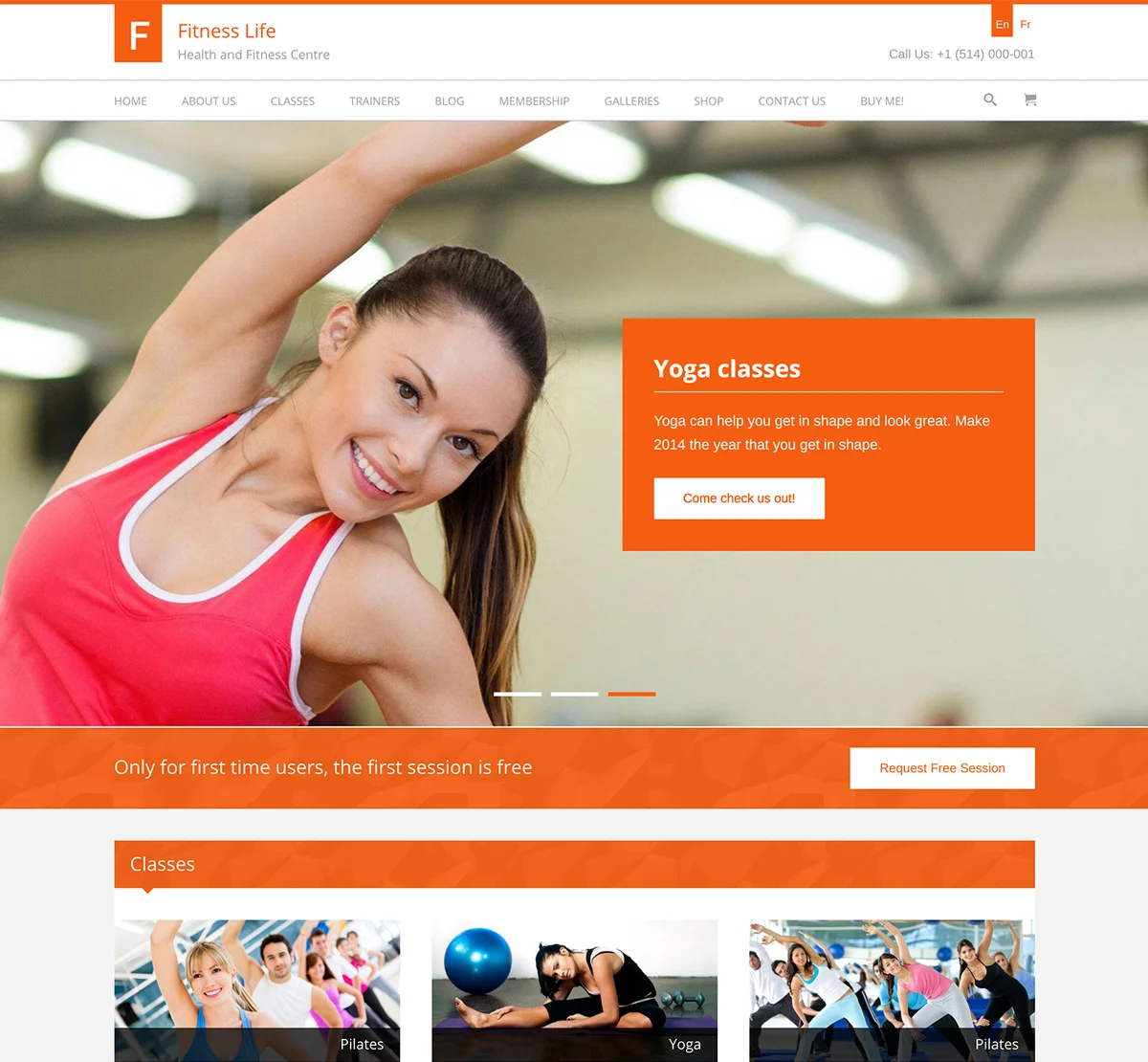
Elevate Your Online Presence with Our Free WordPress Themes
Craft Your Debut Blog or Nonprofit Website with Our Complimentary Themes!
Discover Free Themes