Video content dominates online media. Whether you’re creating YouTube videos, social media content, marketing materials, or professional films, the right video editing software determines the quality of your final product and how efficiently you can produce it. Once you’ve edited your videos, you’ll need a portfolio website to showcase your work.
The video editing landscape has transformed dramatically. Professional-grade tools that once cost thousands now offer free versions, while AI features automate tasks that previously required hours of manual work. From free tools that handle basic edits to professional suites used in Hollywood productions, this guide covers the 14 best video editing software options for every skill level and budget.
What to Look for in Video Editing Software
Before choosing video editing software, consider these essential capabilities:
- Timeline editing – Arrange clips, audio, and effects precisely
- Format support – Import and export various video formats including 4K
- Color correction – Adjust exposure, color grading, and visual looks
- Audio editing – Mix tracks, reduce noise, add effects
- AI features – Auto captions, background removal, smart editing
- Export quality – Output at various resolutions for different platforms
DaVinci Resolve (Editor’s Choice)
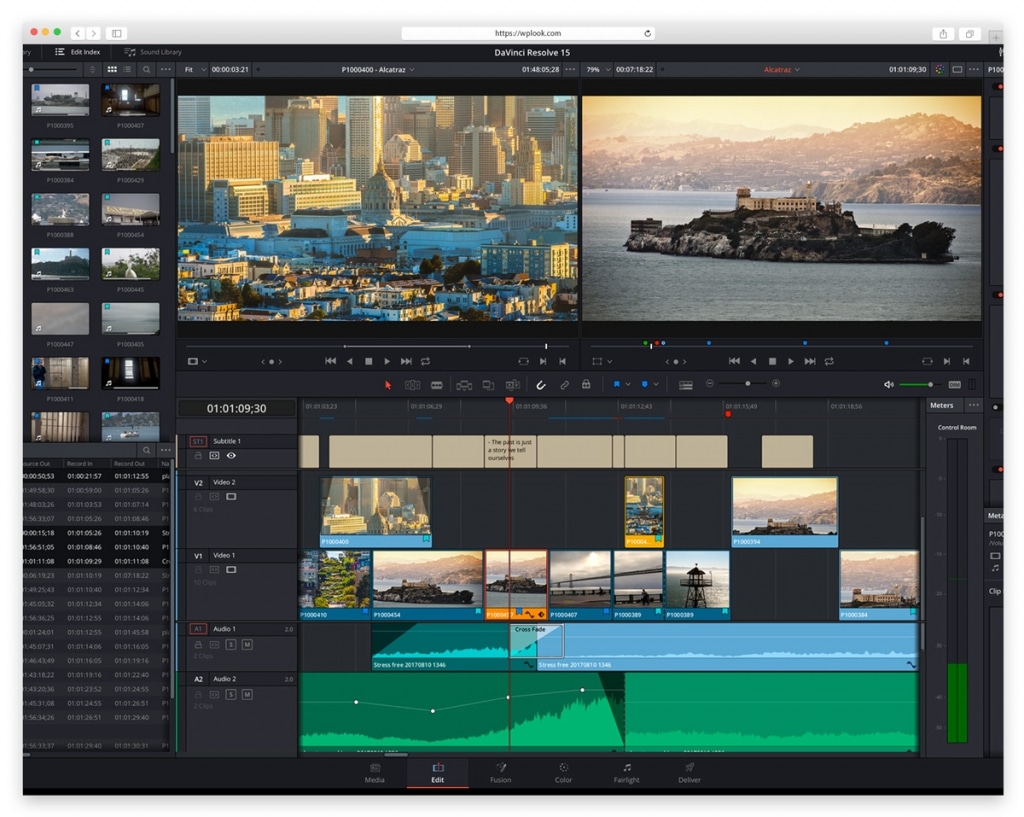
DaVinci Resolve provides professional-grade editing, industry-leading color correction, Fusion visual effects, and Fairlight audio post-production in one application. The free version includes nearly all features, making it the best value in video editing. The Neural Engine powers AI features including magic mask, speed warp, and automatic color balancing.
Key Features
- Industry-leading color correction tools
- Fusion visual effects compositing
- Fairlight audio post-production suite
- Cut page for fast assembly editing
- Multi-user collaboration tools
- Neural Engine AI features
Platform: Windows, macOS, Linux
Best For: Anyone wanting professional capabilities without subscription costs. Especially strong for colorists, filmmakers, and editors who need VFX and audio in one app.
Adobe Premiere Pro
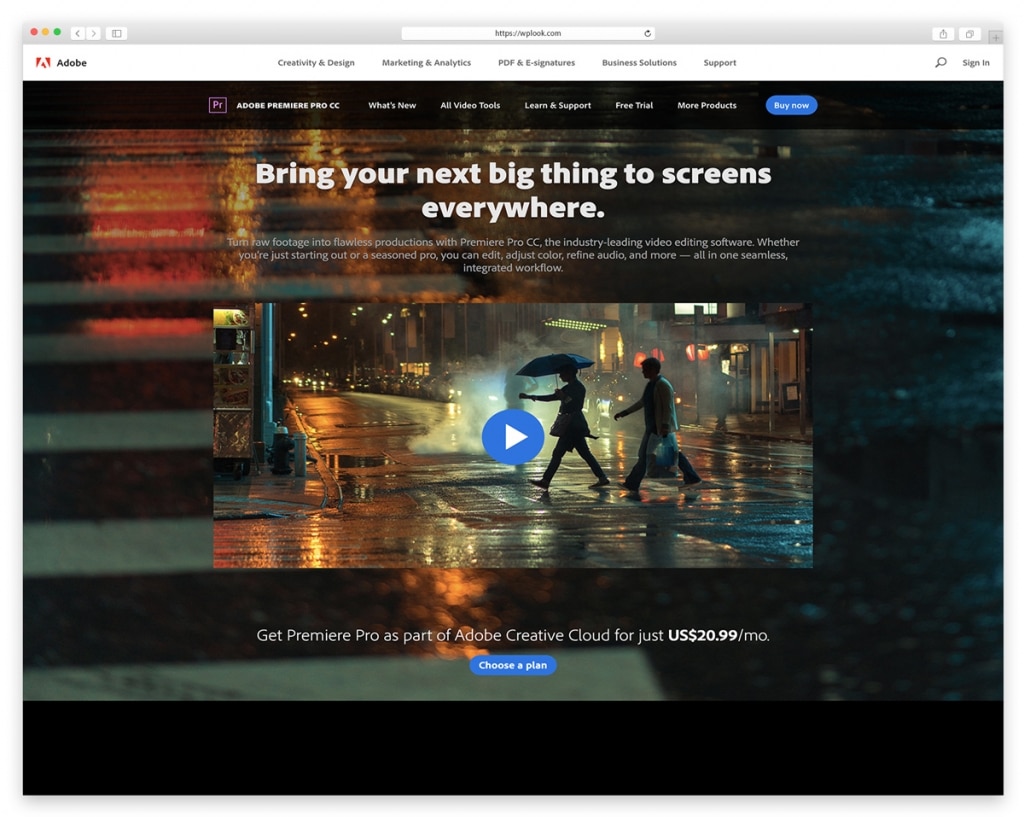
Adobe Premiere Pro remains the industry standard for video editing. Its integration with After Effects, Audition, and other Creative Cloud apps creates a seamless professional workflow. Lumetri Color provides professional color grading, while Essential Graphics handles motion titles. Adobe Sensei AI powers Auto Reframe, scene edit detection, and speech-to-text captions.
Key Features
- Industry-standard professional editing
- Lumetri Color for color grading
- Seamless Creative Cloud integration
- Auto Reframe for social media formats
- AI-powered speech-to-text captions
- Essential Graphics motion templates
Platform: Windows, macOS
Best For: Professional editors, YouTubers in the Adobe ecosystem, and content creators who need tight integration with After Effects and Photoshop.
Final Cut Pro
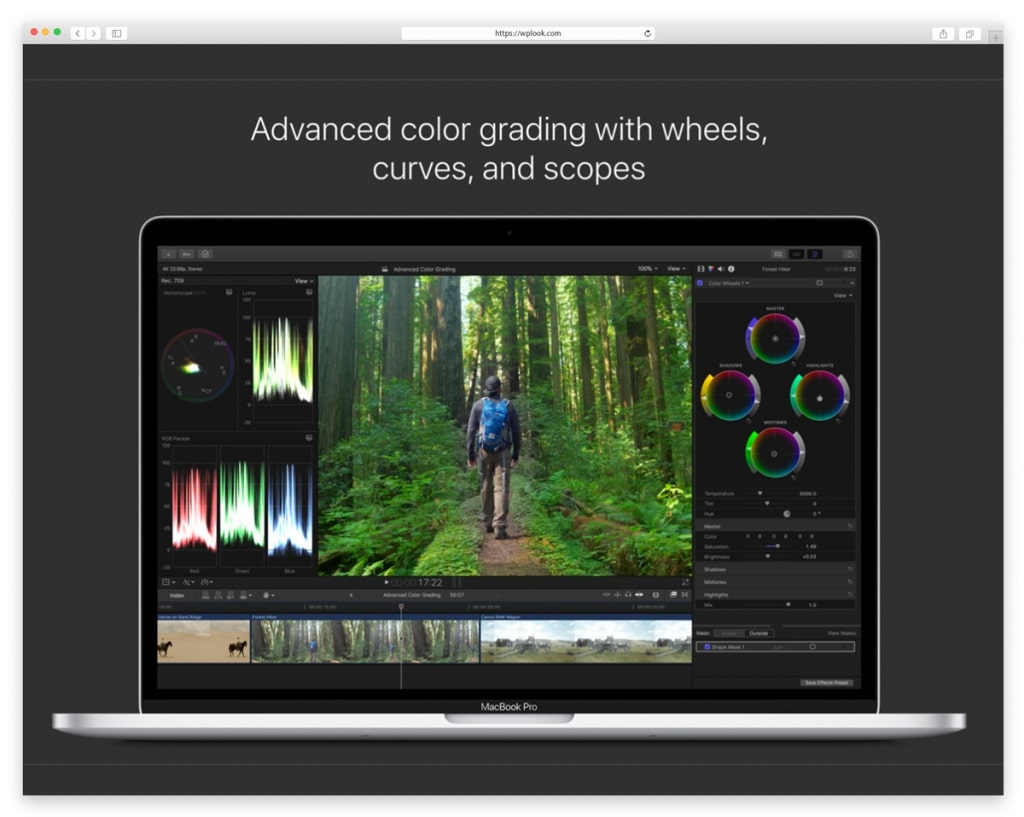
Apple’s Final Cut Pro delivers professional video editing optimized for Mac hardware. The magnetic timeline enables flexible, non-destructive editing. Performance on Apple Silicon is exceptional—editing 8K footage plays back smoothly. HDR and ProRes RAW support handle the most demanding professional workflows. Now also available on iPad for mobile editing.
Key Features
- Magnetic Timeline for flexible editing
- Object Tracker for motion tracking
- HDR and ProRes RAW support
- 360° VR editing capabilities
- Optimized for Apple Silicon performance
- Available on iPad with full features
Platform: macOS, iPad
Best For: Mac users who want professional capabilities with a one-time purchase. The Apple Silicon optimization makes it the fastest editor on Mac hardware.
CapCut
CapCut has become the go-to editor for social media creators. Auto captions, trending effects, background removal, and speed ramping make short-form video creation fast and accessible. Cross-platform editing lets you start on your phone and finish on desktop. Direct export to TikTok, Instagram, and YouTube removes friction from publishing.
Key Features
- Auto captions with custom styling
- Trending effects and templates library
- AI background removal
- Speed ramping and curves
- Cross-platform editing (mobile, desktop, web)
- Direct social media export
Platform: Windows, macOS, iOS, Android, Web
Best For: Social media creators, TikTok and Instagram Reels producers, and beginners who want polished short-form videos without a learning curve.
Descript
Descript revolutionizes video editing by treating video like a text document. Edit your footage by editing the transcript—delete a word, and the video cuts automatically. AI voice cloning corrects mistakes without re-recording. Automatic filler word removal cleans up dialogue instantly. Studio Sound enhances audio quality with one click.
Key Features
- Text-based video and audio editing
- AI voice cloning for corrections
- Automatic filler word removal
- Studio Sound audio enhancement
- Built-in screen recording
- Team collaboration and commenting
Platform: Windows, macOS, Web
Best For: Podcasters, course creators, and anyone editing dialogue-heavy content. Text-based editing is dramatically faster for talking-head videos and interviews.
Filmora
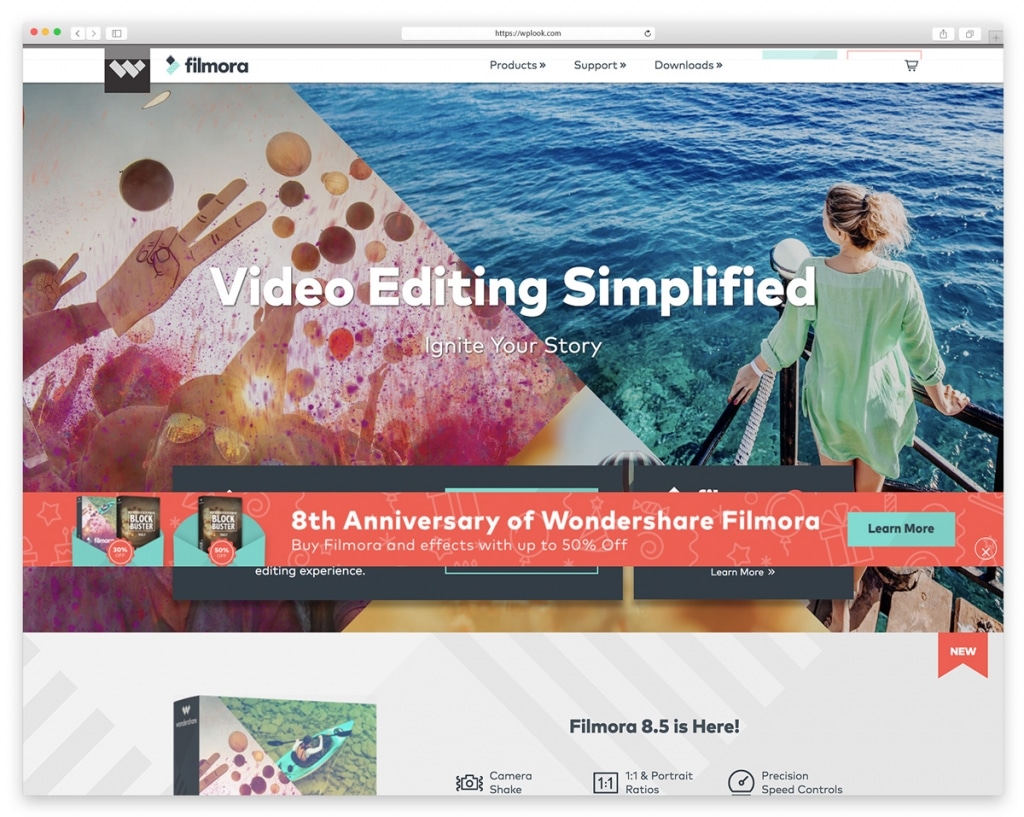
Filmora bridges the gap between basic and professional editing. AI-powered tools handle complex tasks like background removal and audio ducking automatically. An extensive effects library with Boris FX and NewBlue plugins adds professional polish. Built-in stock media eliminates the need for separate asset subscriptions.
Key Features
- AI-powered editing tools
- Extensive effects and transitions library
- Built-in stock media library
- Screen recording capability
- Auto beat sync for music videos
- Boris FX and NewBlue effects included
Platform: Windows, macOS, iOS, Android
Best For: YouTubers and content creators building a blog alongside their channel who want powerful tools with an accessible learning curve.
Canva Video Editor
Canva’s video editor brings the same drag-and-drop simplicity that made it the world’s most popular design tool. Thousands of templates, stock footage, animations, and music tracks are available in the free tier. Brand Kit keeps colors, fonts, and logos consistent across all videos. The AI-powered Magic Design generates video layouts from your content automatically.
Key Features
- Thousands of video templates
- Drag-and-drop simplicity
- Brand Kit for consistency
- Stock footage, music, and animations
- AI Magic Design for auto-layouts
- Team collaboration built-in
Platform: Web, iOS, Android
Best For: Small businesses, marketers, and social media managers who need to produce professional-looking videos quickly without video editing experience.
iMovie
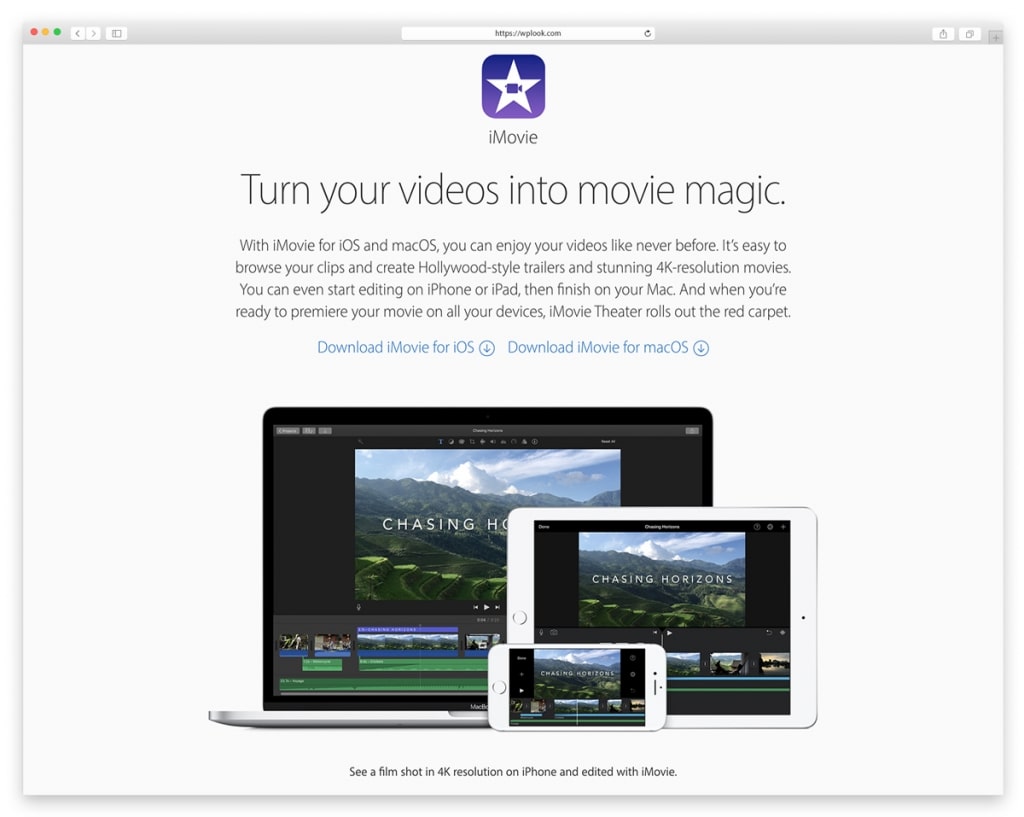
Apple’s iMovie provides a straightforward path into video editing. Pre-installed on Mac and available free on iOS, it teaches fundamental editing concepts while producing quality results. Storyboards guide beginners through the editing process, while Magic Movie creates auto-edited videos from selected clips. Cinematic Mode support handles iPhone footage beautifully.
Key Features
- Intuitive drag-and-drop interface
- Storyboards and Magic Movie automation
- Cinematic Mode video support
- Built-in templates and effects
- Green screen compositing
- Direct YouTube and social export
Platform: macOS, iOS
Best For: Complete beginners learning video editing, Mac users wanting simple edits, and families making personal videos. A natural stepping stone to Final Cut Pro.
Runway
Runway leads the AI video revolution with generative tools that create and edit video using text prompts. Gen-3 Alpha produces high-quality video from text descriptions. Beyond generation, practical AI tools handle green screen removal, motion tracking, rotoscoping, and object removal—tasks that traditionally required hours of manual work.
Key Features
- Text-to-video generation (Gen-3 Alpha)
- AI green screen removal
- Motion tracking and rotoscoping
- Object removal via inpainting
- Style transfer effects
- Audio cleanup and enhancement
Platform: Web, iOS
Best For: Creators exploring AI video generation, VFX artists wanting AI-assisted workflows, and editors who need quick rotoscoping or object removal.
HitFilm
HitFilm combines video editing with visual effects compositing in one application. The free version includes over 400 effects and presets—professional VFX tools that would cost hundreds in other software. 3D model import, particle systems, and motion tracking bring Hollywood-style effects within reach of indie filmmakers.
Key Features
- Built-in compositing and VFX engine
- 400+ effects and presets (free)
- 3D model import and rendering
- Motion tracking
- Professional color grading tools
- Unlimited video and audio tracks
Platform: Windows, macOS
Best For: Indie filmmakers wanting VFX, YouTubers adding visual effects, and anyone needing compositing without buying After Effects.
Avid Media Composer
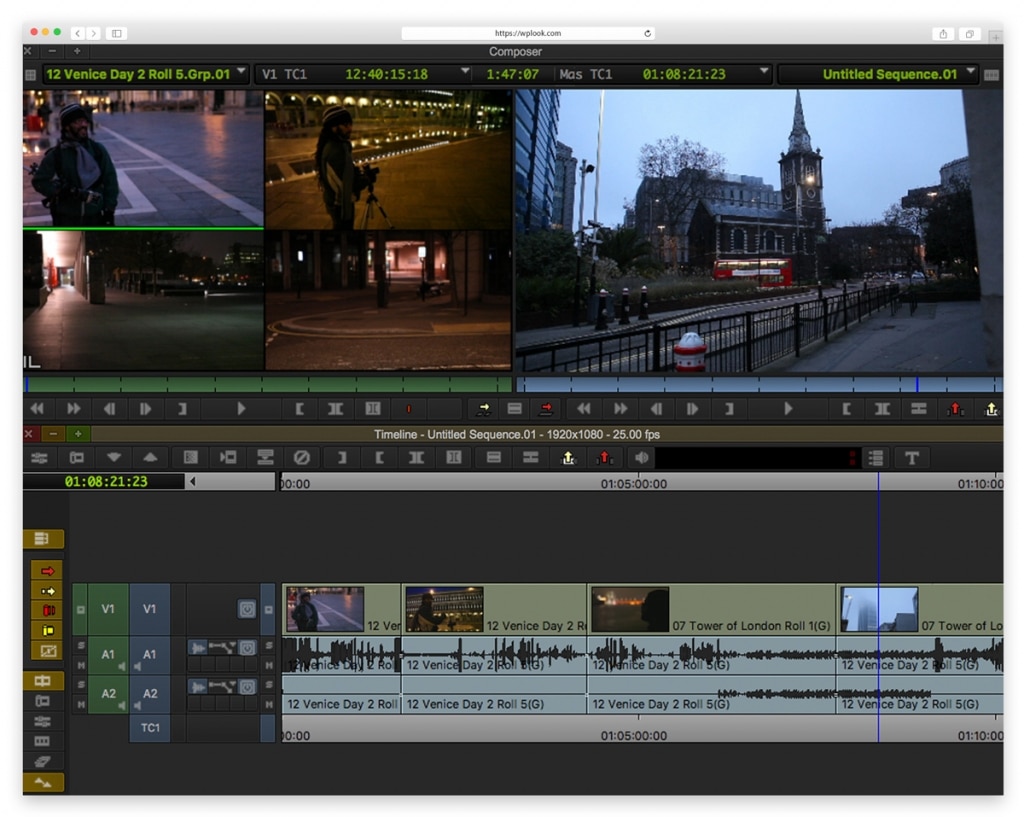
Avid Media Composer powers Hollywood film and television editing. Its shared storage (NEXIS) and bin-locking enable large teams to work on the same project simultaneously. ScriptSync aligns footage to scripts for fast dialog editing. The free First version provides a capable entry point into Avid’s ecosystem.
Key Features
- Industry-standard for film and television
- Shared storage for team collaboration
- ScriptSync for dialog editing
- Robust media management system
- Background rendering
- Free First version available
Platform: Windows, macOS
Best For: Film and television professionals, post-production facilities, and editors working on large collaborative projects where Avid is the house standard.
Clipchamp
Microsoft’s Clipchamp comes built into Windows 11, making it the most accessible editor for PC users. Browser-based editing means no installation needed. A stock library with video, audio, and images provides assets for quick projects. Text-to-speech narration and auto captions add polish without extra tools.
Key Features
- Built into Windows 11
- Browser-based editing (no install needed)
- Stock video, audio, and image library
- Text-to-speech narration
- Auto captions
- Brand kit for business consistency
Platform: Windows, Web
Best For: Windows users wanting quick edits without installing software, small businesses making marketing videos, and anyone needing simple browser-based editing.
Shotcut
Shotcut offers professional video editing capabilities as free, open-source software. Extensive format support via FFmpeg handles virtually any video file. Hardware encoding accelerates exports, while the native timeline provides familiar editing workflows. No watermarks, no limitations, no hidden costs.
Key Features
- Free and open source
- Extensive format support via FFmpeg
- Hardware-accelerated encoding
- Audio and video filters
- Cross-platform consistency
- No watermarks or feature restrictions
Platform: Windows, macOS, Linux
Best For: Budget-conscious editors, Linux users, and anyone wanting capable free software without proprietary restrictions.
Kdenlive
Kdenlive provides a full-featured, free video editor particularly popular in the Linux community. Recent versions have significantly improved stability and performance. Multi-track editing, proxy workflow, and automatic scene detection bring professional capabilities. The MLT framework powers an extensive effects library.
Key Features
- Multi-track video and audio editing
- Extensive effects via MLT framework
- Proxy editing for smooth 4K performance
- Automatic scene detection
- Audio spectrum and waveform display
- Customizable workspace interface
Platform: Windows, macOS, Linux
Best For: Linux users who want a native, full-featured editor. Also a solid free option for Windows and Mac users wanting open-source software.
Video Editing Best Practices
Organize your footage first. Sort clips into folders by scene, day, or type before editing. This saves hours of searching and makes the editing process smoother.
Create a rough cut before refining. Assemble your story structure with basic cuts first. Don’t color grade or add effects until the edit is locked. Many beginners waste hours perfecting scenes they later cut.
Learn keyboard shortcuts. Every major editor has shortcuts for cutting, trimming, and navigation. Learning them dramatically speeds up your workflow.
Use proxy editing for 4K+. Create lower-resolution copies for smooth editing, then reconnect to full-quality files for export. This prevents choppy playback on less powerful hardware.
Choosing the Right Video Editor
- For beginners: iMovie, CapCut, or Canva Video
- For professionals: Premiere Pro, DaVinci Resolve, or Final Cut Pro
- For social media: CapCut or Canva Video
- For color grading: DaVinci Resolve
- For free professional tools: DaVinci Resolve, Shotcut, or Kdenlive
- For AI-assisted editing: Descript and Runway
- For visual effects: HitFilm or DaVinci Resolve (Fusion)
Related resources: Complete your content creation toolkit with our guides on photo editing apps and audio editing software. If you’re building a video-focused website, explore WordPress themes for filmmakers or photography themes for visual portfolios.
Frequently Asked Questions
- What is the best free video editing software?DaVinci Resolve offers the most professional features in a free video editor, including advanced color grading, visual effects, and audio post-production. For simpler needs, iMovie (Mac), CapCut (social media), or Canva Video (marketing) provide excellent free options.
- What video editor do YouTubers use?Most professional YouTubers use Adobe Premiere Pro or Final Cut Pro. Growing creators often start with Filmora, CapCut, or DaVinci Resolve. For dialogue-heavy content like podcasts and tutorials, Descript’s text-based editing is increasingly popular.
- What computer specs do I need for video editing?For 1080p editing, 8GB RAM and a modern processor suffice. For 4K editing, aim for 16-32GB RAM, a dedicated graphics card, and SSD storage. Professional work benefits from even more powerful hardware. Apple Silicon Macs handle video editing exceptionally well.
- Is Premiere Pro worth the subscription cost?For professionals who edit regularly, Premiere Pro’s Creative Cloud integration and industry-standard status justify the cost. Hobbyists may find better value in DaVinci Resolve (free) or Final Cut Pro (one-time $299.99 purchase).
- What’s the best video editor for social media content?CapCut is the best editor for TikTok, Instagram Reels, and YouTube Shorts. The auto captions, trending effects, and direct social export streamline short-form video creation. For marketing videos and branded content, Canva Video offers templates and brand tools that keep everything consistent.
Need Fast, Reliable WordPress Hosting?
Managed hosting with free SSL, daily backups and theme setup included.