Building an online store? The Shopify vs WooCommerce debate matters. Both platforms power millions of stores. This guide compares them so you can pick the right one for your business.
Shopify and WooCommerce dominate ecommerce. Together they power over 50% of online stores. But they work very differently. Shopify is an all-in-one hosted platform. WooCommerce is a WordPress plugin you host yourself. Your choice affects costs, flexibility, and how you run your store.
Quick Comparison
Here is a fast overview of both platforms:
Shopify: Hosted platform, monthly fee, beginner-friendly, limited customization, built-in hosting and payments.
WooCommerce: Self-hosted plugin, free software, more flexible, requires WordPress, you control everything.
What is Shopify?
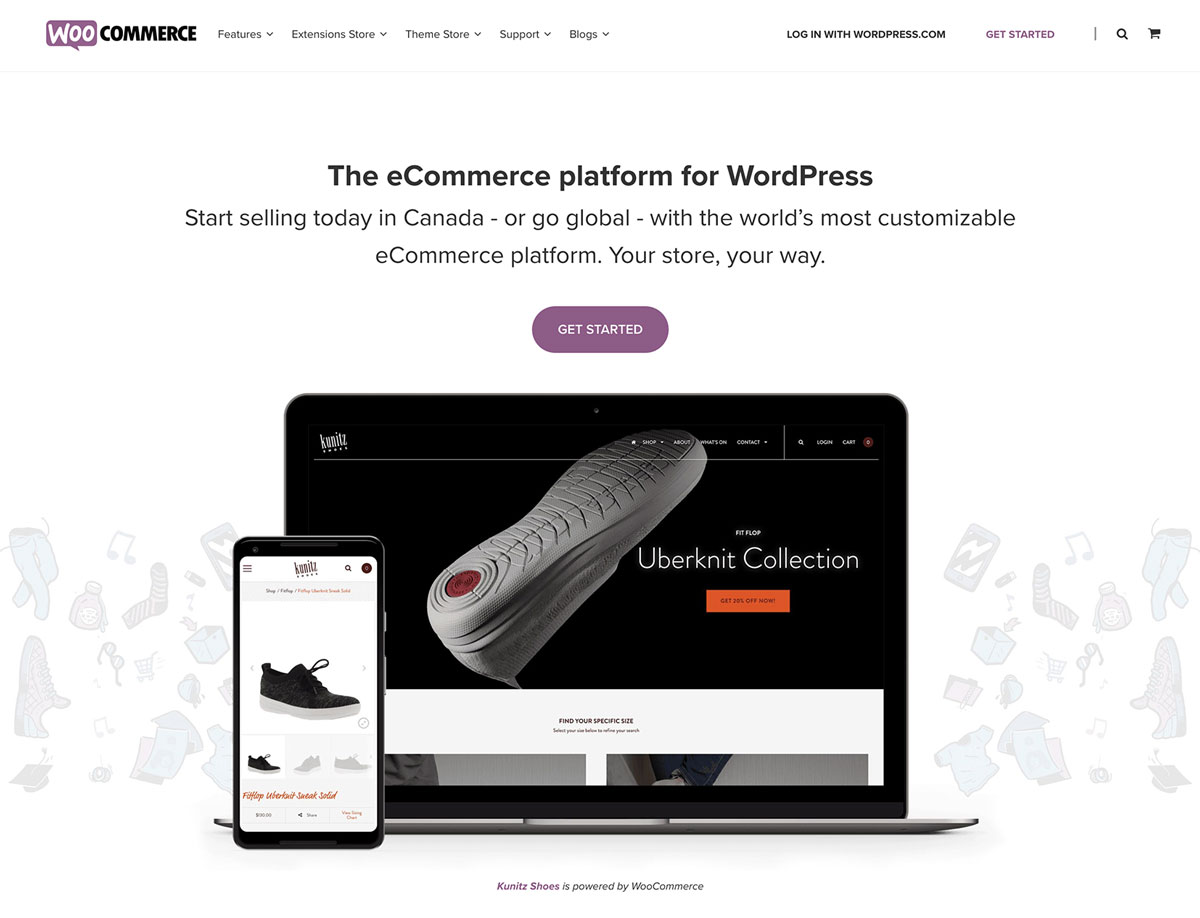
Shopify is a complete ecommerce platform. You pay a monthly fee and get everything needed to run a store. Hosting, security, payments, and support are included. Over 4 million stores use Shopify worldwide.
You do not need technical skills. Sign up, choose a theme, add products, and start selling. Shopify handles the backend. Updates happen automatically. Support is available 24/7.
Shopify plans range from $29/month (Basic) to $299/month (Advanced). There is also Shopify Plus for enterprises. Each plan includes different features and transaction fees.
What is WooCommerce?
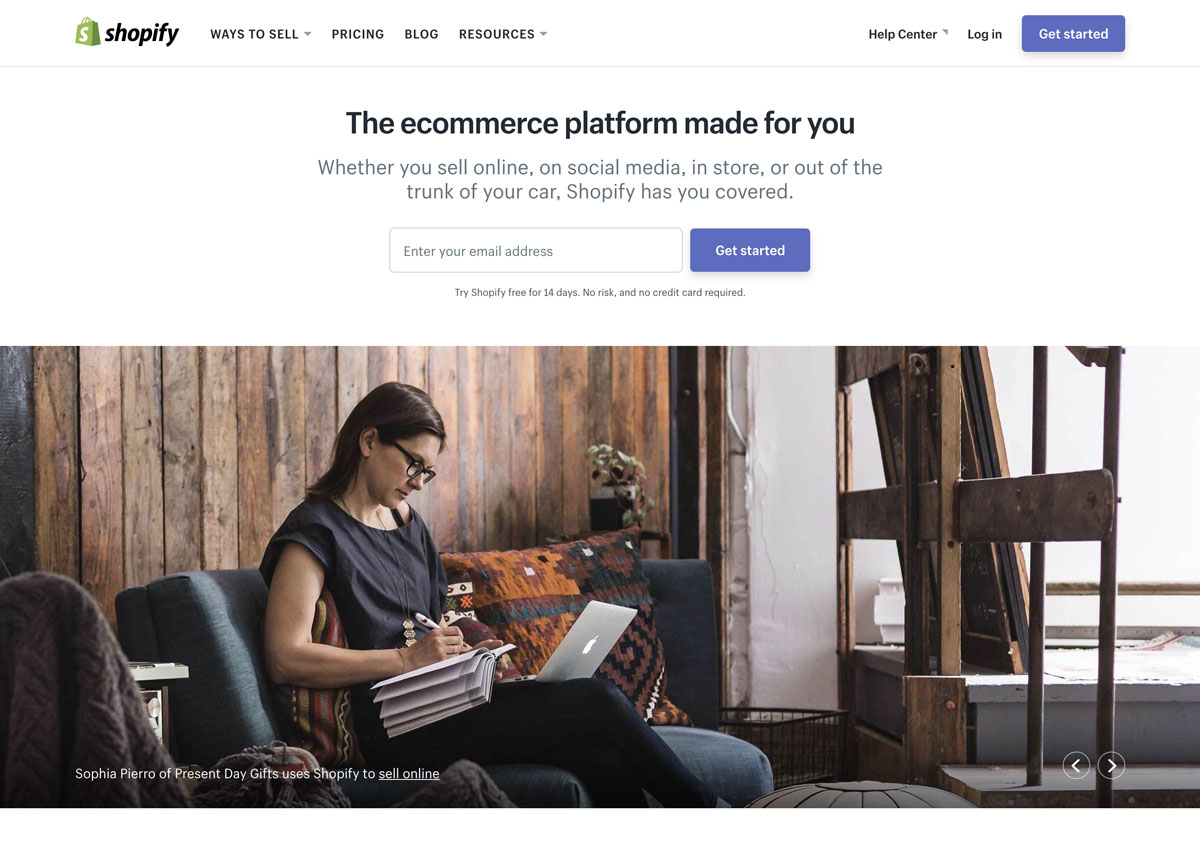
WooCommerce is a free ecommerce plugin for WordPress. It turns any WordPress site into an online store. You install it like any plugin and configure your store settings.
WooCommerce itself is free. You pay for hosting, domain, and optional extensions. Many stores run on $10-50/month in costs. The flexibility is unlimited since you control the code.
WooCommerce powers about 28% of all online stores. It leads the market partly because WordPress is so popular. If you have a WordPress site, adding WooCommerce is natural.
Ease of Use
Shopify wins for beginners. Everything is built into one dashboard. You do not manage hosting or updates. The interface guides you through setup. Most people can launch a basic store in a day.
WooCommerce has a learning curve. You need to understand WordPress first. Then you configure WooCommerce settings. Managing hosting, updates, and security falls on you. But the WordPress block editor makes product creation easy.
If you already use WordPress, WooCommerce feels natural. If you are brand new to websites, Shopify is simpler to start.
Cost Comparison
Pricing differs significantly between platforms.
Shopify Costs:
- Basic: $29/month + 2.9% + $0.30 per transaction
- Shopify: $79/month + 2.6% + $0.30 per transaction
- Advanced: $299/month + 2.4% + $0.30 per transaction
- Additional fees if not using Shopify Payments
- Premium themes: $150-350 one-time
- Apps: $0-200/month each
WooCommerce Costs:
- Plugin: Free
- Hosting: $5-50/month
- Domain: $10-15/year
- SSL: Often free with hosting
- Premium themes: $50-100 one-time
- Extensions: $0-300/year each
- Payment processing: 2.9% + $0.30 typical
For small stores, WooCommerce usually costs less. A basic WooCommerce store might run $100-200/year. A basic Shopify store costs $348/year minimum. But Shopify includes more features at base level.
As stores grow, costs vary. Shopify transaction fees add up with volume. WooCommerce extension costs increase for advanced features. Calculate based on your expected sales.
Design and Themes
Shopify offers about 180 themes. Around 12 are free. Premium themes cost $150-350. All themes are mobile-responsive and tested. Customization uses a visual editor. You cannot access all code on lower plans.
WooCommerce works with any WordPress theme. Thousands of free themes exist. Premium WooCommerce themes cost $40-100 typically. You can modify any code. Design flexibility is unlimited.
WPlook Studio offers WordPress themes with WooCommerce integration. These combine beautiful design with store functionality.
Features and Functionality
Both platforms offer core ecommerce features: products, inventory, orders, payments, shipping. The differences are in extras and extensibility.
Shopify includes:
- Abandoned cart recovery (except Basic plan)
- Gift cards on higher plans
- Professional reports on higher plans
- Staff accounts (limited by plan)
- POS system
- Fraud analysis
- International selling tools
WooCommerce provides:
- Unlimited products and categories
- Variable and grouped products
- Built-in coupon system
- Product reviews
- Inventory management
- Multiple shipping options
- Tax calculations
Advanced features need extensions in WooCommerce. Many are free. Others cost money. The flexibility lets you add only what you need.
Apps and Extensions
Shopify App Store has 8,000+ apps. Categories include marketing, sales channels, inventory, and customer service. Many apps have monthly fees. Some essential features require paid apps.
WooCommerce Extensions number in thousands. The official marketplace plus third-party developers offer options. Many are free. Premium extensions typically have yearly fees. You can also hire developers for custom features.
Payment Options
Shopify Payments is built in. It uses Stripe behind the scenes. Rates vary by plan. If you use other payment gateways, Shopify charges additional transaction fees (0.5-2% depending on plan).
WooCommerce supports many payment gateways with no extra fees from WooCommerce itself. Stripe, PayPal, Square, and dozens more work. You pay only the gateway’s fees. This flexibility saves money for high-volume stores.
Scalability
Shopify handles scaling for you. As traffic grows, their infrastructure adapts. Shopify Plus serves enterprise clients with massive volumes. You do not worry about server resources.
WooCommerce scaling depends on your hosting. Small shared hosts struggle with high traffic. Dedicated or cloud hosting handles growth. Plan for hosting upgrades as your store grows. Good hosts make scaling smooth.
Security
Shopify manages security completely. They provide SSL, handle PCI compliance, and monitor for threats. Security updates happen automatically. You focus on selling, not security.
WooCommerce security is your responsibility. Good hosting includes SSL and firewall protection. You must keep WordPress and plugins updated. Security plugins help. It requires more attention but is manageable.
SEO Capabilities
Both platforms support SEO basics: custom URLs, meta tags, sitemaps, and mobile-responsive design.
Shopify has decent built-in SEO. URL structure has some limits. Blog functionality is basic. Third-party apps add advanced SEO features.
WooCommerce benefits from WordPress SEO strength. Plugins like Yoast SEO offer powerful optimization. You control every SEO aspect. Blogging is native and excellent for content marketing.
Support Options
Shopify offers 24/7 support via chat, email, and phone. Documentation is extensive. The community is active. All plans include the same support level.
WooCommerce relies on community support for the free plugin. Premium extensions include support from developers. Your hosting provider helps with server issues. Forums and documentation are thorough.
Which Should You Choose?
Choose Shopify if:
- You want the simplest setup
- You prefer not to manage hosting
- You need 24/7 official support
- You want an all-in-one solution
- You plan to use POS retail features
Choose WooCommerce if:
- You already have a WordPress site
- You want maximum customization
- You prefer owning your platform
- You want lower long-term costs
- You need specific custom features
- You value content marketing and blogging
Frequently Asked Questions
- Can I migrate from Shopify to WooCommerce?Yes. You can export products, customers, and orders from Shopify and import them to WooCommerce. Tools and plugins help with migration. Some manual work may be needed for complex stores.
- Which is better for dropshipping?Both work for dropshipping. Shopify has Oberlo (now DSers) built into the ecosystem. WooCommerce has AliDropship and similar plugins. Shopify is slightly simpler for beginners.
- Can I sell digital products on both?Yes. Both platforms support digital downloads. WooCommerce has a free extension. Shopify includes digital product support. Both handle licensing and download limits.
- Which has better mobile apps?Shopify has a polished mobile app for store management. WooCommerce has an official app too. Both let you manage orders and products from your phone. Shopify’s app is more mature.
- Is WooCommerce really free?The core WooCommerce plugin is free. You pay for hosting, domain, and premium extensions. Total costs are often lower than Shopify but not zero.
Conclusion
Shopify vs WooCommerce is not about which is “better.” It is about which fits your needs. Shopify offers simplicity and support. WooCommerce offers flexibility and lower costs.
If you have a WordPress site or want full control, WooCommerce makes sense. If you want easy setup and hands-off management, Shopify works well.
For WooCommerce stores, start with quality hosting. WPlook Hosting supports WooCommerce sites with optimized servers and expert support. Learn more about building your site in our how to make a website guide.
Get Hosting WooCommerce Themes WooCommerce, WordPress