
Email marketing delivers the highest ROI of any marketing channel. Email newsletter tools help you build subscriber lists, design professional emails, and track campaign performance. The right platform turns casual visitors into loyal customers.
This guide covers 9 top email newsletter and marketing tools that work with WordPress. Each offers different strengths in design, automation, and pricing. Find the platform that matches your marketing goals. This guide is part of our complete WordPress plugins guide.
Email Newsletter Tools at a Glance
| Tool | Rating | Standout | Best For |
|---|---|---|---|
| Mailchimp | 5/5 | Generous free plan | Beginners and small businesses |
| Campaign Monitor | 4.5/5 | Premium templates | Design-led brands |
| Emma | 4/5 | Brand controls | Mid-size marketing teams |
| Benchmark Email | 4/5 | Multi-language support | Growing international businesses |
| Canva | 4/5 | Design templates | Visual newsletter designers |
| Mailjet | 4/5 | Marketing plus transactional | WordPress developers |
| Inbox Inspector | 3.5/5 | Rendering and spam tests | Pre-send QA workflows |
| MailUp | 3.5/5 | Email plus SMS | European GDPR senders |
| Sendloop | 3.5/5 | Simple setup | Solopreneurs |
Mailchimp
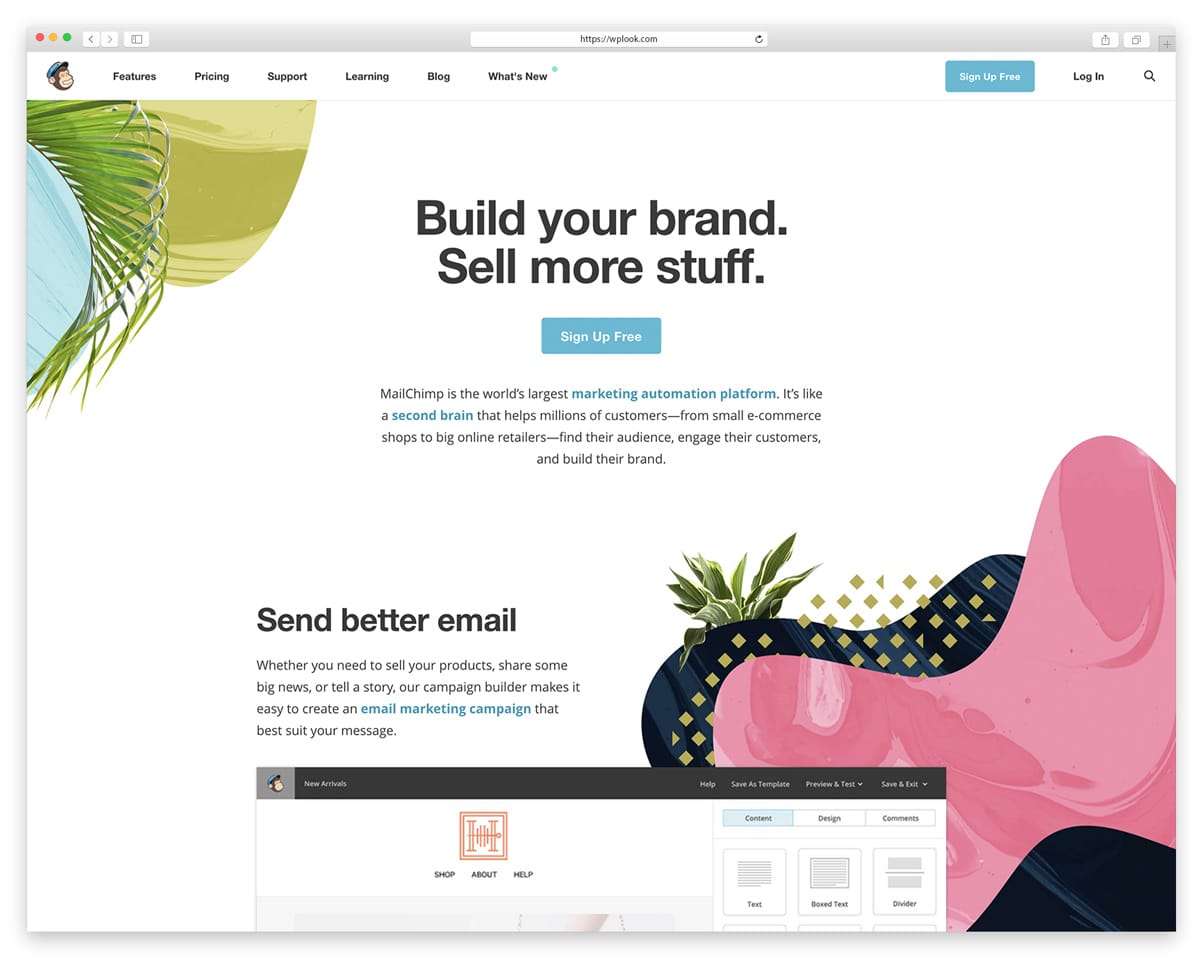
Mailchimp is the most widely used email marketing platform, serving over 13 million users worldwide with tools for newsletters, automation, and audience management. The free plan supports up to 500 contacts and 1,000 email sends per month, making it an accessible starting point for WordPress bloggers and small businesses. The drag-and-drop email builder creates professional-looking newsletters without any design experience, and the template library covers every industry and occasion.
Automation workflows let you send welcome sequences, abandoned cart reminders, and birthday emails on autopilot. The audience insights dashboard shows engagement metrics, purchase behavior, and predicted demographics so you can segment your list and send targeted content. Mailchimp integrates directly with WordPress through official and third-party plugins, syncing your subscriber forms and e-commerce data seamlessly.
Key Features
- Free plan with up to 500 contacts and 1,000 sends per month.
- Drag-and-drop email builder with professional template library.
- Marketing automation for welcome sequences and cart abandonment.
- Audience insights with engagement metrics and segmentation.
- Direct WordPress integration through plugins.
- Landing pages, social ads, and postcards included.
Best For: Small businesses and bloggers starting with email marketing who need a generous free plan and easy setup.
Emma
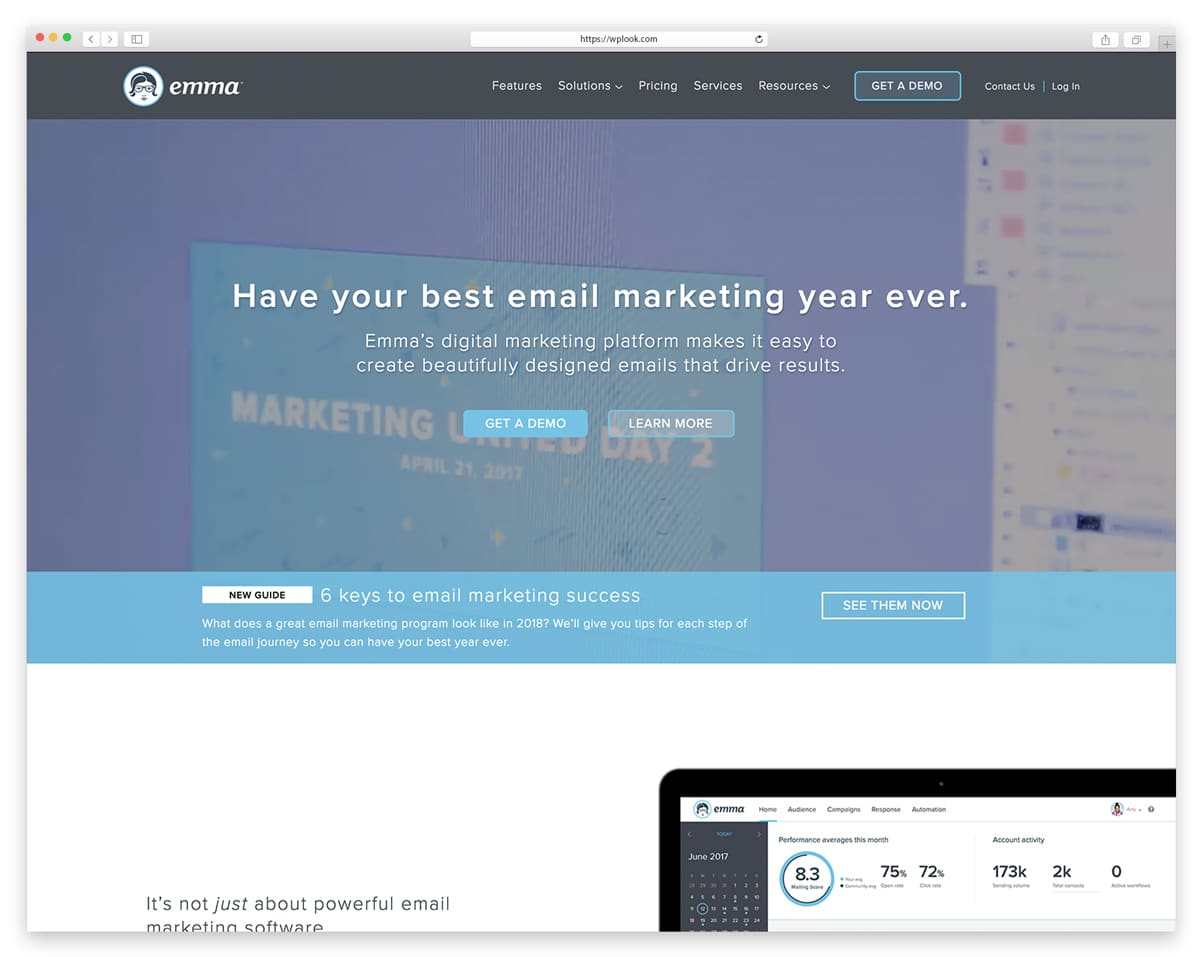
Emma focuses on design-forward email marketing for brands that care deeply about visual consistency and aesthetics. The email editor enforces brand guidelines automatically, ensuring every team member creates on-brand newsletters without design oversight. This makes Emma particularly popular with marketing teams at mid-size companies where multiple people send emails but brand consistency must be maintained.
The approval workflow lets managers review and approve emails before they go out, which is essential for organizations with compliance requirements or brand standards. Emma’s analytics go beyond open rates to show click maps, engagement over time, and individual subscriber activity. Integration with Salesforce, Shopify, and WordPress keeps your subscriber data synchronized across platforms.
Key Features
- Brand controls enforce visual consistency across all team members.
- Approval workflows for manager review before sending.
- Click maps and detailed engagement analytics.
- Salesforce, Shopify, and WordPress integrations.
- A/B testing for subject lines and email content.
- Custom-coded templates with responsive design support.
Best For: Marketing teams at mid-size companies that need brand consistency, approval workflows, and design-forward templates.
Benchmark Email
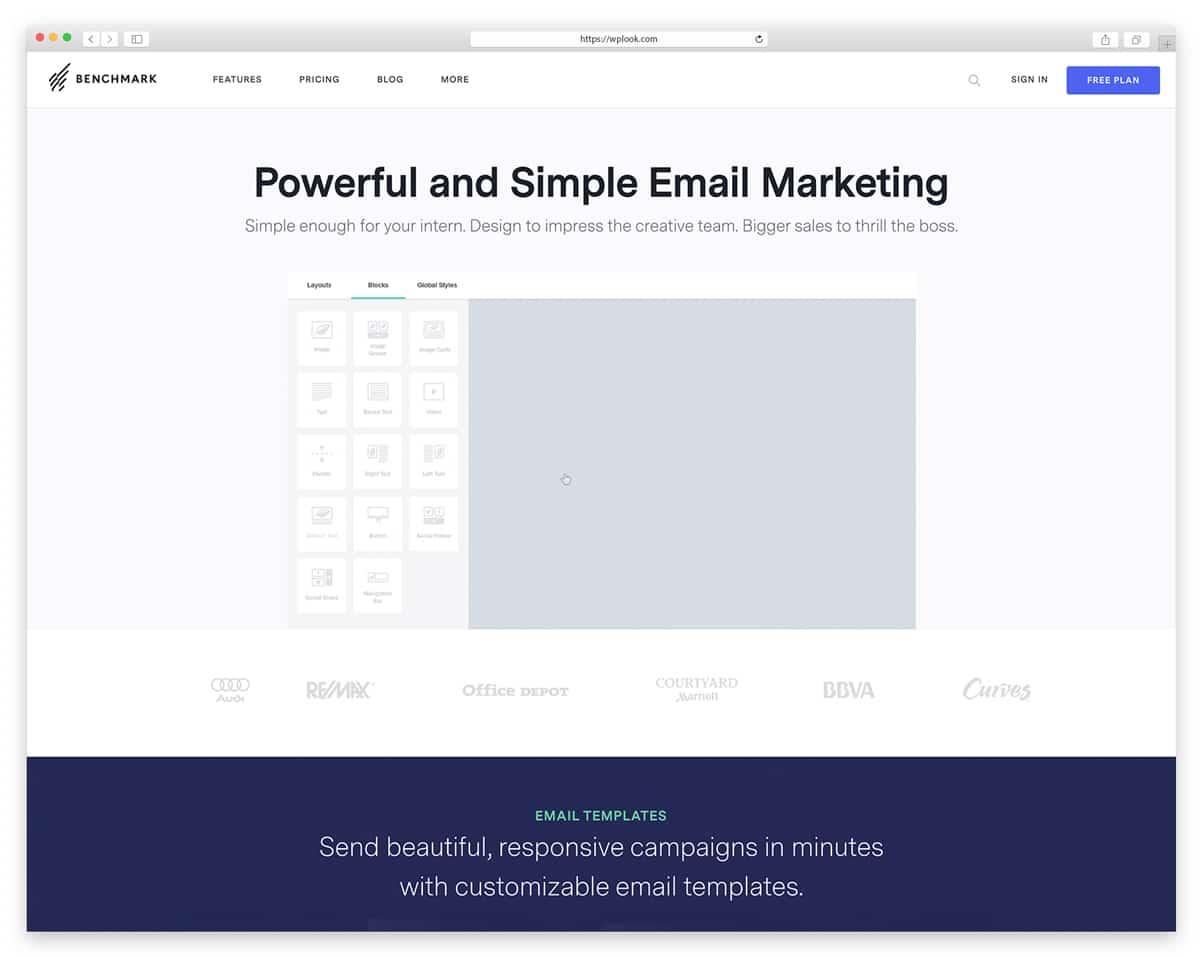
Benchmark Email strikes a balance between simplicity and power that makes it appealing to growing businesses that have outgrown basic tools but do not need enterprise complexity. The drag-and-drop editor is one of the most intuitive available, and the real-time editing preview shows exactly how your email will look on desktop and mobile before you send. The free plan includes up to 500 contacts with 3,500 emails per month.
Benchmark’s automation features include drip campaigns, triggered emails based on subscriber behavior, and RSS-to-email for automatically sending blog post updates to subscribers. The platform supports multiple languages and has a strong international presence, which is useful for businesses with global audiences. Survey and poll features built directly into emails drive engagement and gather subscriber feedback without external tools.
Key Features
- Free plan with 500 contacts and 3,500 emails per month.
- Intuitive drag-and-drop editor with real-time mobile preview.
- Drip campaigns and behavior-triggered email automation.
- RSS-to-email for automatic blog post notifications.
- Built-in surveys and polls for subscriber engagement.
- Multi-language support for international audiences.
Best For: Growing businesses that need an intuitive platform with automation, surveys, and strong international language support.
Canva
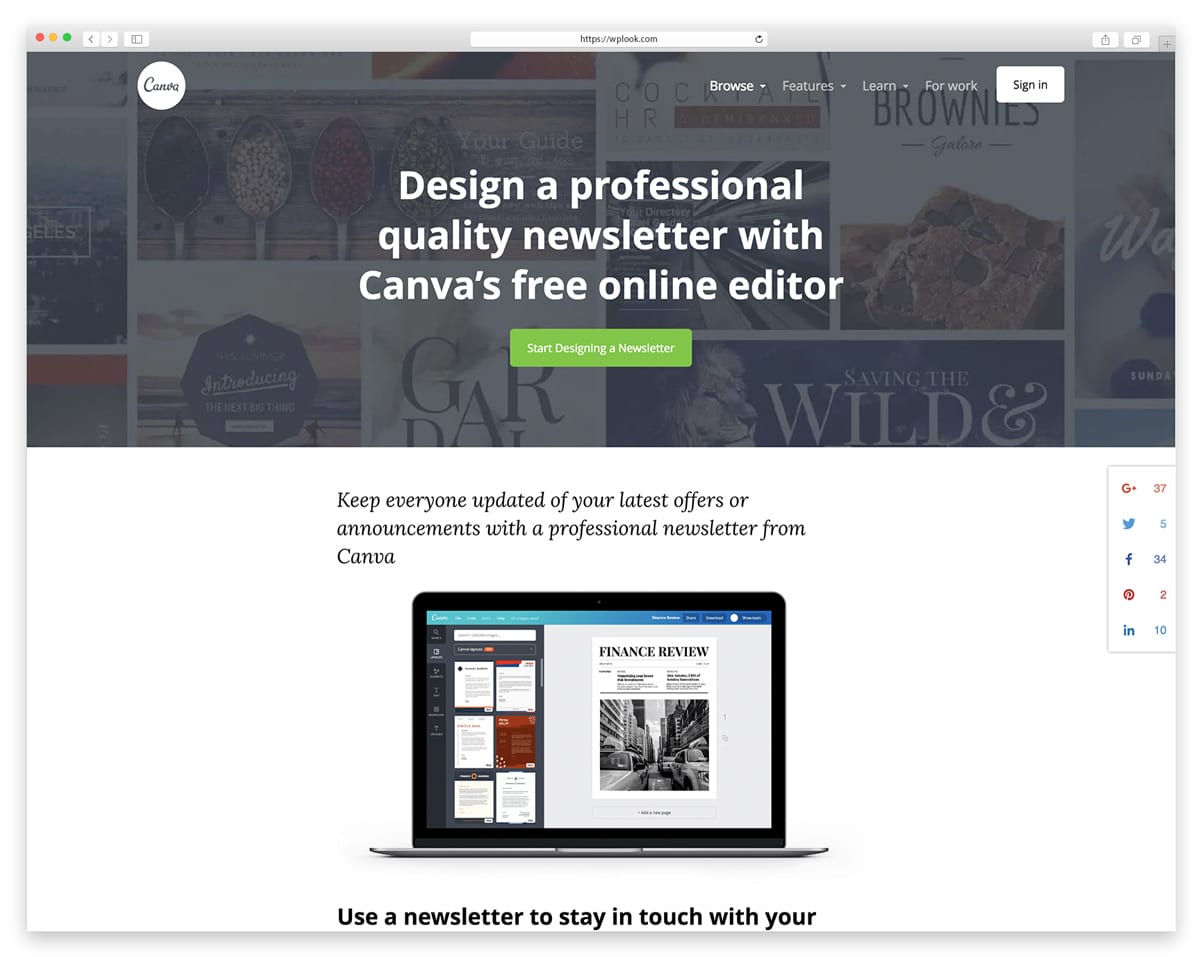
Canva has expanded beyond graphic design into email newsletter creation, bringing its signature drag-and-drop simplicity to email marketing. The platform offers hundreds of professionally designed email templates that you can customize with your brand colors, fonts, and images in minutes. For WordPress site owners who already use Canva for social media graphics and blog images, adding email design to the same workflow keeps everything visually consistent.
The free tier provides generous access to templates, stock photos, and design elements, while the Pro plan unlocks brand kits, background removal, and premium content. Canva’s strength is in visual design rather than email marketing automation — you will still need a dedicated email service to actually send campaigns. However, for creating beautiful email headers, promotional graphics, and newsletter layouts that you export to your email platform, Canva is unmatched.
Key Features
- Hundreds of professional email newsletter templates.
- Drag-and-drop design with brand colors, fonts, and logos.
- Massive library of free stock photos and design elements.
- Export designs to use in any email marketing platform.
- Consistent visual branding across social, web, and email.
- Free tier with generous template and element access.
Best For: Content creators who need beautiful email graphics and newsletter designs to export to their existing email platform.
Inbox Inspector
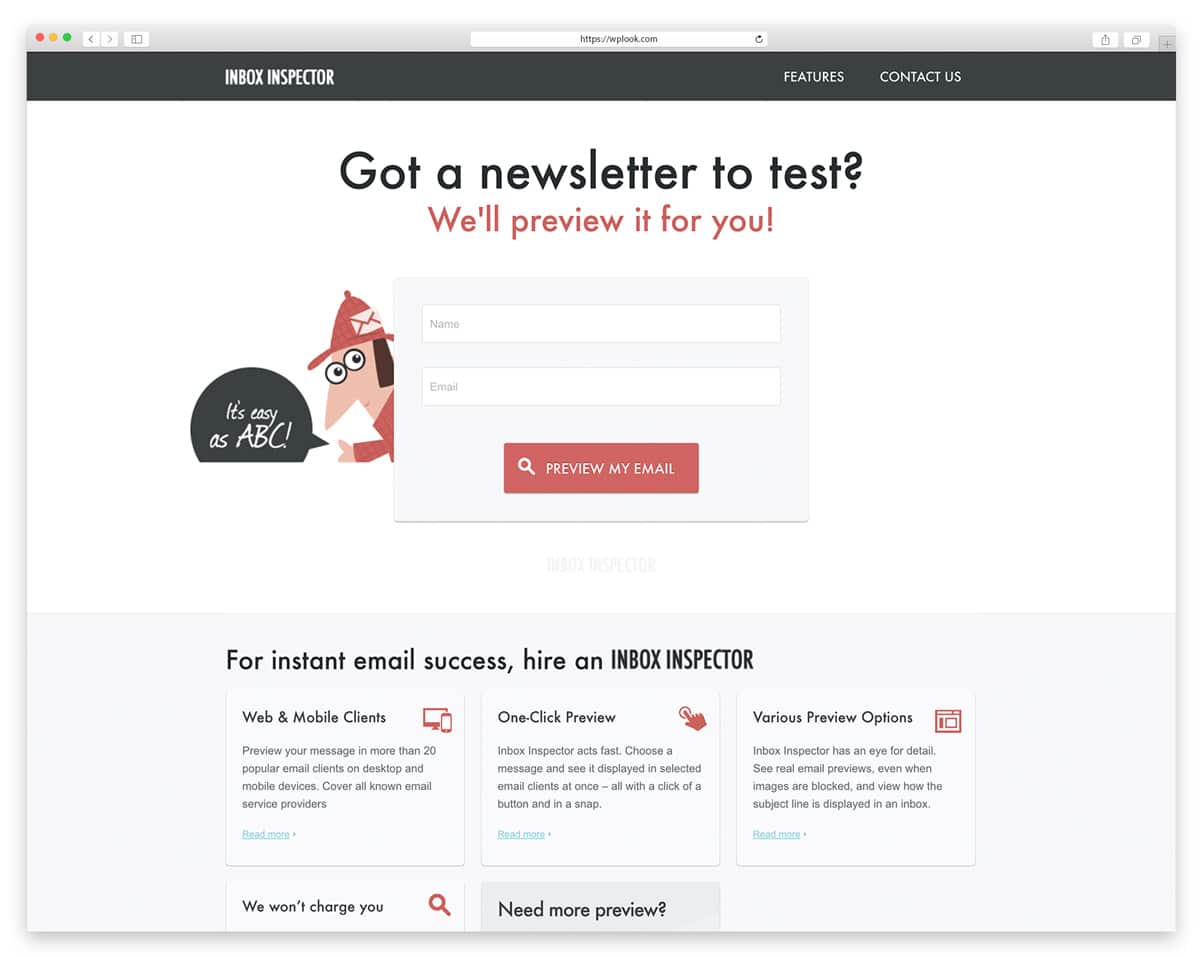
Inbox Inspector (now part of Email on Acid by Sinch) lets you preview how your emails render across dozens of email clients and devices before you send. Since emails display differently in Gmail, Outlook, Apple Mail, and mobile clients, what looks perfect in your editor might break in a subscriber’s inbox. This tool catches rendering issues before they reach your audience.
The platform tests your emails against spam filters to predict deliverability and flags potential issues that could land you in the junk folder. Accessibility checks ensure your emails work for subscribers using screen readers or assistive technology. For serious email marketers who send campaigns to large lists, pre-send testing prevents embarrassing formatting mistakes that erode subscriber trust.
Key Features
- Preview email rendering across dozens of clients and devices.
- Spam filter testing to predict inbox deliverability.
- Accessibility checks for screen reader compatibility.
- Link validation to catch broken URLs before sending.
- Dark mode preview for modern email client testing.
- Detailed reports highlighting rendering differences.
Best For: Email marketers sending to large lists who need to ensure perfect rendering across all email clients and pass spam filters.
MailUp
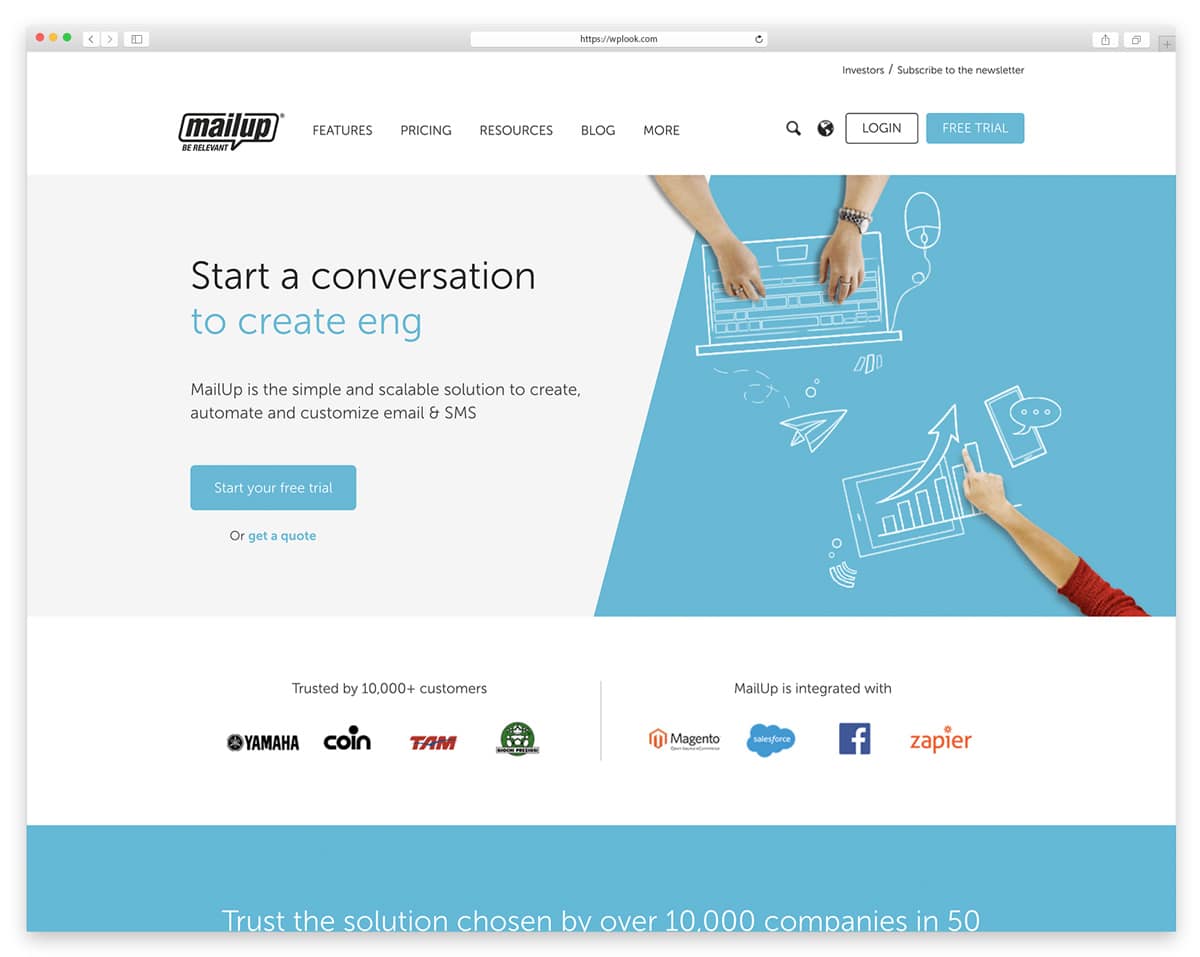
MailUp combines email marketing with SMS and messaging channels in a single platform, making it a strong choice for businesses that want to reach customers through multiple communication channels. The platform is particularly popular in Europe with strong GDPR compliance features and multi-language support. The BEE drag-and-drop editor creates responsive emails that look great on every device.
Advanced segmentation and dynamic content let you personalize emails based on subscriber data, purchase history, and engagement behavior. The SMS marketing features complement your email campaigns for time-sensitive promotions, appointment reminders, and transactional notifications. MailUp offers pay-per-speed pricing rather than per-subscriber, which can be more economical for businesses with large lists but moderate sending frequency.
Key Features
- Combined email and SMS marketing in one platform.
- BEE drag-and-drop editor for responsive email design.
- Strong GDPR compliance features for European businesses.
- Dynamic content and advanced subscriber segmentation.
- Pay-per-speed pricing instead of per-subscriber.
- Multi-language support for international campaigns.
Best For: European businesses needing GDPR-compliant email and SMS marketing with flexible pay-per-speed pricing.
Sendloop
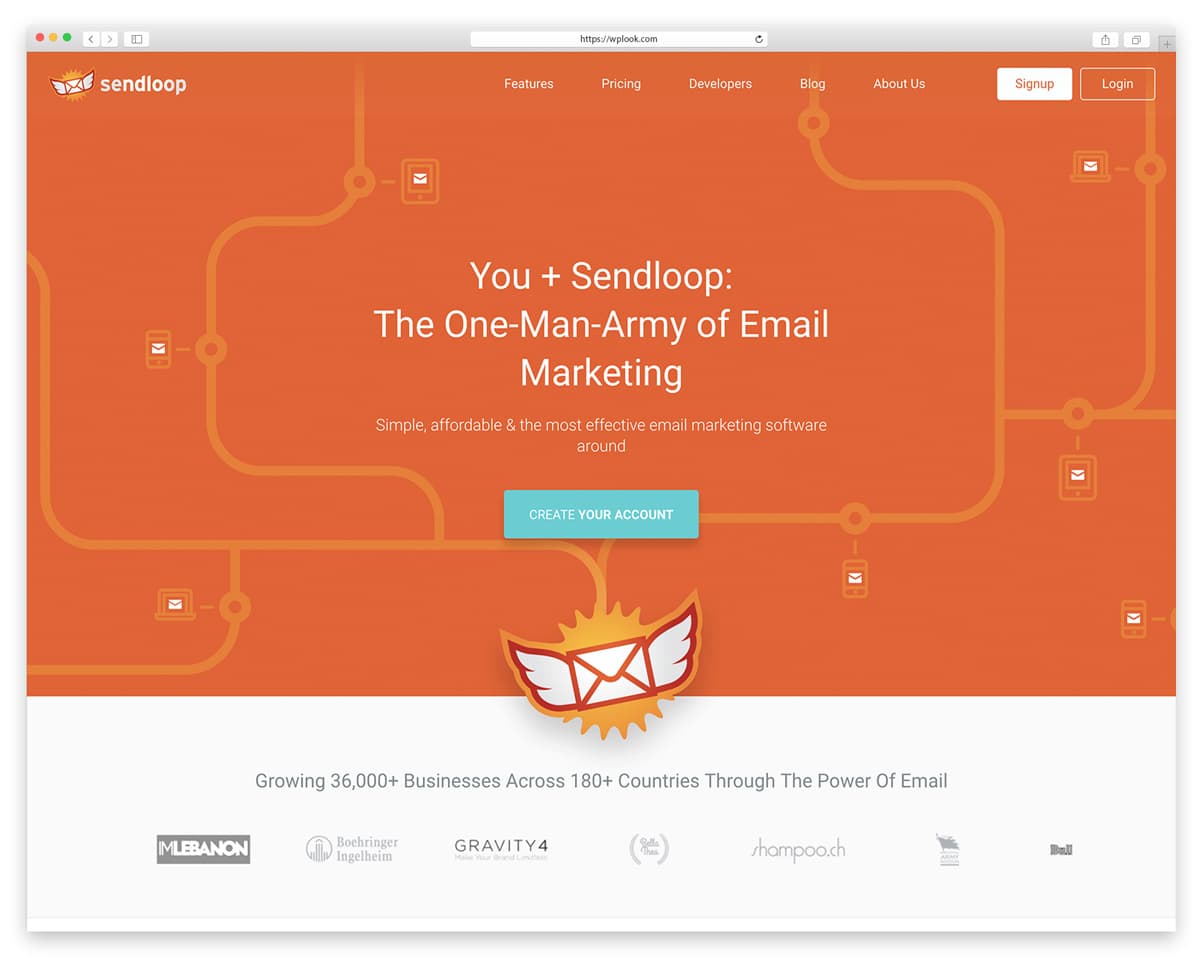
Sendloop focuses on simplicity for small businesses and entrepreneurs who want effective email marketing without a steep learning curve. The platform promises campaign creation in under 5 minutes, with a streamlined interface that removes the complexity found in enterprise tools. Over 100 email templates are included, covering common business scenarios from product launches to seasonal promotions.
The automation features handle subscriber journeys from sign-up through conversion, with triggers based on opens, clicks, and custom events. Sendloop’s reporting dashboard presents key metrics clearly without overwhelming you with data. Integration with popular CMS platforms, e-commerce tools, and WordPress makes connecting your website straightforward. The pricing is competitive for small lists, making it accessible for startups and solopreneurs.
Key Features
- Campaign creation in under 5 minutes with simple interface.
- Over 100 email templates for common business scenarios.
- Automation based on opens, clicks, and custom triggers.
- Clean reporting dashboard with key metrics at a glance.
- WordPress and e-commerce platform integrations.
- Competitive pricing for small subscriber lists.
Best For: Small businesses and solopreneurs who want quick, simple email marketing without enterprise complexity.
Mailjet
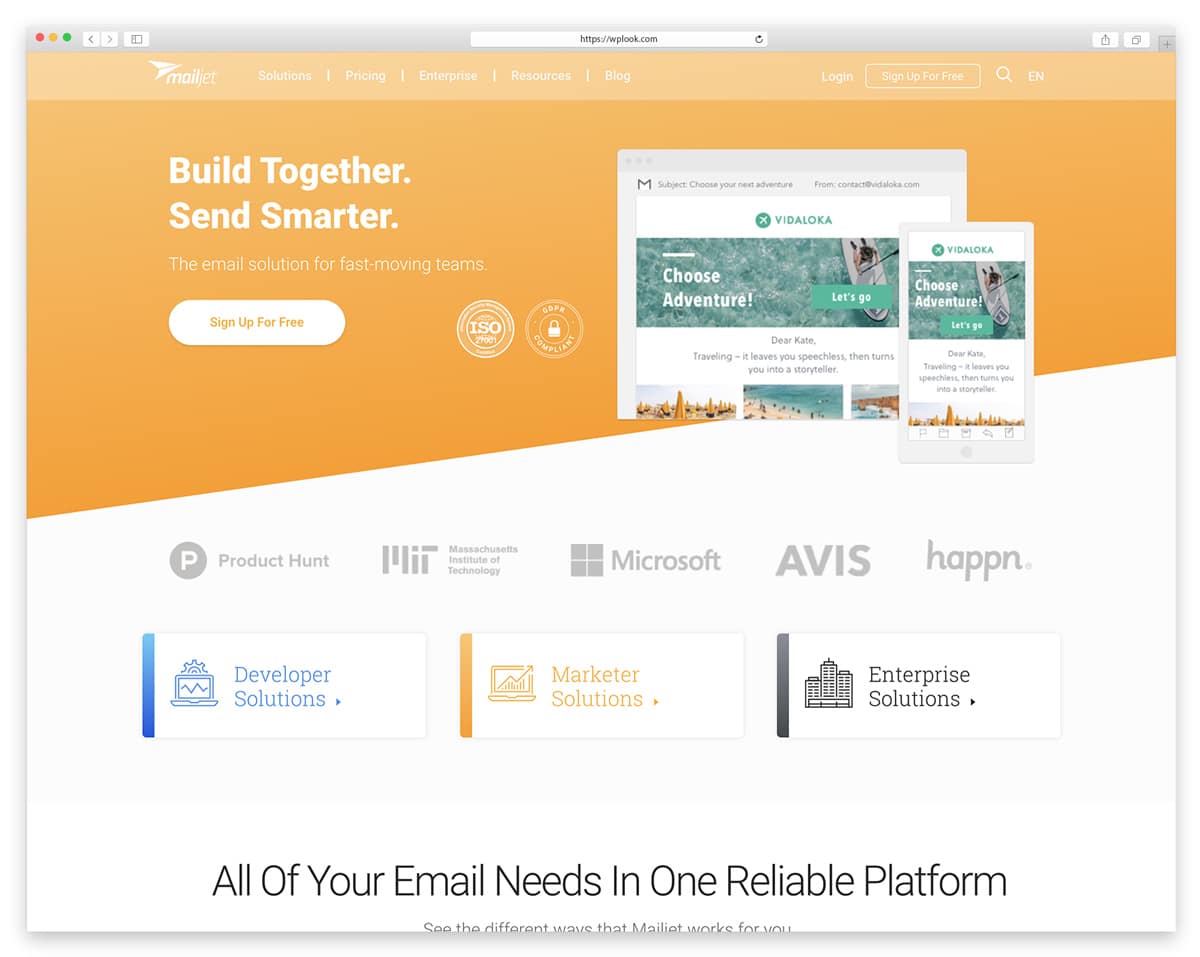
Mailjet combines marketing email campaigns with transactional email delivery in one platform, which is valuable for WordPress sites that need both newsletter capability and reliable order confirmations, password resets, and notification emails. The free plan includes 6,000 emails per month with no daily sending limit, and the real-time collaboration feature lets multiple team members edit the same email simultaneously.
The SMTP relay and robust API make Mailjet a developer-friendly choice for custom WordPress integrations and automated email workflows. Email deliverability is a core strength, with dedicated IP options and authentication setup guides that help ensure your emails reach the inbox. The segmentation and personalization tools let you target specific subscriber groups with dynamic content that changes based on recipient data.
Key Features
- Free plan with 6,000 emails per month, no daily limit.
- Combined marketing and transactional email in one platform.
- Real-time collaboration for team email editing.
- SMTP relay and developer-friendly API for custom integrations.
- Strong deliverability with dedicated IP options.
- Dynamic content personalization based on subscriber data.
Best For: WordPress developers and businesses that need both marketing newsletters and reliable transactional email delivery in one platform.
Campaign Monitor
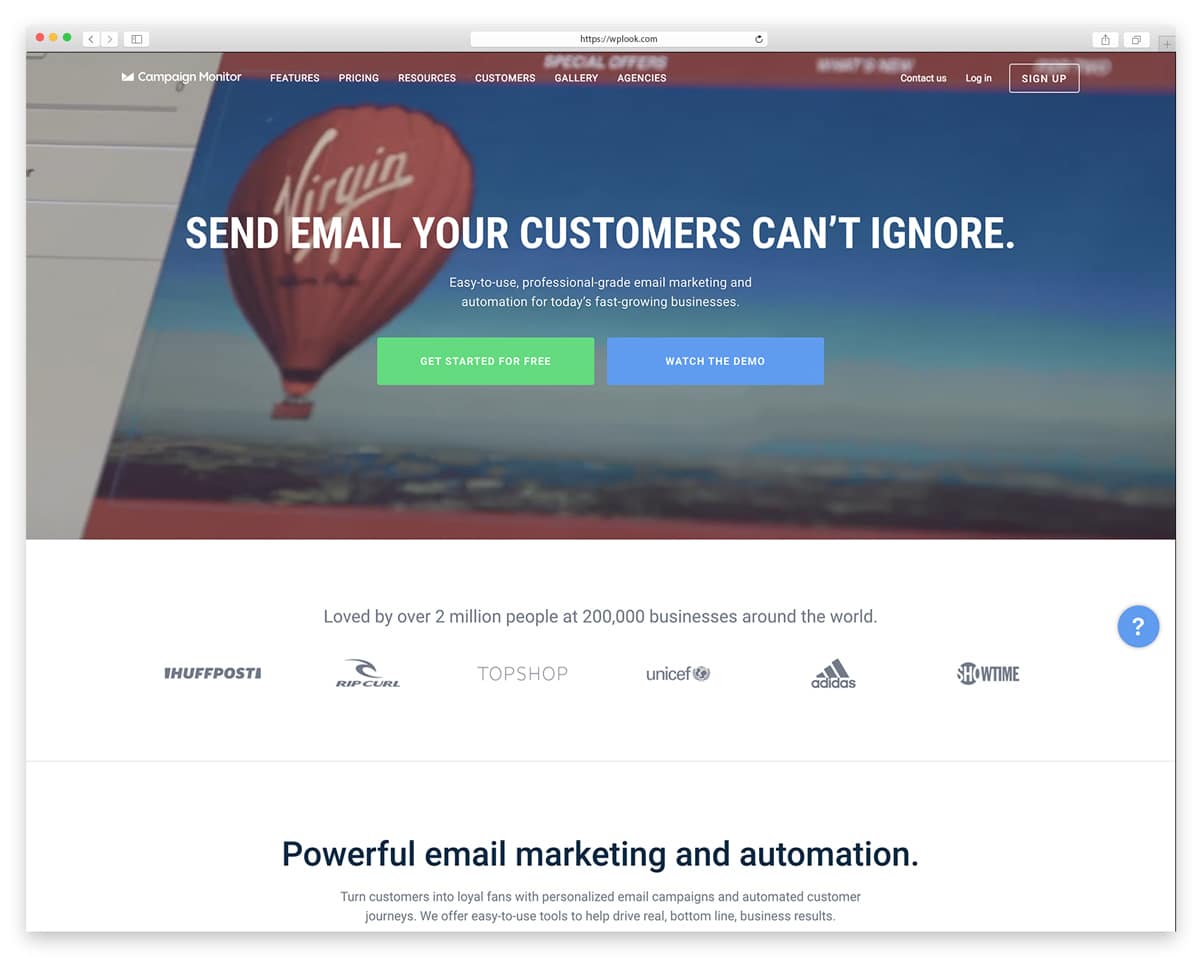
Campaign Monitor is known for having some of the most beautifully designed email templates in the industry, making it the platform of choice for brands where visual quality is non-negotiable. The drag-and-drop builder produces pixel-perfect responsive emails, and the template marketplace offers premium designs from top email designers. Large brands like Disney, Coca-Cola, and Rip Curl trust Campaign Monitor for their email marketing.
The visual journey designer makes building complex automation sequences intuitive — you drag and drop triggers, conditions, and actions on a visual canvas instead of configuring forms and dropdown menus. Link review automatically checks every URL before sending to prevent embarrassing broken links. The analytics suite includes visual engagement heatmaps showing exactly where subscribers click, helping you optimize email layouts for maximum engagement.
Key Features
- Industry-leading email template designs for premium brands.
- Visual journey designer for drag-and-drop automation building.
- Engagement heatmaps showing exactly where subscribers click.
- Automatic link review catches broken URLs before sending.
- Premium template marketplace from top email designers.
- Trusted by Disney, Coca-Cola, and major global brands.
Best For: Design-conscious brands that need beautiful email templates, visual automation building, and premium-quality campaigns.
How to Choose the Right Email Newsletter Tools
Start with your list size and budget when comparing email newsletter tools. Mailchimp’s free tier works for small lists. Growing businesses benefit from Benchmark or Mailjet. Large organizations need MailUp’s unlimited sending.
Consider what matters most. Design-focused brands prefer Emma or Campaign Monitor. E-commerce sites need strong integration with WooCommerce. Test a few platforms with their free trials before committing.
Frequently Asked Questions
- Which email platform works best with WordPress?Mailchimp offers the most WordPress integrations through official and third-party plugins. However, most platforms provide WordPress plugins or embed codes for signup forms. Choose based on features and pricing, then find the WordPress integration.
- How do I grow my email subscriber list?Offer value in exchange for email addresses. Lead magnets like ebooks, templates, or discounts encourage signups. Place forms prominently on your site. Exit-intent popups capture leaving visitors. Quality content keeps subscribers engaged.
- What’s a good email open rate?Average open rates vary by industry, ranging from 15-25%. Rates above 20% indicate healthy engagement. Subject lines, send times, and list quality all affect open rates. Focus on improving your own rates over time rather than comparing to benchmarks.
- How often should I send newsletters?Consistency matters more than frequency. Weekly works for most businesses. Daily suits news-focused sites with fresh content. Monthly minimum keeps subscribers engaged. Test different frequencies and watch unsubscribe rates.
- Do I need GDPR compliance for email marketing?Yes, if you have subscribers in the European Union. Collect explicit consent, provide easy unsubscribe options, and explain how you use data. Most modern email platforms include GDPR compliance features. Check your platform’s documentation for setup guidance.
- What’s the difference between marketing and transactional emails?Marketing emails promote products and content to subscribers who opted in. Transactional emails respond to user actions like purchases, password resets, or account updates. Some platforms handle both. Others specialize in one type. Mailjet and MailUp handle both effectively.


Get Access to All 29 WordPress Themes
Build unlimited websites with one subscription.