
Website speed makes or breaks user experience. Slow sites lose visitors. Fast sites keep them engaged. Google uses speed as a ranking factor, which means a website speed test is essential for both user experience and SEO performance.
But how do you know if your site is fast enough? You need to measure it. These testing tools analyze your website speed and tell you exactly what to fix, prioritized by impact.
Why Website Speed Matters
Speed affects everything about your site’s success:
- User experience – Fast sites feel professional and trustworthy
- Bounce rate – Slow sites drive visitors away immediately
- Conversions – Speed improvements directly increase sales
- SEO rankings – Google rewards fast-loading pages through Core Web Vitals
- Mobile users – Speed matters even more on slower cellular connections
Studies show that a 1-second delay costs 7% in conversions. A 3-second load time means 40% of visitors leave. Every millisecond matters, especially on mobile where most web traffic now originates.
Best Tools to Test Your Website Speed
GTmetrix
GTmetrix is one of the most comprehensive website speed testing tools available, trusted by developers and site owners worldwide for its detailed performance analysis. The tool combines Google Lighthouse metrics with its own proprietary testing infrastructure to give you a complete picture of how your website performs under real-world conditions. You get a clear performance score along with a detailed breakdown of every resource loaded, how long each one takes, and what is blocking your page from rendering quickly.
The waterfall chart is where GTmetrix truly shines, giving you a visual timeline of every HTTP request your page makes from start to finish. You can test from multiple server locations around the world and compare results to understand how geography affects your loading times. The historical tracking feature lets you monitor your website speed over time, so you can spot performance regressions after updates or plugin installations. GTmetrix also provides actionable recommendations prioritized by potential impact, making it easy to know exactly where to focus your optimization efforts.
Key Features
- The waterfall chart provides a visual timeline of every HTTP request, making it easy to identify bottlenecks and slow resources.
- Testing from multiple global server locations helps you understand how visitors in different regions experience your site speed.
- Historical performance tracking lets you monitor website speed trends over time and catch regressions after changes.
- Google Lighthouse integration provides Core Web Vitals scores alongside GTmetrix’s own detailed performance metrics.
- Actionable recommendations are prioritized by impact so you know exactly which optimizations will make the biggest difference.
- The free tier allows regular testing with enough detail for most website owners to identify and fix speed issues.
Best For: Developers and site owners who want the most detailed website speed analysis with waterfall charts, historical tracking, and multi-location testing.
Google PageSpeed Insights
Google PageSpeed Insights is the definitive website speed testing tool because it shows you exactly what Google itself measures when evaluating your site for search rankings. Built on the Lighthouse testing engine, it provides Core Web Vitals scores including Largest Contentful Paint, First Input Delay, and Cumulative Layout Shift — the same metrics Google uses as ranking signals. The tool analyzes both the mobile and desktop versions of your page separately, which is critical since Google uses mobile-first indexing.
What makes PageSpeed Insights uniquely valuable is the combination of lab data and real-world field data from the Chrome User Experience Report. Lab data shows how your page performs under controlled conditions, while field data reveals how actual Chrome users experience your site over the past 28 days. This dual perspective helps you understand whether a speed issue is consistent or only appears under certain conditions. The recommendations are specific and actionable, often including estimated time savings for each suggested fix so you can prioritize effectively.
Key Features
- Core Web Vitals scoring shows exactly the metrics Google uses for ranking, including LCP, FID, and CLS measurements.
- Real-world field data from the Chrome User Experience Report reveals how actual visitors experience your website speed.
- Separate mobile and desktop analysis ensures you optimize for both experiences, with mobile-first indexing in mind.
- Lab data from Lighthouse provides consistent, controlled test results you can use to measure optimization progress.
- Estimated time savings for each recommendation help you prioritize which fixes will have the biggest performance impact.
- Direct integration with Google Search Console data means the results align with how Google evaluates your site for search.
Best For: Anyone focused on SEO who needs to optimize their website speed based on the exact metrics Google uses for search rankings.
Pingdom Website Speed Test
Pingdom has been a trusted name in website performance monitoring for over a decade, and their free speed testing tool remains one of the most accessible options for quick website speed checks. The interface is clean and beginner-friendly, presenting your results as a simple performance grade along with load time, page size, and the number of requests. Unlike more technical tools, Pingdom makes it easy for non-developers to understand whether their website is fast enough and what needs improvement.
Where Pingdom really differentiates itself is with Real User Monitoring, which tracks how actual visitors experience your website rather than relying solely on synthetic tests from a data center. You can test from seven different global locations to see how your site performs for visitors in different regions. The premium monitoring service can check your site every minute and alert you immediately if it goes down or slows below your defined threshold. For WordPress site owners, the page size and request count breakdown helps identify bloated plugins or oversized images that are dragging down performance.
Key Features
- Real User Monitoring tracks how actual visitors experience your website speed, not just synthetic lab conditions.
- Testing from seven global server locations reveals how geography impacts your page loading times for international visitors.
- The clean, beginner-friendly interface presents performance grades that non-developers can easily understand and act on.
- Page size and request count breakdowns help identify bloated plugins, oversized images, and unnecessary resource loading.
- Premium uptime monitoring checks your site every minute and sends instant alerts when performance drops below your threshold.
- Historical test results let you compare performance over time and verify that your optimizations are making a real difference.
Best For: Website owners who want a quick, easy-to-understand speed test with the option to upgrade to continuous monitoring and real user tracking.
WebPageTest
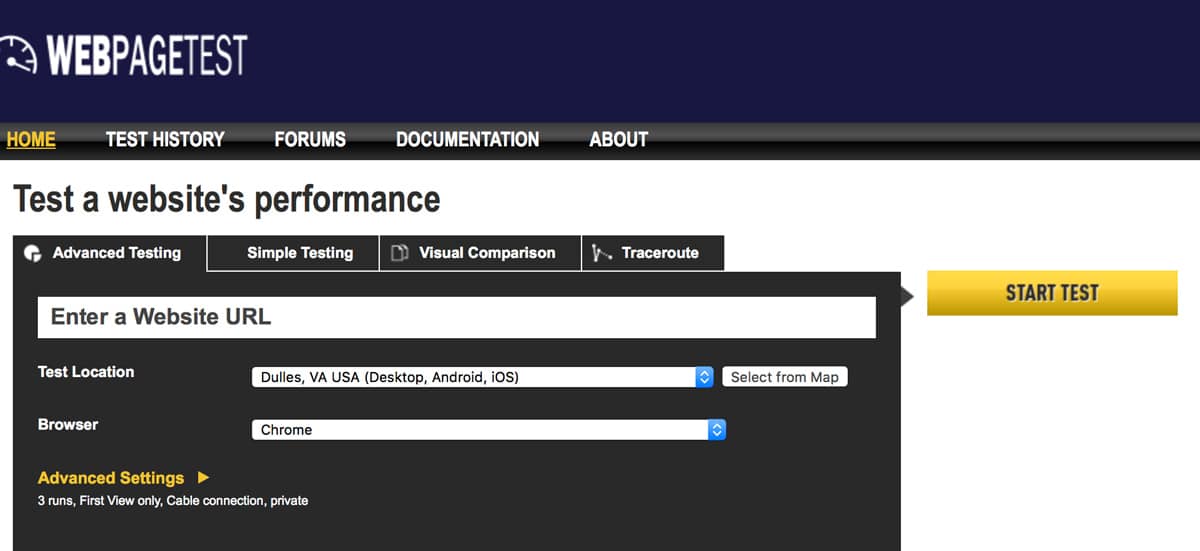
WebPageTest is the most advanced free website speed testing tool available, offering a level of testing control and detail that surpasses every other option on this list. Originally developed by AOL and now maintained as an open-source project, it lets you choose from dozens of test locations worldwide, select specific browsers and connection speeds, and even simulate mobile devices. The multi-step testing feature allows you to test complete user journeys like logging in and navigating to a specific page, which is invaluable for testing dynamic web applications.
The video capture feature is particularly powerful, letting you record and play back the visual loading process frame by frame. You can run side-by-side comparisons of two URLs to see exactly how your site stacks up against a competitor or how a before-and-after optimization looks in real time. WebPageTest also provides the most detailed connection-level data, including TCP connect times, TLS negotiation, and time to first byte from the server. For advanced users who need to diagnose complex performance issues, no other free tool comes close to the depth of analysis WebPageTest provides.
Key Features
- Testing from dozens of global locations with specific browser and connection speed selection gives you precise control over test conditions.
- Video capture records the visual loading process frame by frame, letting you see exactly what visitors experience during page load.
- Side-by-side URL comparison lets you visually compare your site against competitors or measure before-and-after optimization results.
- Multi-step testing simulates complete user journeys including login flows, form submissions, and page navigation sequences.
- Connection-level data including TCP connect times, TLS negotiation, and TTFB helps diagnose server and network performance issues.
- The open-source codebase means you can run your own private WebPageTest instance for internal testing behind firewalls.
Best For: Advanced developers and performance engineers who need granular control over testing conditions and the deepest possible performance analysis.
YSlow
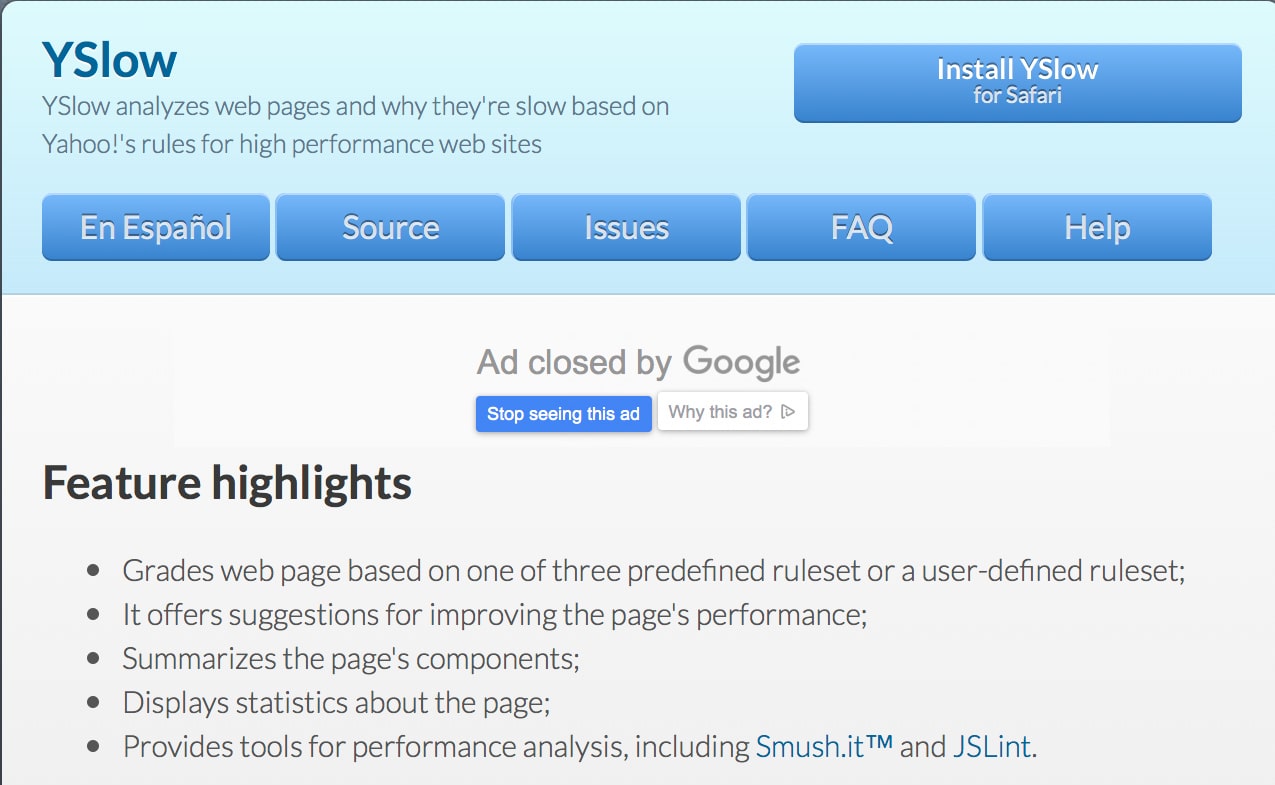
YSlow was originally developed by Yahoo and analyzes web pages based on a set of 23 testable rules that Yahoo identified as critical for high-performance websites. While it may not be as modern as some newer tools, the fundamental performance principles it checks remain just as relevant today as when they were first established. YSlow evaluates factors like minimizing HTTP requests, using content delivery networks, adding proper cache headers, and compressing components — all of which are foundational best practices for any fast website.
The tool provides a letter grade for each of its 23 rules, making it easy to see at a glance which areas of your site need attention. YSlow also suggests specific improvements for each rule violation, so you know exactly what to fix. One unique feature is the ability to create custom rulesets, which is useful for organizations that have their own performance standards beyond the default Yahoo rules. While newer tools provide more detailed metrics, YSlow’s rule-based approach offers a clear, structured framework for understanding website performance fundamentals that every developer should know.
Key Features
- The 23 testable performance rules cover foundational best practices that remain relevant for modern website optimization.
- Letter grades for each rule provide a clear, at-a-glance view of which specific areas of your site need improvement.
- Custom ruleset creation lets organizations define their own performance standards beyond the default Yahoo benchmarks.
- Specific improvement suggestions for each rule violation tell you exactly what to change to improve your website speed.
- The statistics view shows page weight by component type, helping you identify whether images, scripts, or styles are the problem.
- Integration with browser developer tools makes it convenient to test pages without leaving your normal development workflow.
Best For: Developers who want a structured, rule-based approach to understanding website performance fundamentals and identifying common optimization mistakes.
How to Use Speed Testing Tools Effectively
Running a single test is a start, but developing a testing routine delivers the best results. Here is how to get the most value from these website speed test tools:
- Establish a baseline: Test your current speed before making any changes so you have a reference point to measure improvements against.
- Test after every change: Run a speed test after plugin updates, theme changes, or significant content additions to catch performance regressions immediately.
- Monitor regularly: Weekly or monthly checks catch gradual slowdowns caused by database bloat, accumulating revisions, or growing media libraries.
- Use multiple tools: Each tool measures different metrics. GTmetrix and PageSpeed Insights together give you the most complete picture of your performance.
- Prioritize mobile: Focus on mobile speed scores first. Google uses mobile-first indexing, so your mobile performance determines your search rankings.
Professional Speed Optimization
Testing identifies problems, but fixing them requires expertise. Some optimizations are technical and time-consuming. WPlook’s Speed Optimization Service handles everything for you, targeting a PageSpeed score of 90%+ through image optimization, caching configuration, code minification, and CDN implementation.
For the best foundation, start with quality WordPress hosting that delivers fast server response times. Then use image optimization plugins to compress your media files without visible quality loss.
Frequently Asked Questions
- Which speed testing tool is most accurate?No single tool is most accurate because they measure different things. Google PageSpeed Insights shows what Google sees, making it important for SEO. GTmetrix provides the most detailed breakdowns. Use multiple tools for a complete picture.
- Why do different speed tools show different results?Each tool tests from different server locations, uses different metrics, and measures at different times. Your actual speed also varies based on server load and network conditions. Focus on trends rather than exact numbers.
- What is a good PageSpeed score?Scores above 90 are excellent. Scores between 50-89 need improvement. Below 50 indicates serious problems. For most business sites, aim for at least 70 on mobile and 80 on desktop.
- How often should I test my website speed?Test monthly for routine monitoring. Also test after any significant changes like new plugins, theme updates, or major content additions. Set up automated monitoring to catch sudden slowdowns immediately.
- Do speed test results affect my actual Google rankings?Google uses real-world speed data from Chrome users, not test scores directly. However, test scores correlate with real performance. Improving your scores usually improves actual speed, which does affect rankings.
Conclusion
Regular website speed testing is one of the most impactful things you can do for your site’s success. Start with Google PageSpeed Insights to understand what Google sees, then use GTmetrix for detailed waterfall analysis. Test regularly, optimize consistently, and your site will reward you with better rankings, lower bounce rates, and higher conversions.
Need help implementing the optimizations these tools recommend? Our Speed Optimization Service handles everything for you, and quality WordPress hosting provides the fast foundation every site needs.
Site Speed, WordPress Speed Optimization

Elevate Your Online Presence with Our Free WordPress Themes
Craft Your Debut Blog or Nonprofit Website with Our Complimentary Themes!
Discover Free Themes