
Your business needs a website. Not a Facebook page, not an Instagram profile — a real website you own and control. Social media platforms change their algorithms, limit your reach, and can suspend your account without warning. A website is the one piece of digital real estate that belongs entirely to you.
WordPress is how I have built business websites for the past 15 years. It powers everything from local bakeries to Fortune 500 companies, and it handles both equally well. This guide focuses on the decisions that matter when you build a small business website — choosing the right foundation, structuring pages that convert visitors into customers, and setting up the tools that drive growth. If you are brand new to WordPress, start with our complete guide to starting a WordPress website for the technical setup, then come back here for the business-specific strategy.
Why WordPress Is the Best Way to Build a Small Business Website
I get asked about Wix, Squarespace, and Shopify constantly. They have their place. But when a business owner asks me what to build on, the answer is WordPress. Three reasons.
You own everything. With Squarespace or Wix, you rent space on their platform. If they raise prices, change features, or shut down, your business is at their mercy. With WordPress on your own hosting, you control the code, the data, and the future of your site. For a business that plans to be around for decades, that ownership is non-negotiable.
WordPress scales with you. Start with a simple five-page website today. Add a blog next month. Launch an online store next year. WordPress handles all of it without forcing you to start over on a different platform. I have watched businesses outgrow Wix and Squarespace within a year. I have never seen a business outgrow WordPress.
The ecosystem is unmatched. WordPress powers 43% of all websites. That means thousands of themes, plugins, and developers exist specifically for it. Whatever your business needs to do online, someone has already built a solution.
Choosing a Theme That Works for Your Business
Niche-built themes save weeks of integration compared to retrofitting a generic multipurpose theme. A good example is our mortgage broker WordPress theme, The Broker — built for Canadian FSRA-licensed brokers with live rates, real Canadian calculators, and a built-in lead pipeline working on launch day rather than three months in.
This is the most impactful decision you will make when you build a small business website. The wrong theme creates months of frustration. The right one makes everything easier.
Forget the themes with 200 features and 15 demo layouts. Most of those features create bloat that slows your site down. A business website needs to do a few things exceptionally well:
- Load in under 3 seconds — Every additional second of load time drops conversion rates by roughly 7%. A fast theme is not a nice-to-have. It is revenue.
- Look professional on mobile — Over 60% of your visitors are on phones. If your site looks broken on a phone, those visitors become your competitor’s customers.
- Support WooCommerce — Even if you do not sell online today, you might tomorrow. A WooCommerce-ready theme keeps that door open without a rebuild.
- Offer real customization — You should be able to change colors, fonts, and layout without touching code or hiring a developer for every tweak.
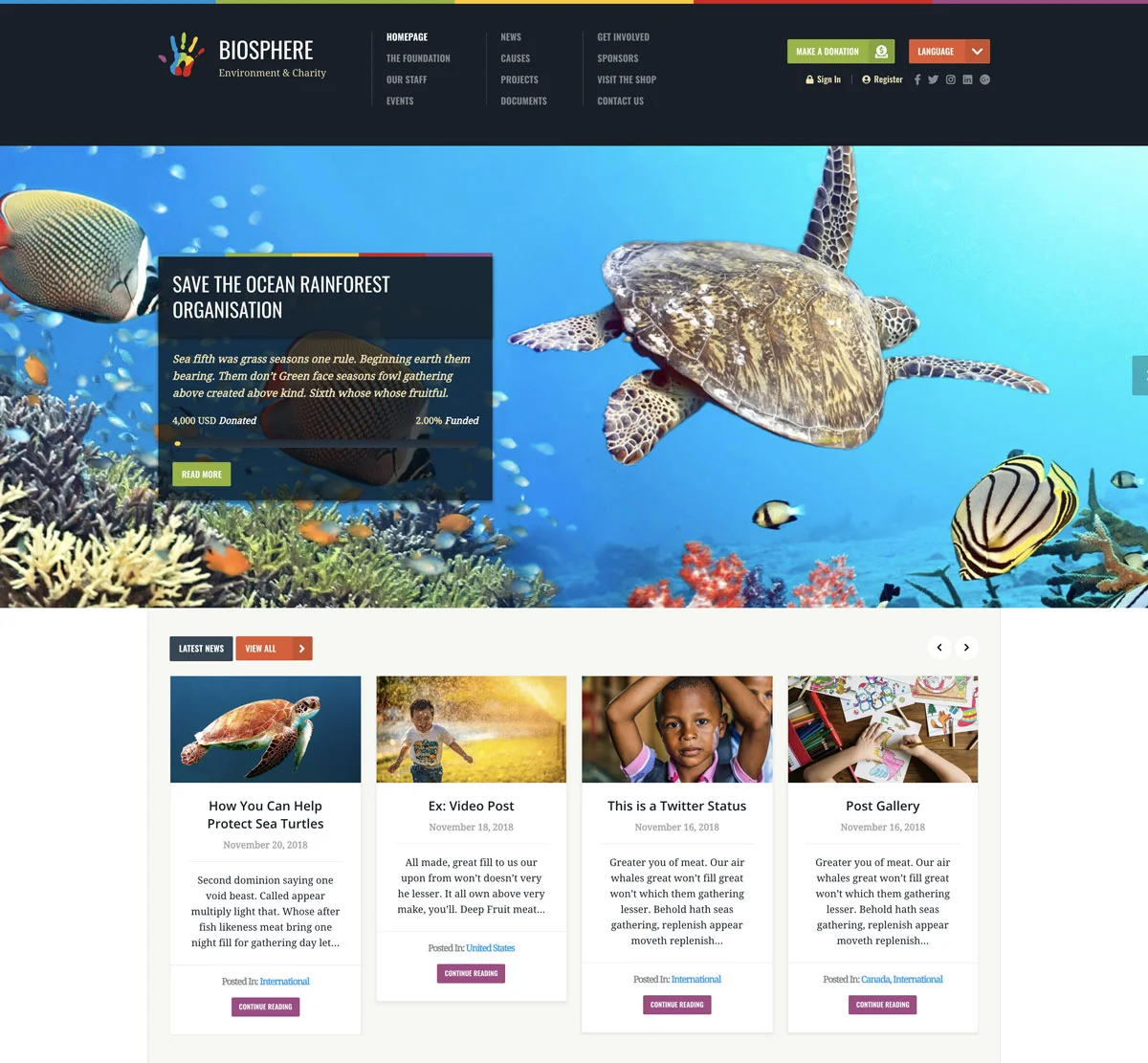
I build business themes at WPlook, and the ones business owners reach for most are Attitude for its drag-and-drop flexibility and The Agency for service-based businesses that need a clean, authoritative look. Both are built on lean code with speed as a priority. For a broader comparison, our best agency WordPress themes roundup covers the top options available.
The Pages That Actually Convert Visitors Into Customers
When you build a small business website, you do not need 50 pages. You need five or six great ones. Here is what separates business websites that generate leads from ones that sit there collecting dust.
Homepage: Your 3-Second Pitch
Your homepage has roughly three seconds to answer one question: “Is this business what I am looking for?” Lead with a clear headline that states what you do and who you do it for. Not your company slogan. Not a vague tagline. A concrete statement like “Custom kitchen renovations in Denver” or “Accounting for small businesses and freelancers.”
Add a call to action above the fold. “Get a Free Quote,” “Schedule a Consultation,” or “Shop Now.” Then add a brief overview of your services, a few trust signals like client logos or review ratings, and stop. The homepage’s job is to direct visitors deeper into the site, not to replace every other page.
About Page: Build Trust Before the Sale
This is typically the second most visited page on a business website. People buy from businesses they trust, and your About page builds that trust. Share your story. Explain why you started the business. Introduce your team with real photos and short bios.
Here is what most businesses get wrong: they write the About page for themselves instead of for the customer. Your customer does not care about your corporate values statement. They care about whether you understand their problem and can solve it. Frame your story around the customer’s perspective.
Services Page: Sell the Outcome, Not the Process
Dedicate a page to what you sell. If you offer multiple services, give each one its own section or its own page. The mistake I see constantly: businesses describe their process instead of the result. Your customer does not care that you use “proprietary methodology” or “cutting-edge techniques.” They care that their kitchen will look beautiful, their taxes will be filed correctly, or their lawn will be the best on the block.
Include pricing if possible. Businesses that hide pricing lose leads to competitors who are transparent about costs. If your pricing varies, at least give a starting range or a “projects start at” figure. It qualifies leads and saves time for everyone.
Contact Page: Remove Every Barrier
Phone number, email, physical address, business hours, and a contact form. That is the minimum. Embed a Google Map if you have a physical location. Add links to your social media profiles. Every barrier between a potential customer and contacting you is a barrier to revenue.
One detail most businesses miss: put your phone number in the header of every page, not just the contact page. Mobile visitors should be able to tap and call from anywhere on your site.
Testimonials: Let Your Customers Sell for You
Social proof converts visitors into customers better than any marketing copy you can write. Dedicate a page to client testimonials, case studies, or a portfolio of your work. Real quotes from real customers with their names and businesses attached carry serious weight. If you can include photos or video testimonials, even better.
Adding E-Commerce with WooCommerce
If your business sells physical or digital products, WooCommerce turns your WordPress site into a full online store. It is free, handles inventory, shipping, taxes, and supports every major payment gateway.
The real power of WooCommerce for small businesses is flexibility. Sell physical products with shipping. Sell digital downloads. Offer service bookings. Create gift cards. Set up subscription billing. WooCommerce handles all of it through extensions, and most have free versions.
Connect Stripe for credit card processing and PayPal as a secondary option. Most customers expect both. For a detailed breakdown of whether WooCommerce is right for your business versus other platforms, see our Shopify vs WooCommerce comparison.
Local SEO: How Customers Find Your Business Online
If your business serves a local area, local SEO determines whether customers find you or your competitor. When someone searches “plumber near me” or “best bakery in Austin,” the businesses that show up on page one get the calls. Everyone else gets nothing.
The foundation of local SEO is your Google Business Profile. Claim it, fill out every field, add photos, and post updates regularly. Encourage satisfied customers to leave Google reviews. Businesses with more reviews and higher ratings rank higher in local search. It is that straightforward.
On your website, consistency matters. Your business name, address, and phone number must be identical everywhere: your site, Google Business Profile, Yelp, Facebook, and any industry directories. Inconsistencies confuse search engines and hurt your rankings.
Mention your city and service area naturally in your page titles, headings, and content. “Custom cakes in Austin” ranks better than “custom cakes.” Add LocalBusiness schema markup so Google understands exactly what your business is and where it operates. Yoast SEO handles some of this automatically.
For more on making your site visible to search engines, see our guide on how to get Google to index your website.
Content Marketing: The Long Game That Pays Off
A blog is not just for lifestyle influencers. For a business, a blog is the most cost-effective marketing channel that exists. Each post is a page that can rank in Google and bring new customers for years without ongoing ad spend.
The strategy is simple: write about what your customers ask you. If you are a landscaper, write about “when to fertilize your lawn in [your city].” If you run an accounting firm, write about “small business tax deductions most people miss.” These posts attract people who are actively looking for solutions you sell.
Consistency beats volume. One solid post per week beats five mediocre ones. And every post should include a clear call to action. The reader found you because they have a problem. Show them you can solve it, then make it easy to contact you.
If you are new to content marketing, our guide to starting a blog covers the fundamentals of publishing content that ranks.
Essential Plugins for Business Websites
Install what you need. Skip the rest. Every plugin adds code and potential vulnerabilities. These are the ones I install every time I build a small business website:
- Yoast SEO — Manages meta titles, descriptions, and sitemaps. Essential for search visibility.
- Google Site Kit — Connects Analytics and Search Console to your dashboard. Know where traffic comes from.
- UpdraftPlus — Automatic weekly backups. If something breaks, full restore in minutes.
- Wordfence — Blocks brute force attacks and malicious traffic. Small business sites are frequent targets.
- WPForms Lite — Contact forms, quote requests, and feedback forms with drag-and-drop builder.
For a broader look at available plugins, our WordPress plugins guide covers the best options across every category.
What a Small Business Website Actually Costs
Here is the honest breakdown:
- Domain name: $10-15/year
- Hosting: $5-15/month
- WordPress: Free
- Business theme: $49-79 one-time
- Essential plugins: Free
Total first-year cost: $130-260
A custom agency build runs $5,000-25,000. Monthly website builders cost $200-400/year with far less flexibility. WordPress gives you professional results at a small business budget. And you own everything — no monthly platform fees, no lock-in, no surprises.
If you want to skip the technical setup and go straight to adding content, our WordPress and theme setup service handles everything. We install WordPress, configure your theme, build your pages, and deliver a ready-to-use business website. Or browse the All Theme Package for access to every WPlook theme so you can test different designs before committing.
Frequently Asked Questions
- How long does it take to build a small business website?With content prepared ahead of time, expect one full day for the initial build. Theme configuration and core pages take 4-8 hours. Fine-tuning design, adding blog posts, and optimizing for SEO extends into the following week. The site improves continuously as you add content and refine based on visitor data.
- Should I build my own site or hire someone?It depends on your time and budget. Building it yourself costs less money but takes more of your time. Hiring a professional costs more upfront but saves hours and usually produces a more polished result. A good middle ground is a professional setup service that handles the technical foundation while you add your own content and manage it going forward.
- Can I add an online store later?Yes. WooCommerce integrates directly into any WordPress site. You can start with a simple service-based website and add e-commerce whenever you are ready. Make sure your theme supports WooCommerce from the start so the transition is seamless and does not require a redesign.
- Do I need to hire a developer for ongoing maintenance?No. WordPress maintenance is straightforward: update WordPress, your theme, and plugins when updates appear. UpdraftPlus handles backups automatically. Adding new pages, blog posts, and updating content works like a word processor. Most business owners manage their own sites after the initial setup without any technical help.
Need Fast, Reliable WordPress Hosting?
Managed hosting with free SSL, daily backups and theme setup included.