

Toolbar
- Phone Number: The phone number will be displayed alongside the social icons. It will be linked, allowing users to tap on it to call.

Charity Toolbar
-
Social Network Navigation: Social networks listed here are displayed as icons in the site header.
-
Click the Add New button in order to add a social network.
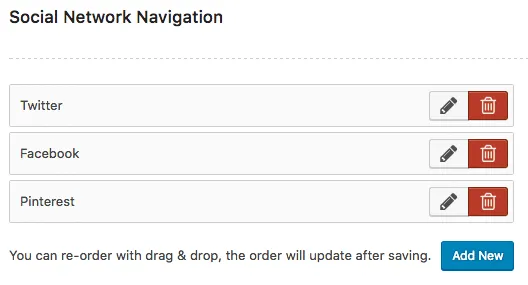
The Social Network Navigation panel.
-
Set the Title to anything you want, it will not be displayed on the site.
-
The Service Name will be displayed once the user hovers over the social network icon.
-
The URL is where the social network icon will link to.
-
The Icon can be picked from the list of icons next to the input field.
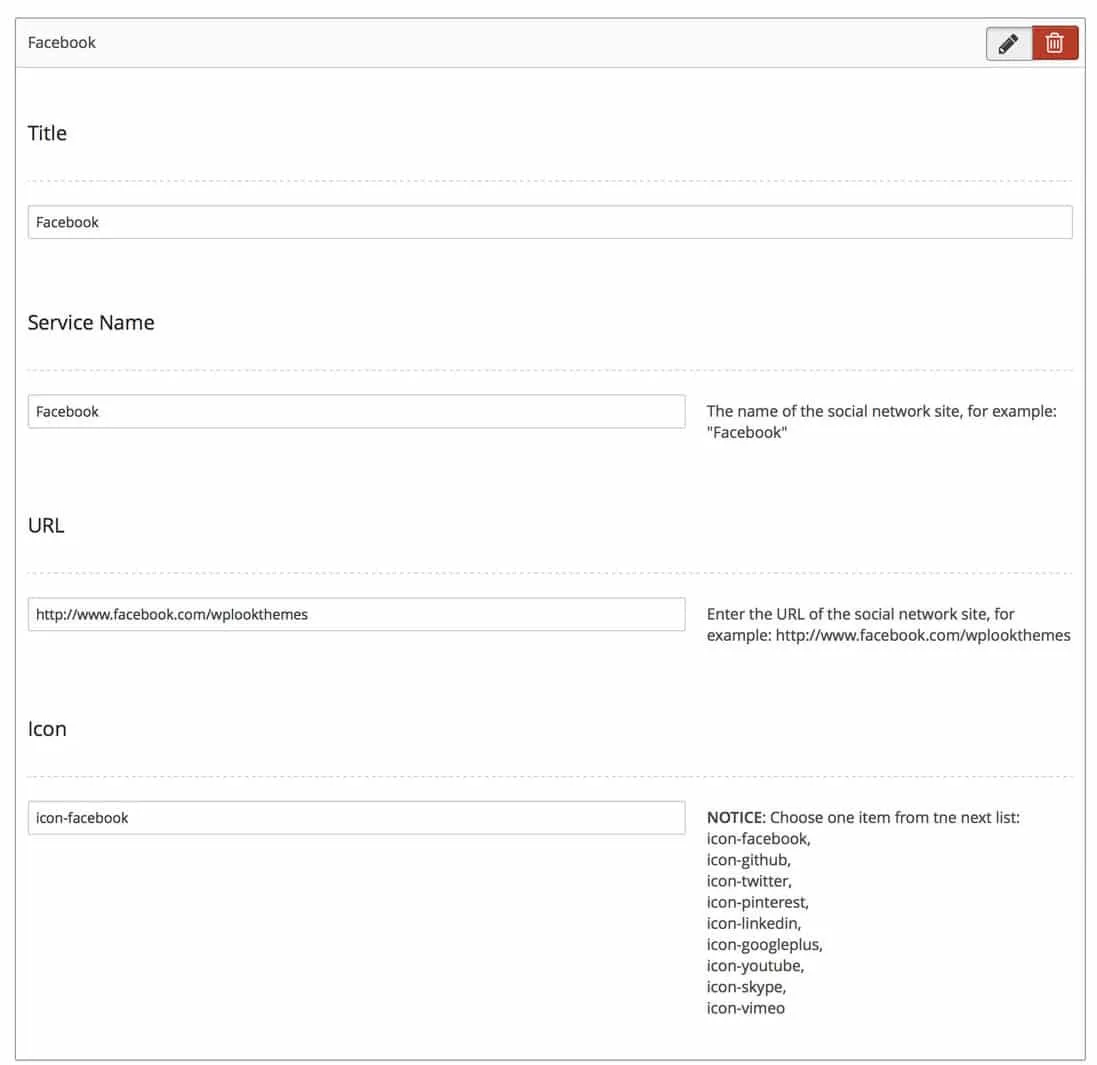
Settings available for each social network
-
-
General Donation Link: Add link for “General Donations”.
-
General Donation Text: Add text for ” General Donations” link.
Still stuck?Our support team can help with this theme. Include a link to this page in your ticket.
Submit a ticket