

Shortcodes
Shortcodes are special kinds of content that users can attach to certain pages by adding the corresponding tag into the post or page text. Shortcodes can include buttons, alerts, and more advanced things like previews of posts or interactive forms.
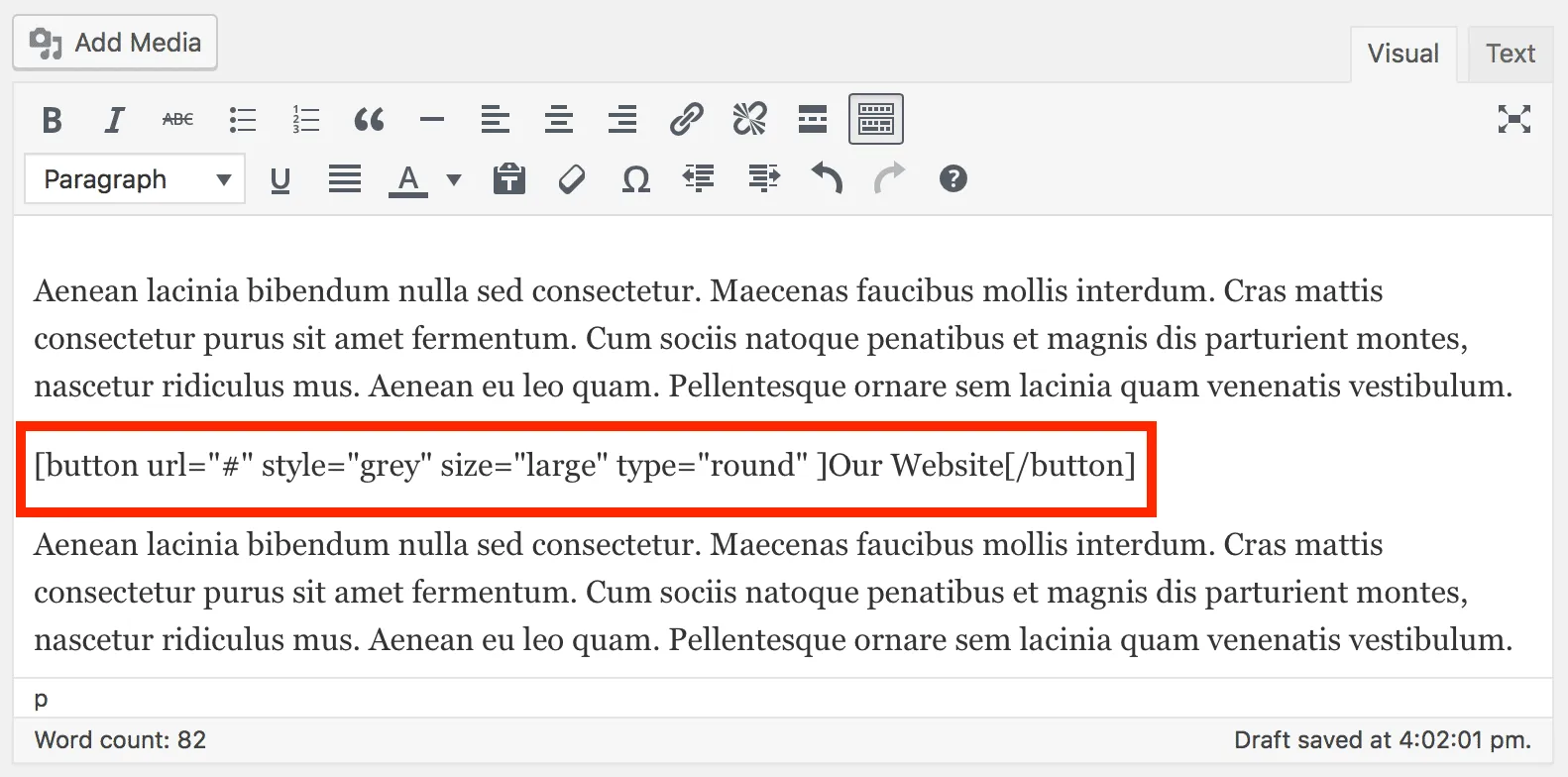
Post content with an example shortcode highlighted.
Shortcodes are usually enclosing, so they include content in between the opening and closing tags of the shortcode. This content can usually include anything WordPress supports – images, formatted text etc. An example of an enclosing shortcode is this:
[button]Enclosing shortcode content[/button]However, shortcodes can also be self-closing, which means they do not include a closing tag or any content. An example of a self-closing shortcode is this:
[button text="Button content"]Button shortcode
Section titled “Button shortcode”The button shortcode is used to display an attractive link to content either on your site or elsewhere. It comes in a selection of colour, sizes and shapes.
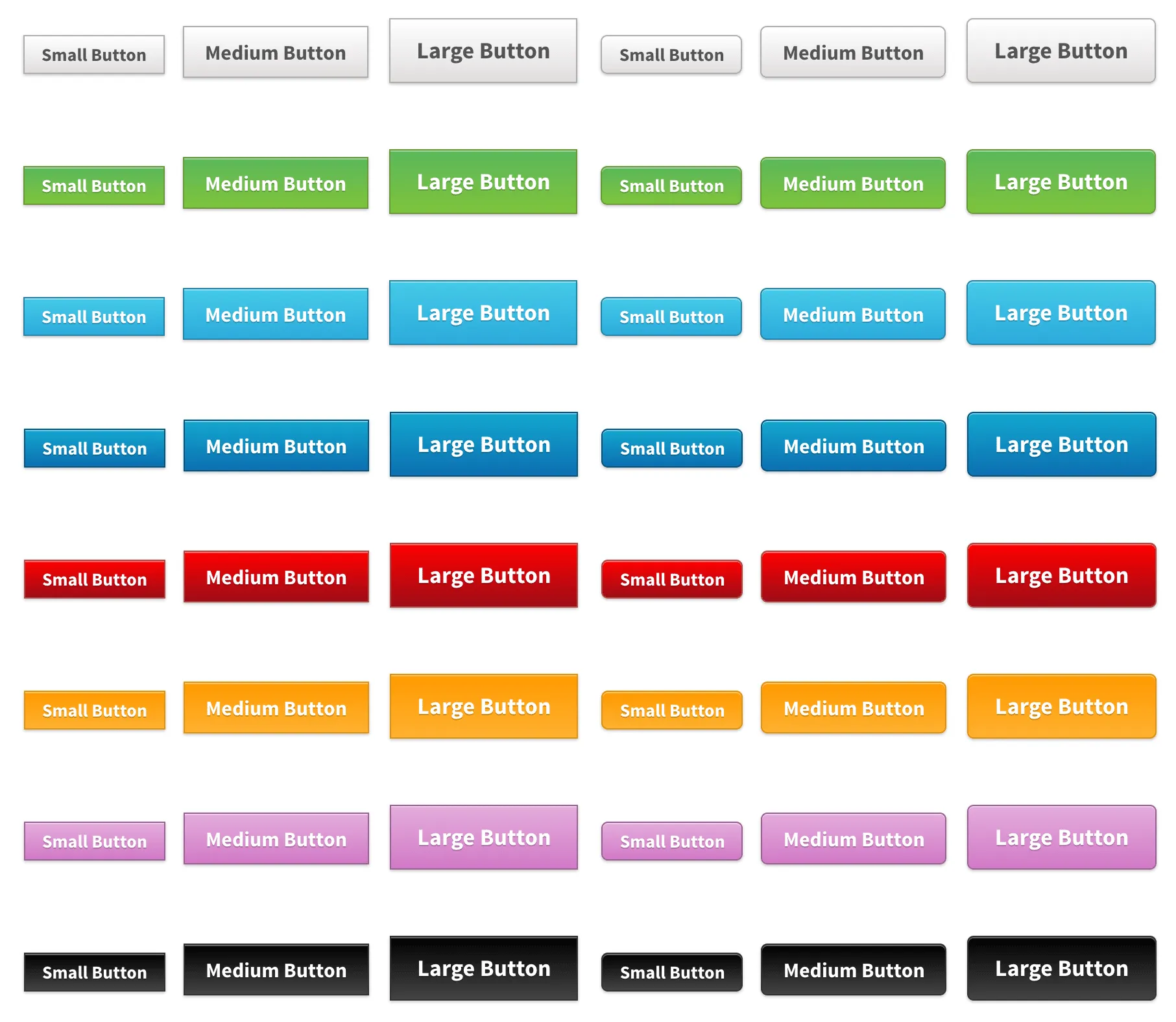
All possible combinations of the button shortcode.
Example shortcode:
[button url="#" style="grey" size="small" type="square"]Small Button[/button]Options
Section titled “Options”**url**: The URL to which the button will link.**style**: The colour of the button. Possible options includegrey,green,light-blue,blue,red,orange,purpleandblack.**size**: The size of the button. Possible options includesmall,mediumandlarge.**type**: Whether the button will have rounded corners or not. Possible options includesquareandround.
The content of the shortcode determines what text will be displayed on the button.
Alerts
Section titled “Alerts”Alerts bring attention to important messages on your site. They can contain any content
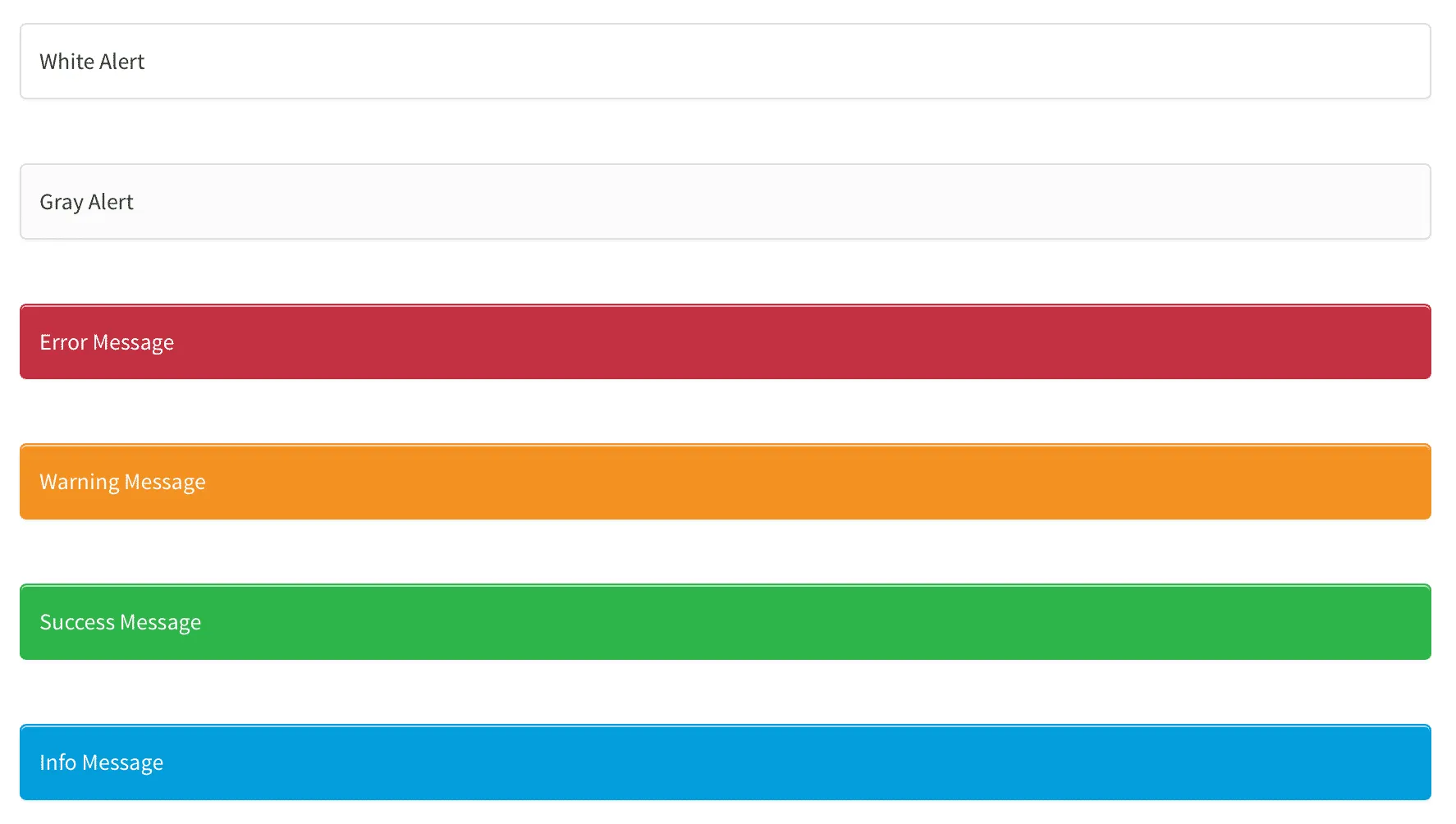
The alerts available in Benevolence.
Example shortcode:
[alert style="white"]White Alert[/alert]Options
Section titled “Options”**style**: The style of the alert shortcode determines it’s colour. Possible options includewhite,gray,red,yellow,greenandblue.