

Add New Ticket
You can add new tickets through Tickets→ Add New Tickets in the WordPress Administration Panel.
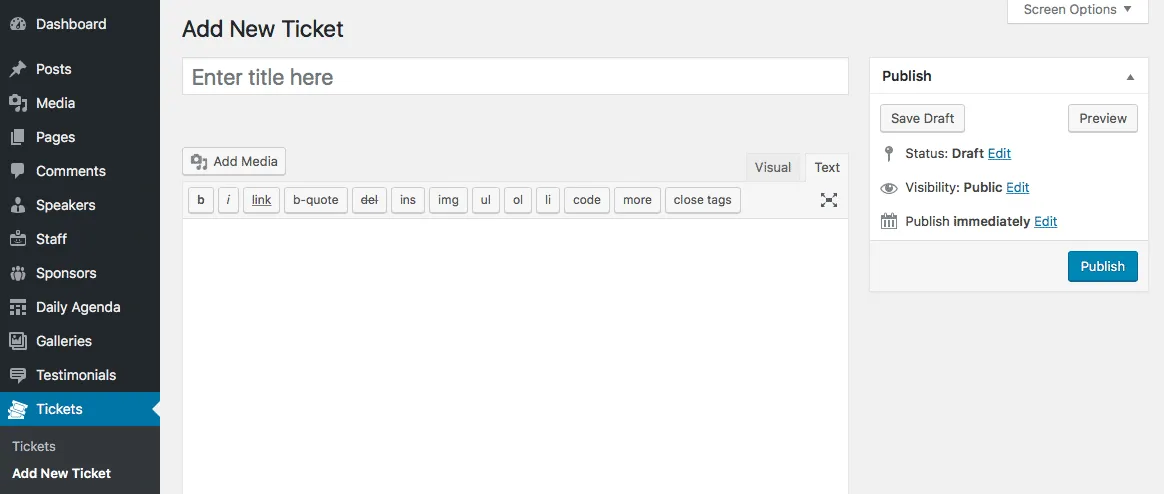
Add new ticket
Tickets contain most of the same options as standard posts. You can read about these in the Add New Post chapter. Additionally, they contain post options specific to events.
Tickets Options
Section titled “Tickets Options”Tickets Options are found below the editor on the Edit Ticket page. If the Ticket Options are not visible, make sure they are checked inside the Screen Options area at the top.
If you are adding a new event, make sure you have saved the post before editing tickets options. Otherwise, the ticket options will not be visible.
Insert ticket price.
Tickets options
Section titled “Tickets options”Press the Add New button in order to add a new option.
Custom URL
Section titled “Custom URL”Set a custom URL for this ticket, the url will be applied to “buy button”.
Highlight
Section titled “Highlight”Switch Off if you don’t want to highlight the text.