

Add New Event
You can add new events through Events → Add New Event in the WordPress Administration Panel.
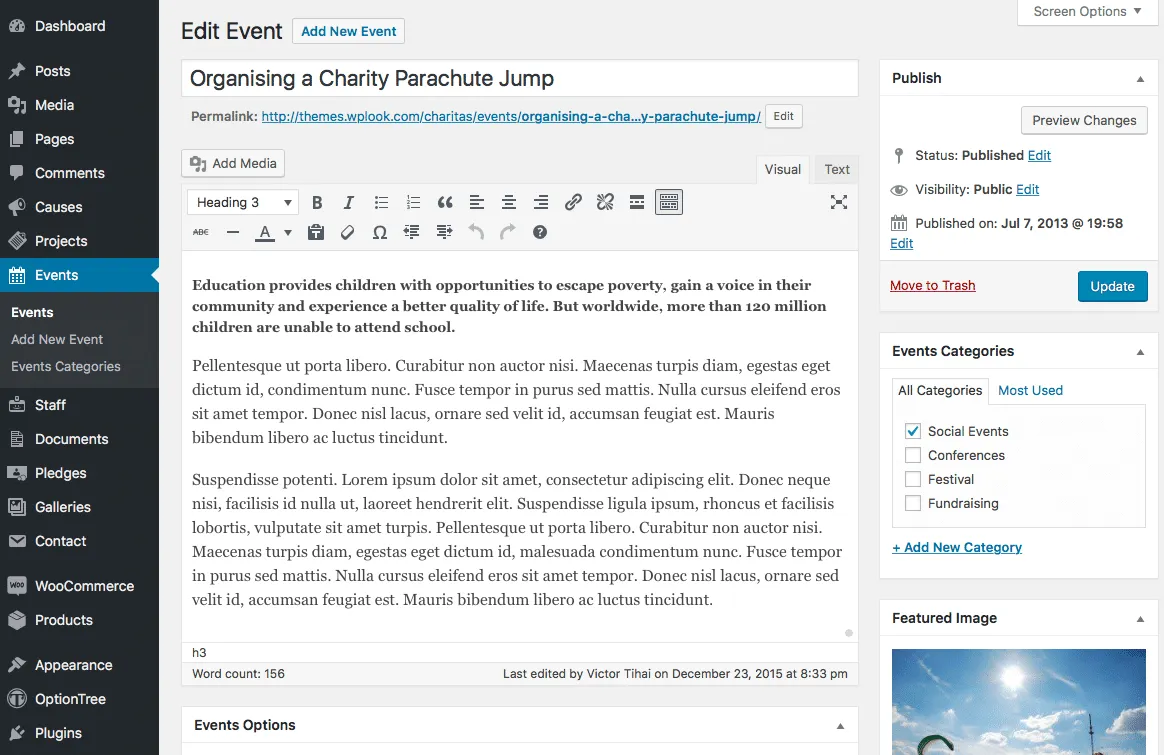
Events contain most of the same options as standard posts. You can read about these in the Add New Post chapter. Additionally, they contain post options specific to events.
Event Options
Section titled “Event Options”Event Options are found below the editor on the Edit Event page. If the Event Options are not visible, make sure they are checked inside the Screen Options area at the top.
If you are adding a new event, make sure you have saved the post before editing event options. Otherwise, the event options will not be visible.
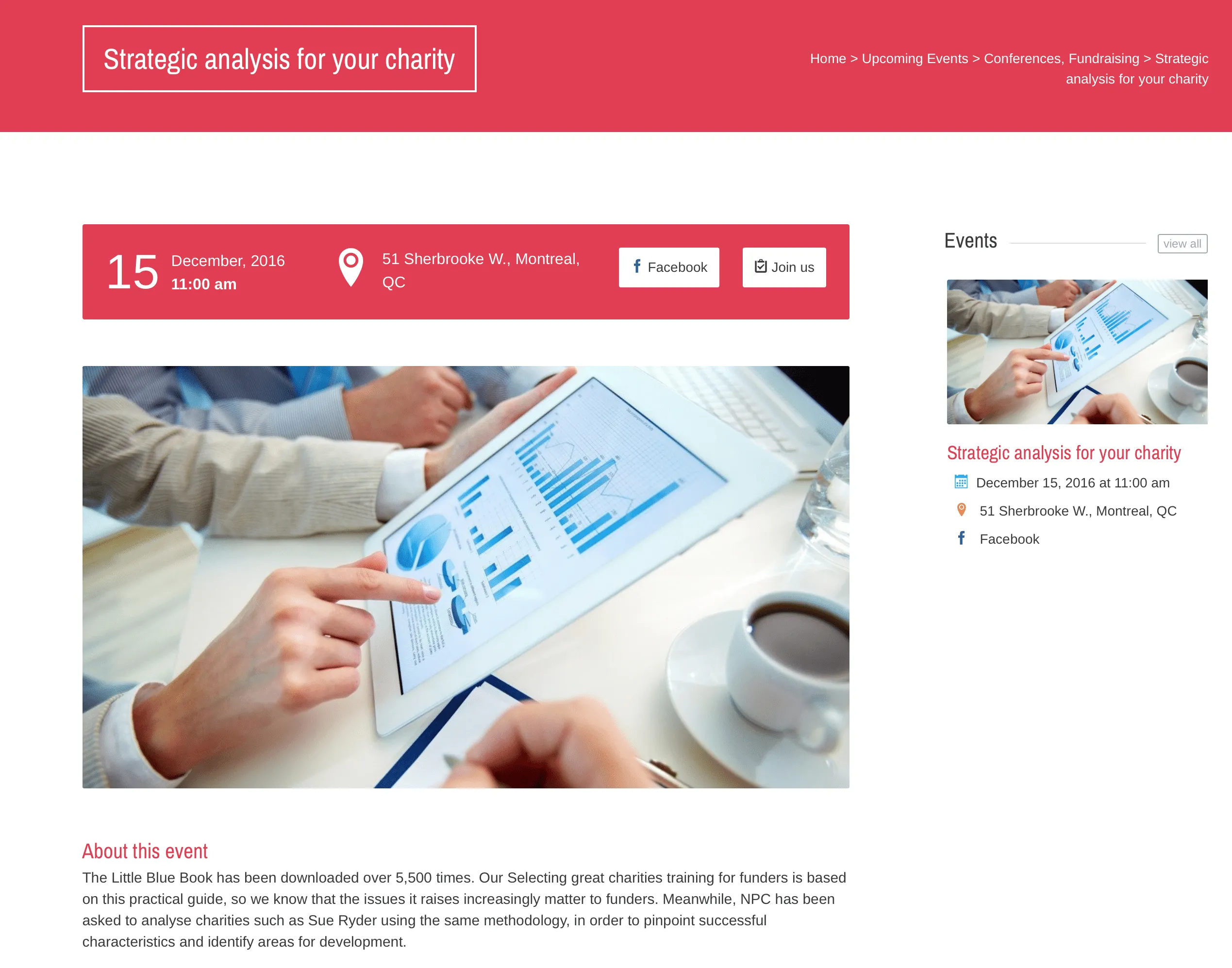
Example of an event
Header image
Section titled “Header image”The header image is displayed behind the title at the top of the single event page in the front-end. Select a wide but short image, around 1680px x 275px. Click the + button to upload an image.
If you don’t add a header image, the default background color will be displayed.
Start date and time
Section titled “Start date and time”This field denotes the start date and time of this event. In the case of repeating events, please enter the start of the first occurrence of this event.
End date and time
Section titled “End date and time”This field denotes the end date and time of this event. In the case of repeating events, please enter the end of the first occurrence of this event.
Add the event url to facebook.com
Event location
Section titled “Event location”A user-friendly name of the location or building where the event will take place, such as Notman House.
Event address
Section titled “Event address”User-friendly address of the event which will be displayed above the map in the information panel. Consider including some directions or a description of your event location to make it easier to find.
Event Google Maps location
Section titled “Event Google Maps location”Maps are dispayed using Google Maps, so check your location is displayed correctly there before pasting it in here. This field can accept coordinates as well as addresses.
Remember to include your Google Maps API key on the Theme Options page for maps to be displayed correctly.
Pin map icon
Section titled “Pin map icon”The pin to be placed on the map in the location you set in Event Google Maps location. The recommended size for this is 64px x 64px, but any other size will also be handled correctly.
Share buttons
Section titled “Share buttons”Set to On to display the sharing buttons for Twitter, Facebook, Pinterest and Google+.
Sign-up form
Section titled “Sign-up form”Contact form to display on this event page. A default form set in the Theme Options is used if nothing is selected here.