


Social sharing plugins add buttons that let visitors share your content on social networks. Each share expands your reach without extra work from you. The right plugin loads fast, looks good on mobile, and tracks performance so you know what content resonates.
This guide covers the 10 best free social sharing plugins for WordPress. Each offers different features like share counts, floating bars, and custom styling. Find the one that fits your site’s design and goals. This guide is part of our complete WordPress plugins guide.
Simple Share Buttons Adder

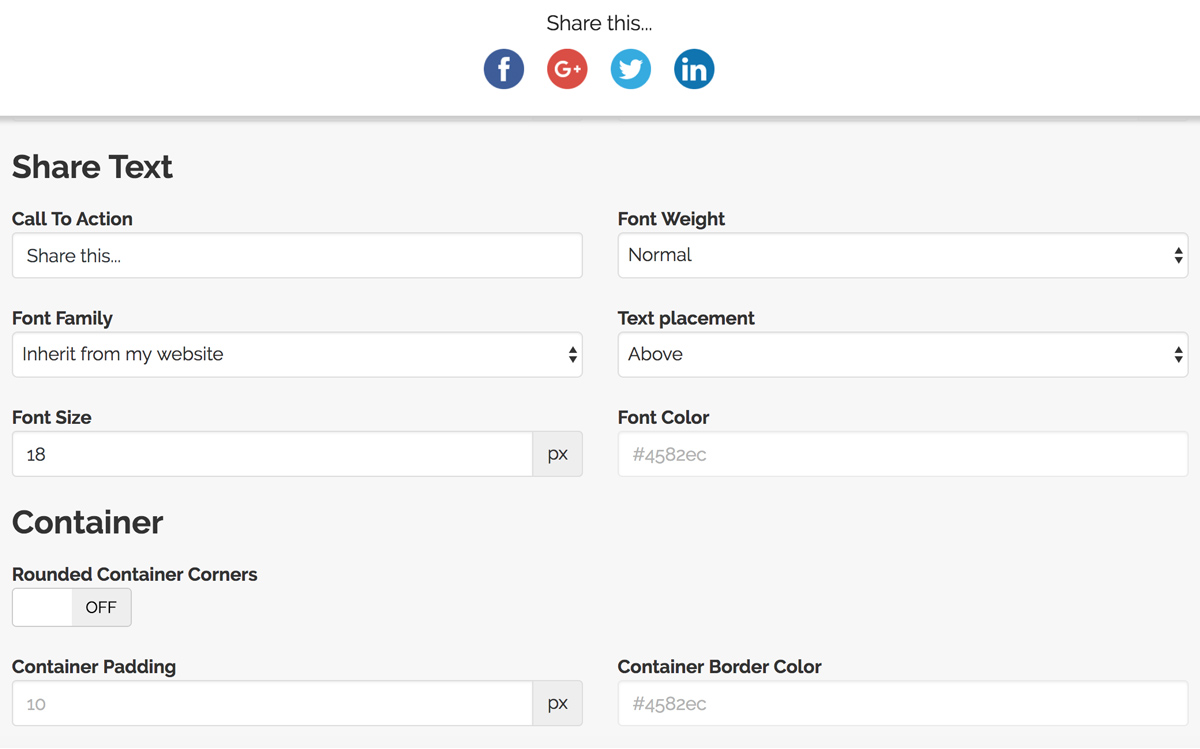
Simple Share Buttons Adder lives up to its name by delivering clean, fast-loading share buttons with minimal configuration. It supports all major social networks including Facebook, X (Twitter), Pinterest, and LinkedIn, and lets you choose from multiple button styles or upload your own custom icons.
Position buttons before content, after content, or both — the plugin works with any WordPress theme without conflicts. Optional share counts display social proof when your numbers are strong enough to impress visitors. The lightweight codebase means it will not slow down your page load times.
Key Features
- Lightweight code with fast page loading
- Multiple button styles or custom icons
- Flexible before/after content positioning
- Optional share count display
- Compatible with any WordPress theme
- All major social networks supported
Best For: Site owners who want simple, fast-loading share buttons without complex configuration or heavy scripts.
Shareaholic

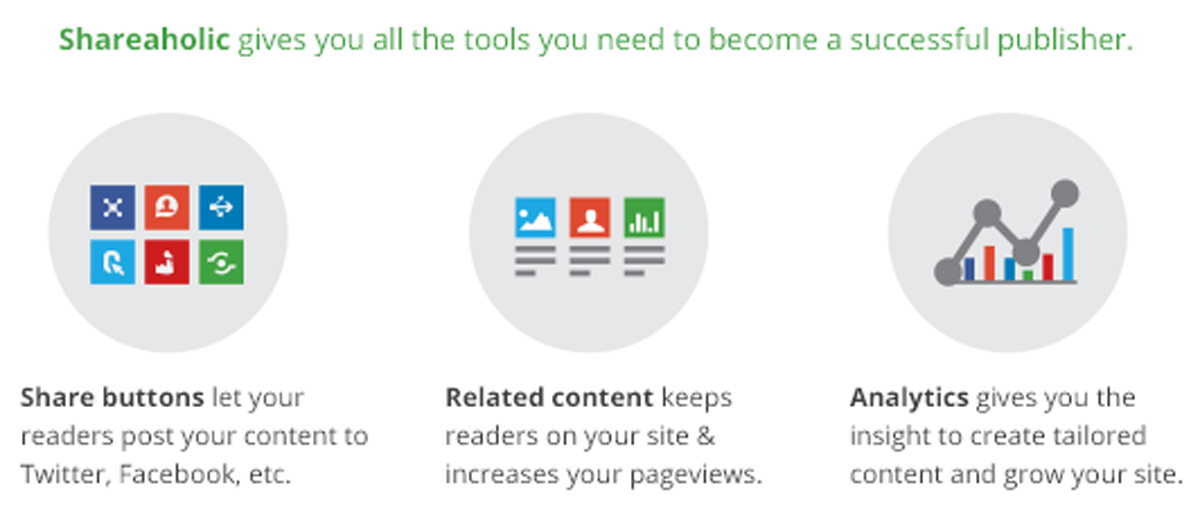
Shareaholic combines social sharing with content discovery and monetization in a single platform. Beyond share buttons, it displays related posts that keep visitors engaged and offers revenue opportunities through its publisher network. Over 100 social sharing button options give you extensive customization.
The built-in analytics dashboard tracks shares across all networks in one place, so you can see exactly which content resonates with your audience. Floating share bars, image sharing, and follow buttons are all included. Mobile-responsive designs ensure your sharing options look professional on every device.
Key Features
- Over 100 social network sharing options
- Built-in related posts for engagement
- Detailed analytics dashboard included
- Floating share bars for visibility
- Image sharing support built in
- Mobile-responsive button designs
Best For: Publishers who want social sharing combined with content discovery, analytics, and monetization in one plugin.
MashShare

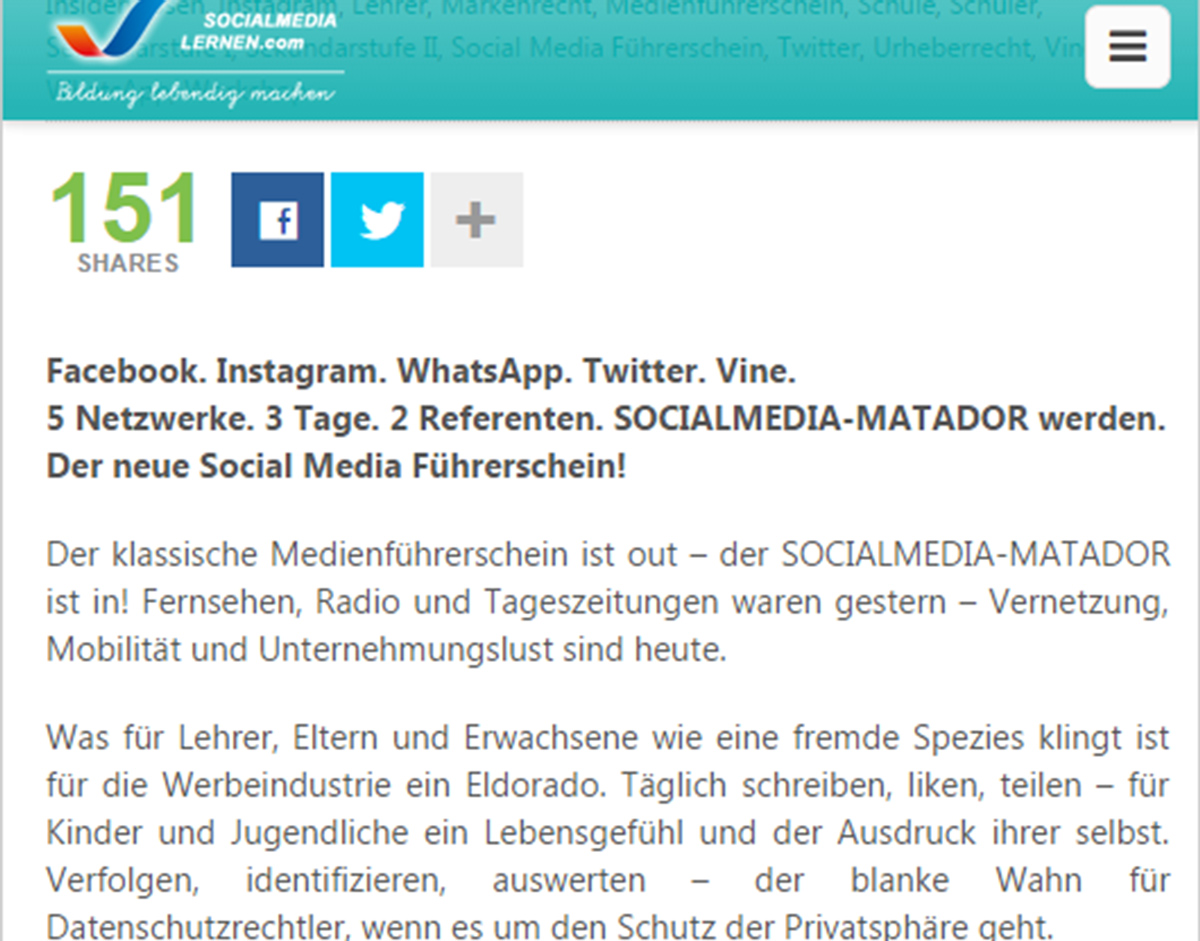
MashShare focuses on speed and visual appeal, creating share buttons inspired by high-traffic sites like Mashable. The lightweight code ensures fast page loads even with share counts enabled, making it a strong choice for performance-conscious site owners who still want attractive sharing options.
The free version covers Facebook, X (Twitter), and subscribe buttons, with premium add-ons available for additional networks. Virtual share counts let new sites display numbers before building real social proof. Open Graph support ensures your content previews correctly when shared across platforms.
Key Features
- High-performance lightweight code
- Mashable-inspired button design style
- Virtual share counts for new sites
- Responsive design on all screen sizes
- Premium add-on extensions available
- Open Graph meta tag support
Best For: Performance-focused sites that want attractive, Mashable-style share buttons without sacrificing page speed.
Kiwi Social Share
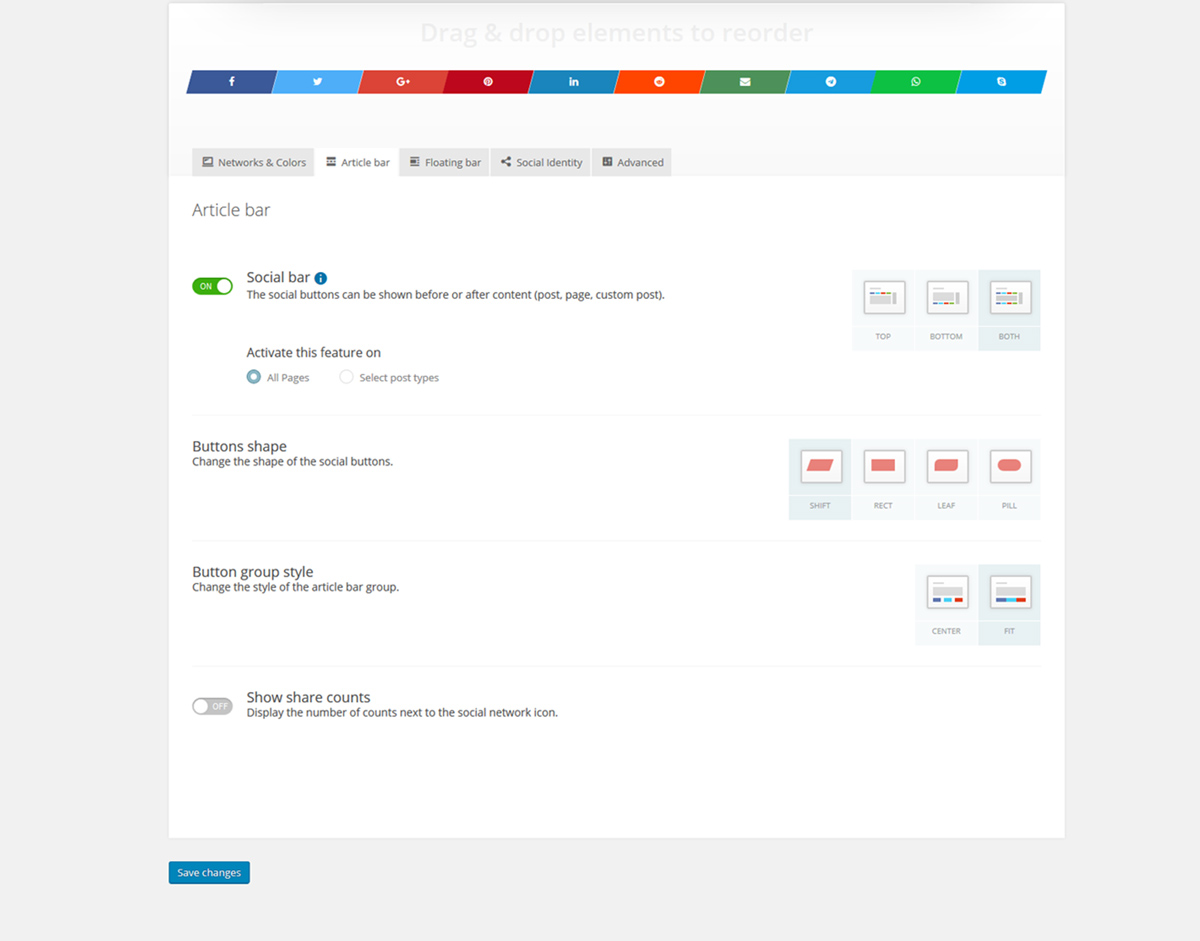
Kiwi Social Share provides professional-looking buttons with extensive customization options that let you match your site’s branding perfectly. The free version includes eight network options with animation effects that make buttons eye-catching without being distracting to your readers.
Position buttons above content, below content, or as a floating sidebar that stays visible while visitors scroll. Custom colors let you maintain brand consistency across every element. Built-in analytics track which networks drive the most shares, helping you optimize your button placement and selection.
Key Features
- Eight social networks in free version
- Eye-catching animation effects
- Custom color and branding options
- Floating sidebar positioning option
- Built-in share analytics tracking
- Mobile-optimized responsive layouts
Best For: Brand-conscious sites that need customizable share buttons matching their design system with built-in analytics.
Easy Social Sharing

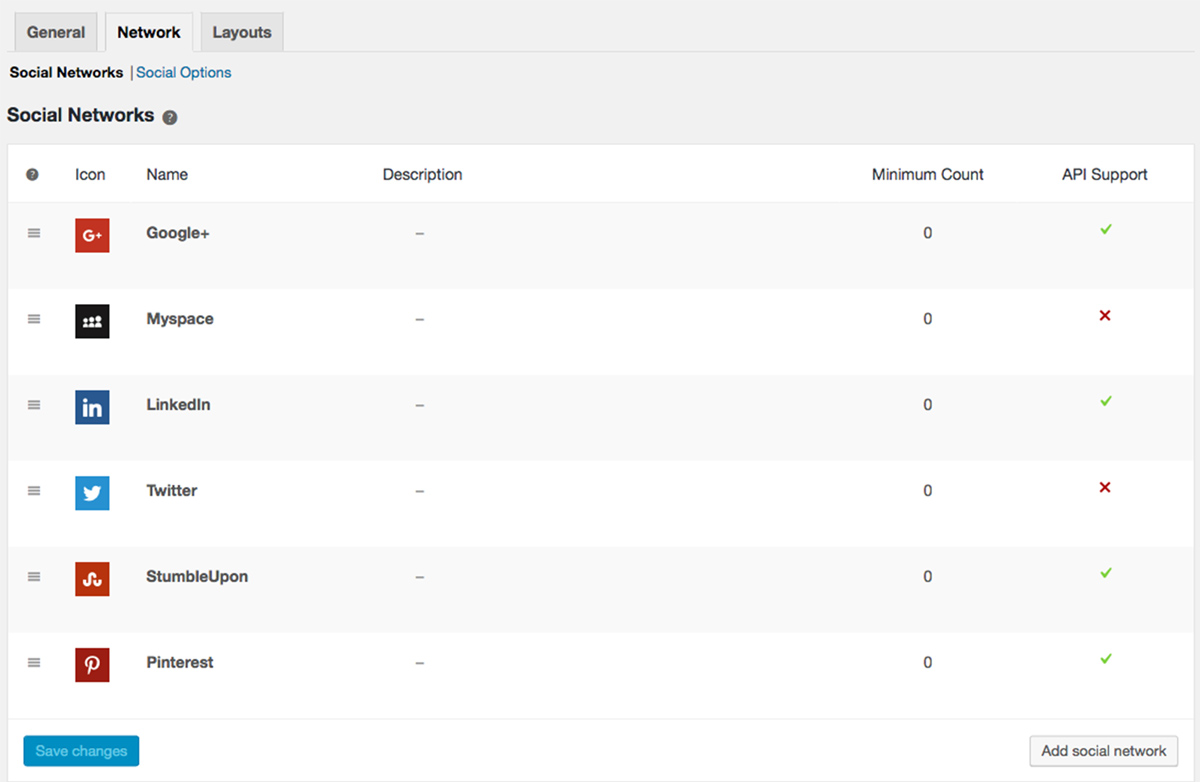
Easy Social Sharing delivers exactly what its name promises — quick setup that gets share buttons on your site in minutes. The plugin focuses on the essentials without overwhelming you with options, supporting major networks with a clean interface that anyone can configure.
Choose display locations for posts, pages, and custom post types through the straightforward admin panel. Button styles range from simple icons to full buttons with labels. The optimized codebase keeps load times fast, making it a solid choice for sites that want social sharing without any complexity.
Key Features
- Quick setup in minutes, no coding needed
- Clean and simple admin interface
- Multiple button style options
- Display on posts, pages, or custom types
- Optimized code for fast loading
- Major social networks supported
Best For: Beginners and small sites that want the simplest possible social sharing setup without technical complexity.
AddToAny Share Buttons
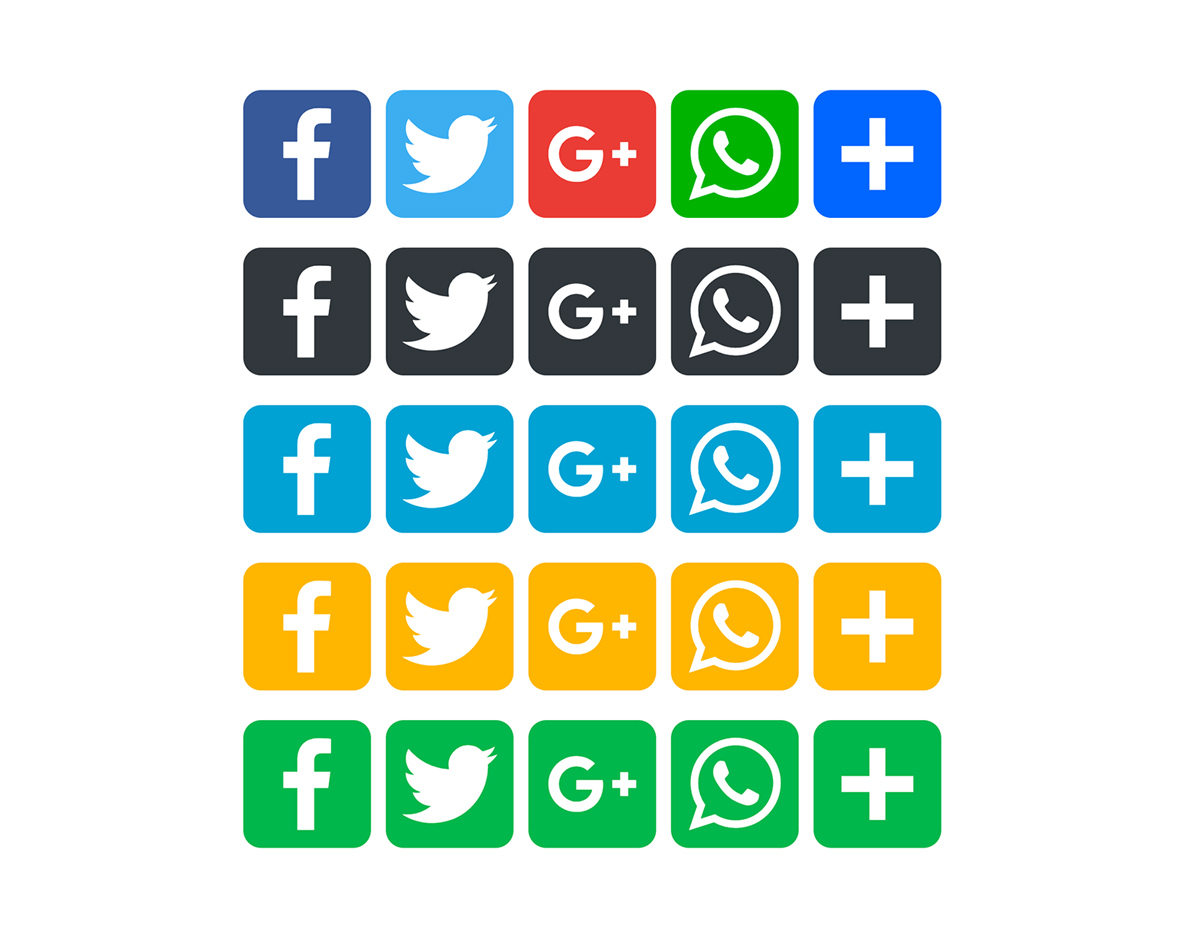
AddToAny supports over 100 sharing destinations through its universal share menu, ensuring visitors can find their preferred platform even if you do not display it directly. The plugin handles sharing across all devices and browsers with vector icons that scale perfectly on any screen resolution.
Floating share buttons stay visible as visitors scroll through your content, keeping sharing options accessible without being intrusive. Google Analytics integration tracks which networks drive the most shares, and shortcodes let you place buttons anywhere in your content beyond the default positions.
Key Features
- Over 100 sharing services supported
- Universal share menu for all platforms
- Vector icons sharp on every screen
- Floating button option while scrolling
- Google Analytics tracking integration
- Shortcode support for custom placement
Best For: Sites with international audiences that need to support a wide range of social networks and sharing platforms.
Social Metrics Tracker
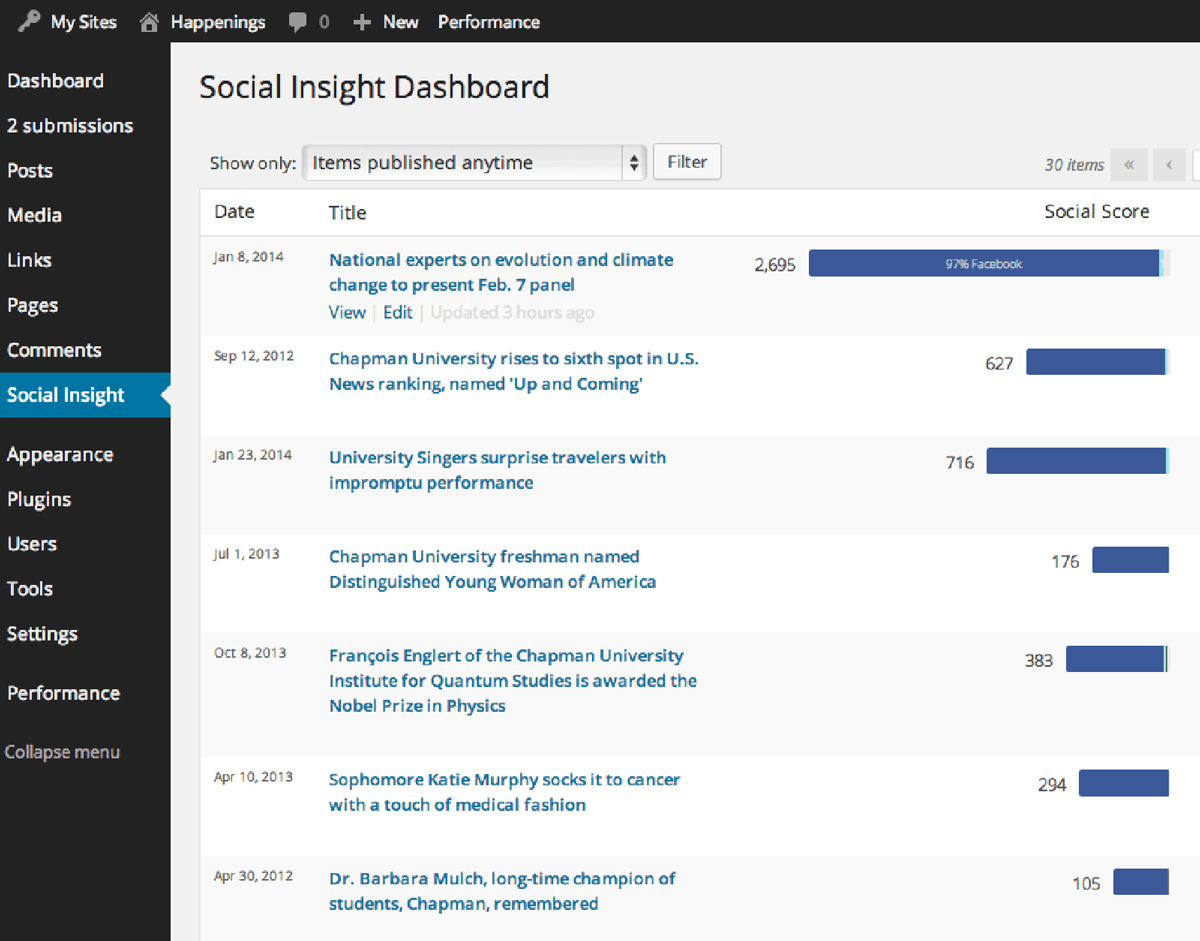
Social Metrics Tracker takes a different approach by focusing on measuring social performance rather than displaying share buttons. The plugin tracks share counts across Facebook, X (Twitter), Pinterest, LinkedIn, and other networks, helping you understand exactly which content resonates with your audience.
View share counts directly in your WordPress post list and sort posts by total shares to identify your most popular content. Export data for deeper analysis in spreadsheets or reporting tools. The plugin updates counts automatically in the background without any manual work or front-end performance impact.
Key Features
- Tracks shares across major networks
- In-dashboard reporting and sorting
- Sort posts by total share counts
- Data export for deeper analysis
- Automatic background count updates
- Zero front-end performance impact
Best For: Content strategists and marketers who need data on which posts perform best on social media without adding share buttons.
Social Media Share Buttons

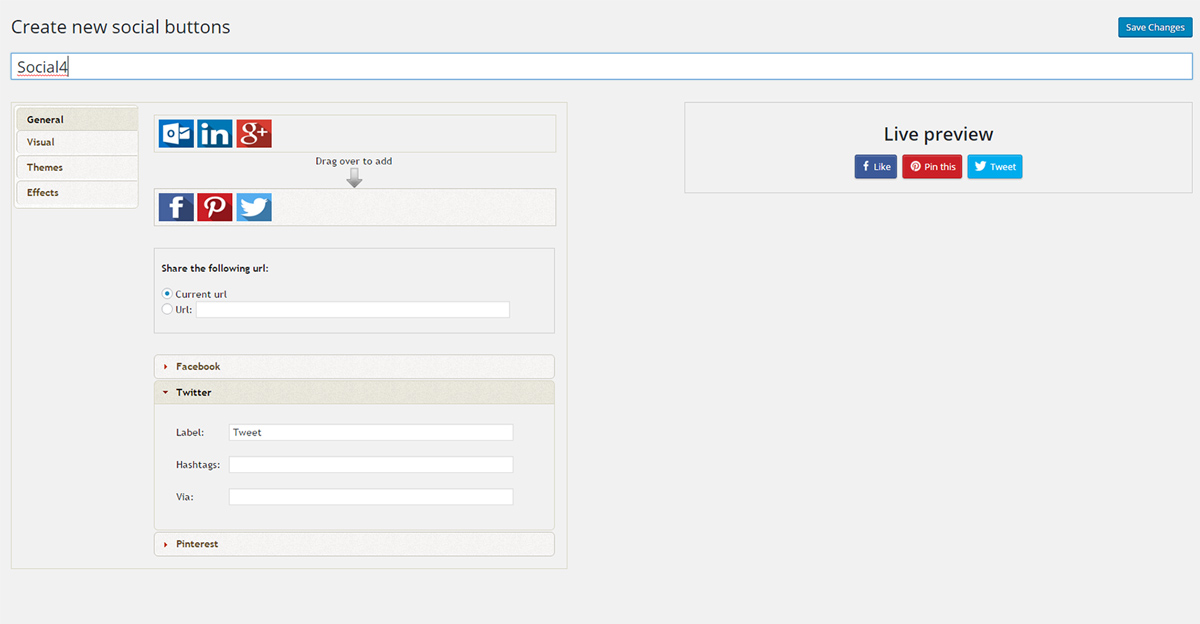
Social Media Share Buttons combines sharing functionality with social follow buttons in a single plugin. Visitors can share your content and follow your social accounts from the same location, maximizing every interaction with your audience. Over 200 button designs offer extensive visual customization.
Animation effects grab attention without annoying visitors, while pop-ups and sticky buttons keep sharing options visible throughout the browsing experience. The plugin also includes email opt-in integration for list building, making it a useful tool for growing both your social following and email subscriber base.
Key Features
- Share and follow buttons combined
- Over 200 button design options
- Attention-grabbing animation effects
- Pop-up and sticky display modes
- Email opt-in integration built in
- Mobile responsive across devices
Best For: Sites that want to grow social followers and email subscribers alongside traditional content sharing.
Cool Image Share
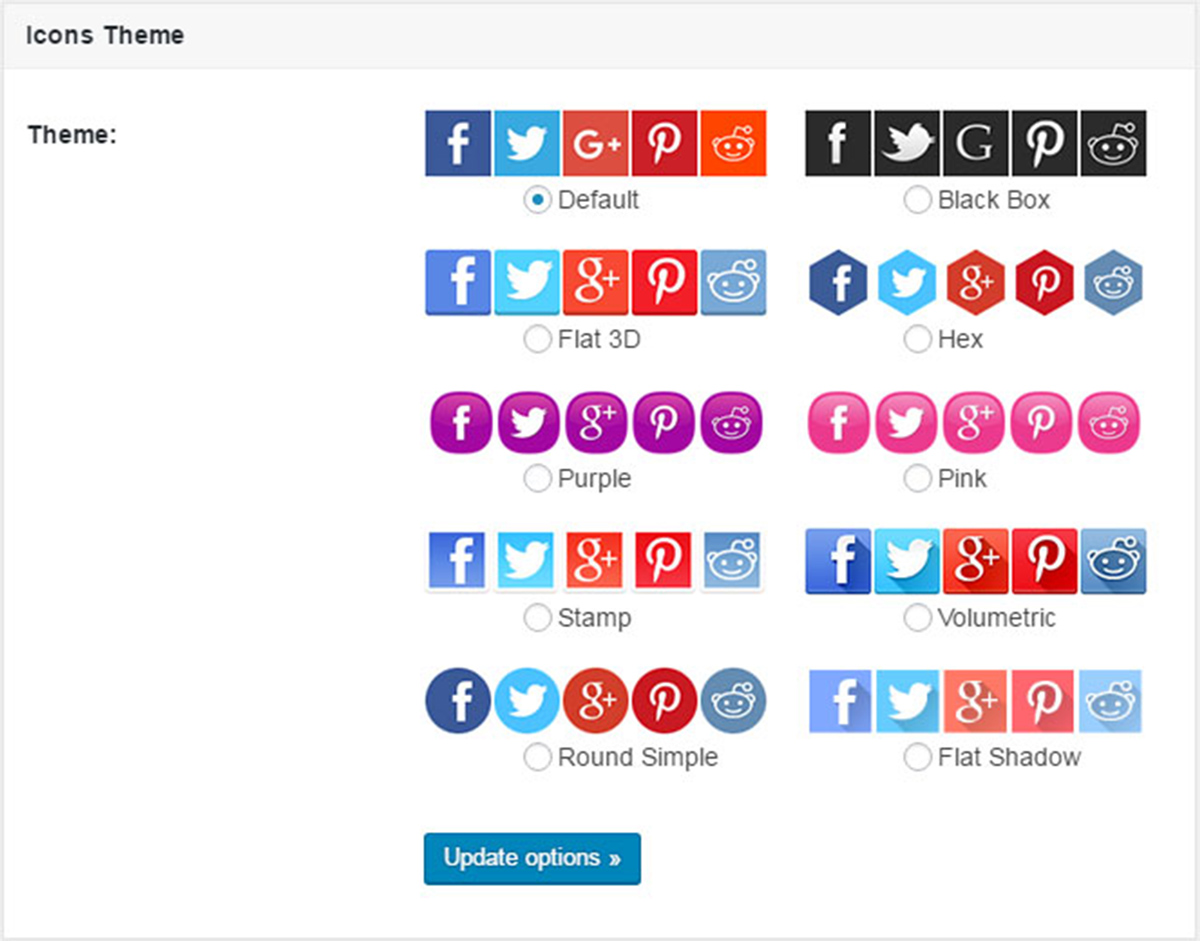
Cool Image Share takes a unique approach by adding share buttons directly to your images rather than to the content area. When visitors hover over any image, sharing options appear as an overlay. This works especially well for visual content like infographics, photography portfolios, and design showcases.
The plugin supports Pinterest, Facebook, and X (Twitter) image sharing with customizable button positions and styles that match your site design. You can exclude specific images that should not show sharing overlays. The non-intrusive design means the overlay does not interfere with normal image viewing.
Key Features
- Image-specific sharing on hover
- Pinterest-optimized for visual content
- Customizable button positions and styles
- Selective image exclusion option
- Non-intrusive hover overlay design
- Works with infographics and portfolios
Best For: Visual content sites like photography portfolios, design blogs, and infographic publishers where image sharing matters most.
Jetpack Social Sharing

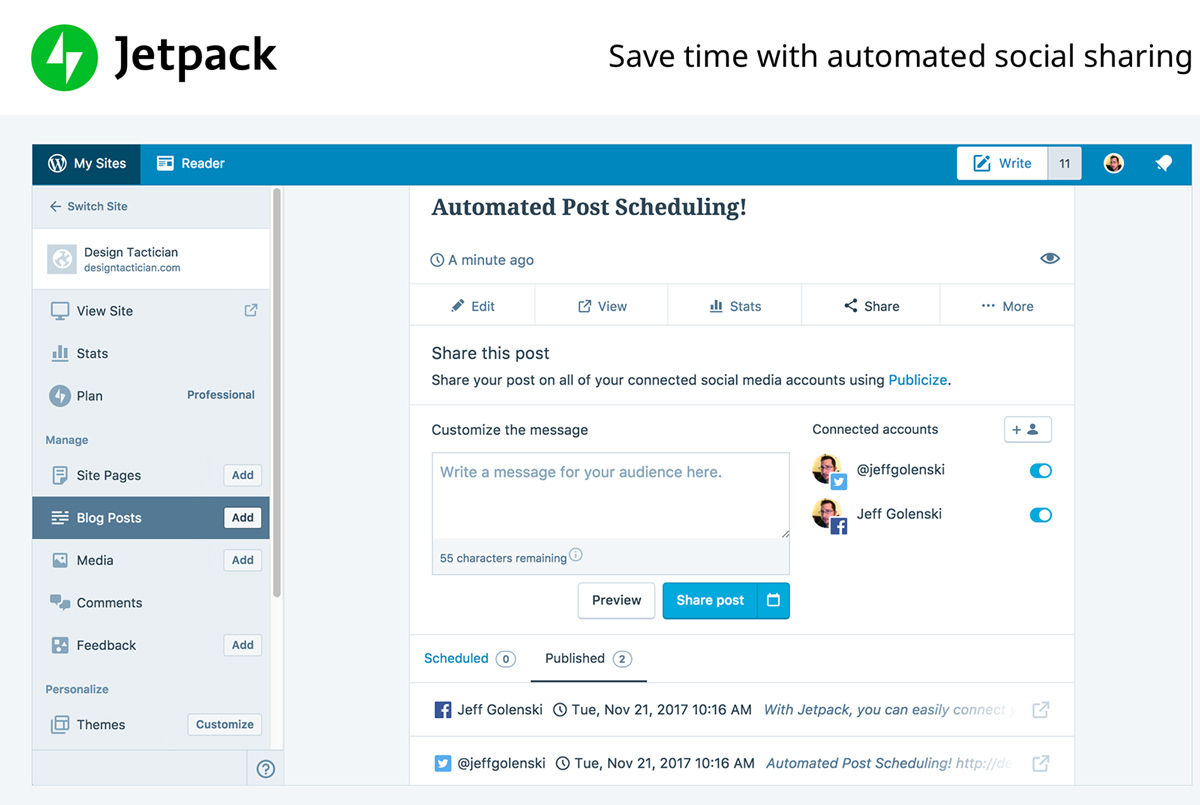
Jetpack includes social sharing as part of its comprehensive feature bundle. If you already use Jetpack for security, performance, or other modules, adding share buttons requires no additional plugins. The sharing module integrates with WordPress.com infrastructure for reliable performance at scale.
Official buttons from each social network display the familiar designs that visitors trust and recognize. The Publicize feature automatically shares new posts to your connected social accounts when you publish. Smart buttons adapt to show only the most-used networks for your specific audience.
Key Features
- Included in the Jetpack plugin bundle
- Official network button designs
- Auto-posting with Publicize feature
- Smart button network suggestions
- Integrated statistics and tracking
- WordPress.com backend reliability
Best For: Sites already using Jetpack that want to add social sharing without installing another plugin.
Choosing the Right Social Sharing Plugin
Your choice depends on your priorities. Want the fastest option? Try Simple Share Buttons Adder or MashShare. Need comprehensive analytics? Look at Shareaholic or Social Metrics Tracker. Already using Jetpack? Activate its sharing module. For visual content sites, Cool Image Share adds sharing directly to your images.
Test a few plugins to see what works for your audience. Monitor share counts and site speed after installation. The best social sharing plugin is one that gets used by visitors without slowing down your WordPress website.
Frequently Asked Questions
- Do social share buttons slow down WordPress?Some plugins impact speed more than others. Official share buttons from Facebook and Twitter load external scripts that can slow pages. Plugins like Simple Share Buttons Adder and MashShare prioritize performance. Test your page speed before and after installation to measure impact.
- Should I show share counts on my buttons?Show counts only if numbers look impressive. Low counts can discourage sharing. New sites often hide counts or use virtual counts until they build real numbers. High counts serve as social proof that encourages more shares.
- Where should I place share buttons?Test different positions. Buttons above content get early visibility. Buttons below content catch visitors who finish reading. Floating bars stay visible throughout the page. Many sites use multiple positions for maximum exposure.
- Do share buttons help SEO?Social shares do not directly affect search rankings. However, shared content gets more visibility, which can lead to backlinks and traffic. Backlinks do help SEO. Think of social sharing as indirect SEO support through increased exposure.