


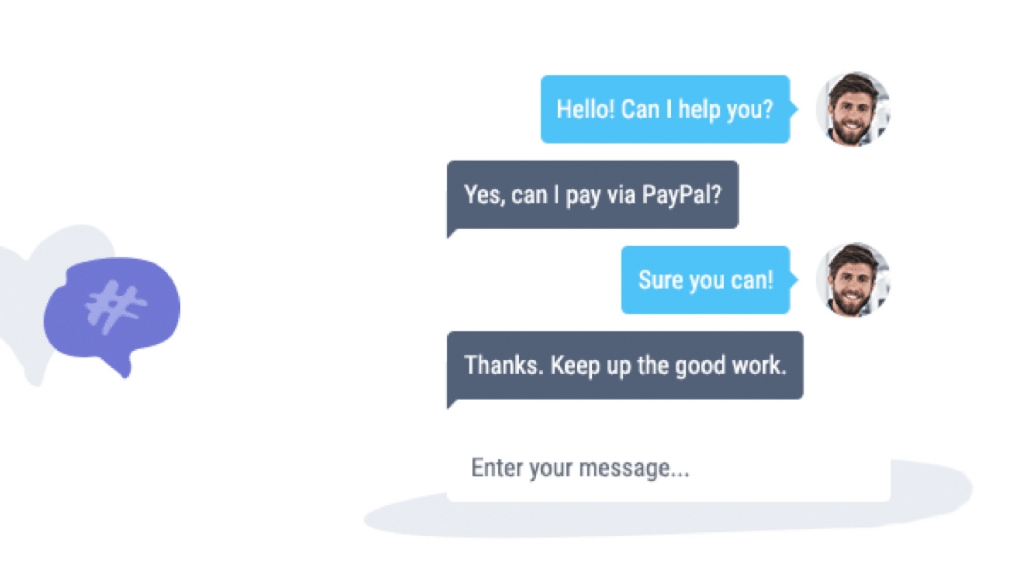
Two-thirds of online shoppers abandon their carts without completing purchases. Often they have questions that go unanswered. Live chat plugins connect you with visitors instantly, letting you address concerns before they leave. Real-time communication turns hesitant browsers into confident buyers.
Live chat adds a human presence to your WordPress site. Respond to sales queries quickly. Handle customer complaints immediately. Build relationships that keep visitors coming back. This guide covers the best live chat plugins for WordPress to help you choose the right solution. It’s part of our complete WordPress plugins guide.
Zendesk Chat

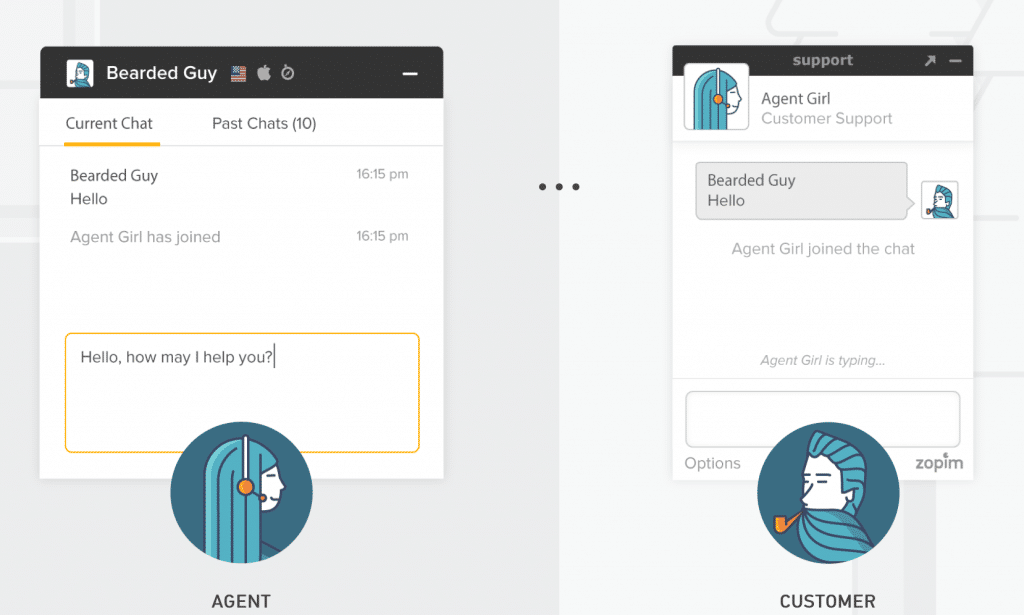
Zendesk Chat serves over 150,000 businesses worldwide. The platform offers customizable chat boxes with eye-catching design. A dedicated WordPress plugin makes installation straightforward.
The dashboard displays crucial metrics including chat history and performance data. Mobile apps for Android and iOS let you respond to queries anywhere. A free plan supports one agent with unlimited chats. Professional plans unlock triggers, departments, and analytics starting at $29 monthly.
Key Features:
- Mobile-optimized for all devices
- Proactive chat triggers
- Great for small businesses
- 24-hour customer support
- Advanced analytics dashboard
- Android and iOS apps
LiveChat

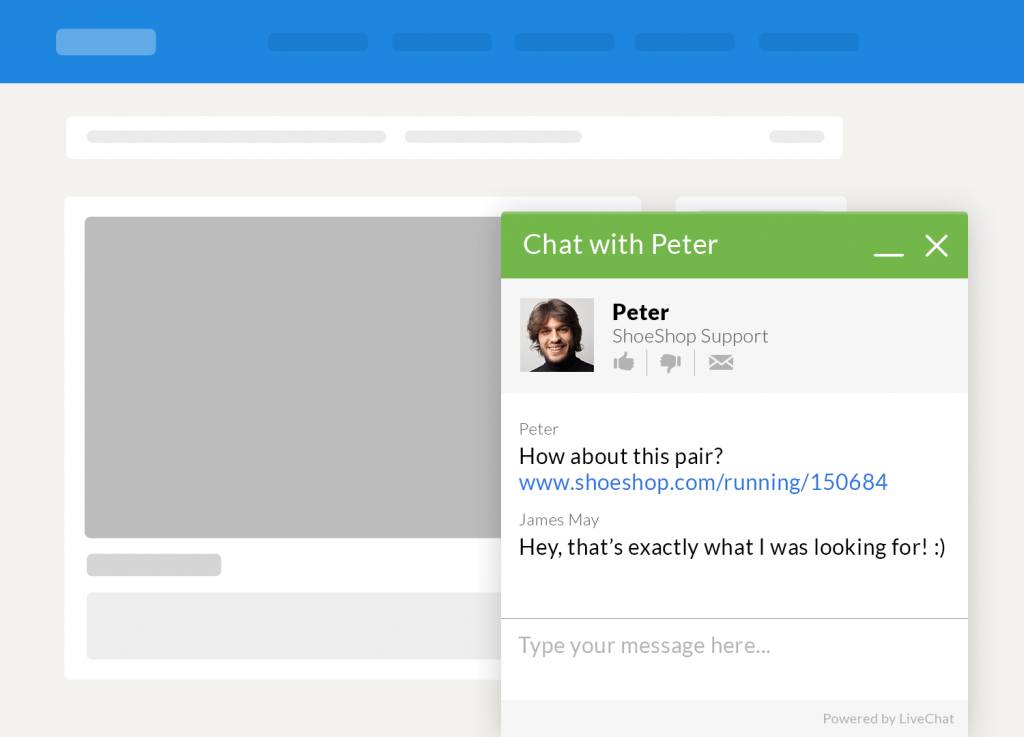
LiveChat provides a polished chat experience focused on conversion. The platform helps you understand your audience through conversation tracking and ratings. Customers rate conversations and share through social media buttons.
A 30-day free trial lets you test the full platform. Plans start at $20 per agent monthly when billed annually. Visitors open the chat with a single click. Support tickets handle inquiries during off-hours. Integration with CRM and analytics tools extends functionality.
Key Features:
- Direct customer engagement
- Conversation ratings and feedback
- Fast loading performance
- Full chat history
- Google Analytics integration
- Canned response templates
Olark

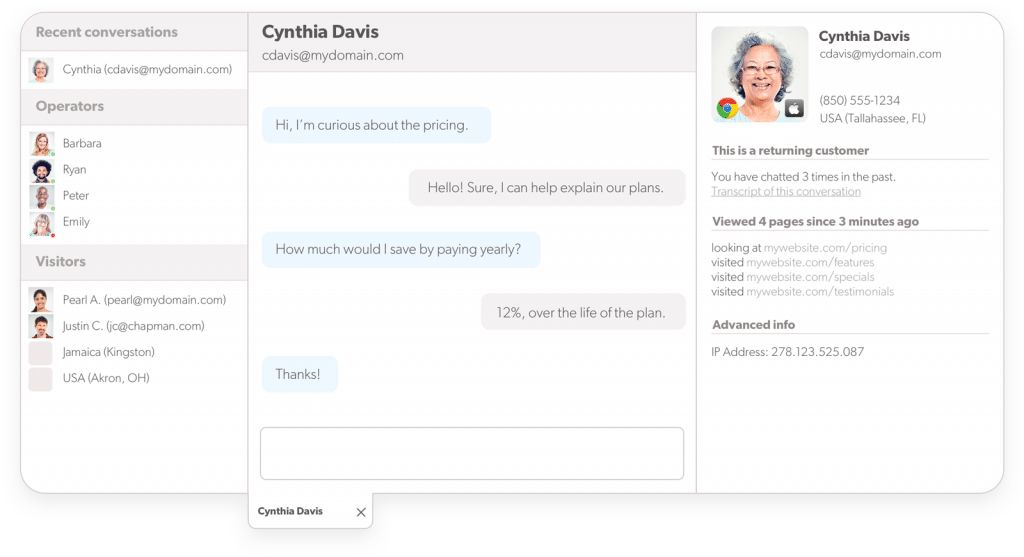
Olark integrates with your WordPress site through a simple widget. Every conversation provides detailed analytics about visitor activity. See which pages they visited and what actions they took before starting the chat.
Integration with Zendesk, Salesforce, and other platforms extends Olark’s capabilities. Different plans suit different business sizes. Starter plans begin at $29 monthly with a 10% discount for annual billing. Free trials let you test before committing.
Key Features:
- Shopping cart visibility
- Browseable chat history
- Chat performance reports
- Helpdesk integration
- Team organization features
- Visitor activity tracking
Tidio Live Chat

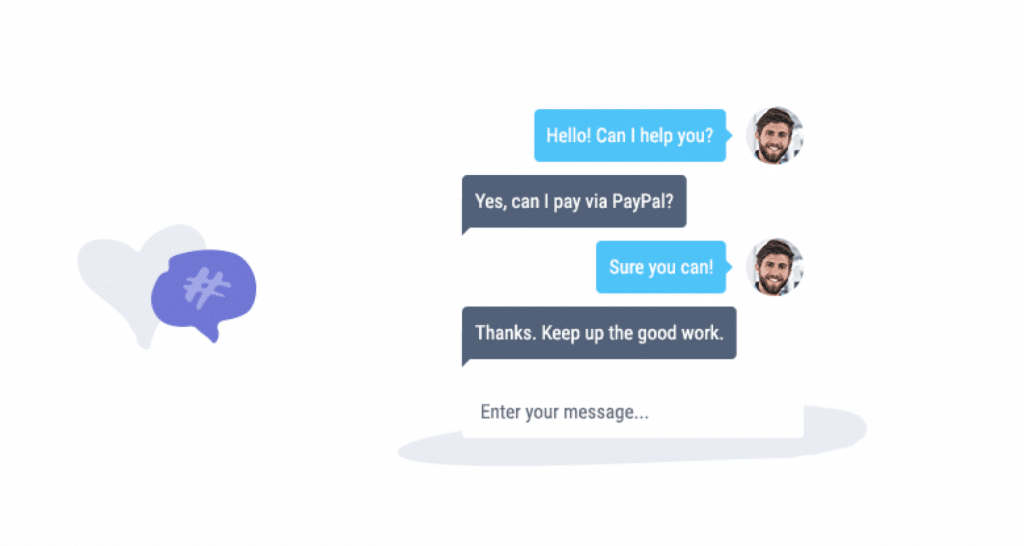
Tidio offers an install-and-go live chat solution supporting over 140 languages. The plugin combines live chat with chatbots for 24/7 coverage. Analytics monitor website activity and visitor behavior.
Three chat box designs let you match your site’s style. Customize colors to fit your brand. Continue conversations via email if visitors leave. Apps for Android, iOS, and desktop ensure you never miss a message. The free version works for one agent with premium starting at $19 monthly.
Key Features:
- 140+ language support
- Easy configuration
- Visitor behavior analytics
- Three chat box designs
- Mobile and desktop apps
- Chatbot automation
Formilla Live Chat

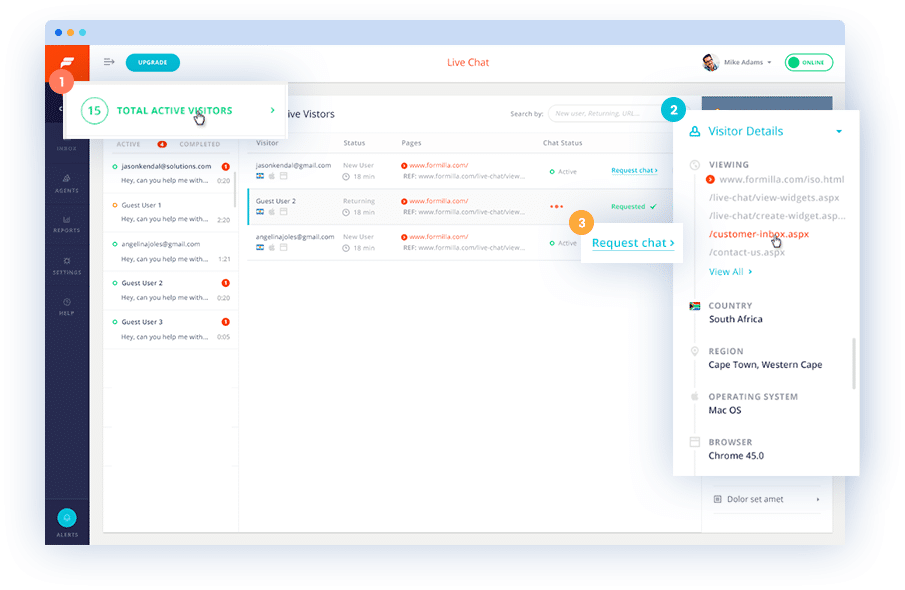
Formilla provides excellent free chat functionality for small sites. The free package includes one agent and one concurrent chat with up to thirty monthly chats. A clean, customizable interface appeals to visitors and site owners alike.
Premium plans start at $13.99 monthly for unlimited chats. Mobile apps extend chat capability to iOS and Android devices. Proactive chat greets visitors automatically based on behavior. Chat queues handle busy periods gracefully.
Key Features:
- Generous free tier
- Chat queues when busy
- Multiple language support
- Proactive chat triggers
- Customizable chat boxes
- Mobile app access
Choosing Your Live Chat Solution
Consider your team size and chat volume. Solo operators benefit from Formilla’s free tier or Tidio’s affordable plans. Growing businesses need LiveChat or Zendesk’s scalability. E-commerce sites should look at Olark’s shopping cart visibility.
Test multiple platforms during their free trials. Check mobile responsiveness since many visitors browse on phones. Evaluate chatbot features if you can’t staff chat 24/7. The best plugin is one your team actually uses consistently.
Frequently Asked Questions
Does live chat slow down my WordPress site?
Modern live chat plugins load asynchronously, minimizing performance impact. They fetch chat widget code after your main content loads. Quality plugins from major providers like Zendesk and LiveChat are optimized for speed. Test your page load times before and after installation to verify.
Can I use live chat outside business hours?
Yes. Most plugins offer offline message forms when agents aren’t available. Visitors leave messages that you answer later via email. Chatbots can handle common questions 24/7. Tidio and other platforms combine live chat with AI-powered chatbots for continuous coverage.
How many chats can one agent handle?
Experienced agents typically handle 3-5 concurrent chats effectively. New agents should start with fewer. It depends on conversation complexity and response time expectations. Canned responses help agents work faster on common questions.
Should I use proactive chat invitations?
Proactive chats can increase engagement when used carefully. Trigger them based on visitor behavior like time on page or cart contents. Avoid triggering too quickly or too often. Test different triggers to find what works for your audience without being annoying.
Can live chat integrate with my CRM?
Most premium live chat platforms integrate with popular CRMs like Salesforce, HubSpot, and Zoho. Chat transcripts and visitor data sync automatically. These integrations help sales teams follow up effectively. Check integration options before choosing a platform.
Is live chat GDPR compliant?
Major live chat providers offer GDPR compliance features. They include consent collection, data export, and deletion options. Check each platform’s privacy policy and data processing agreements. Configure your chat to collect consent before storing personal information from EU visitors.