
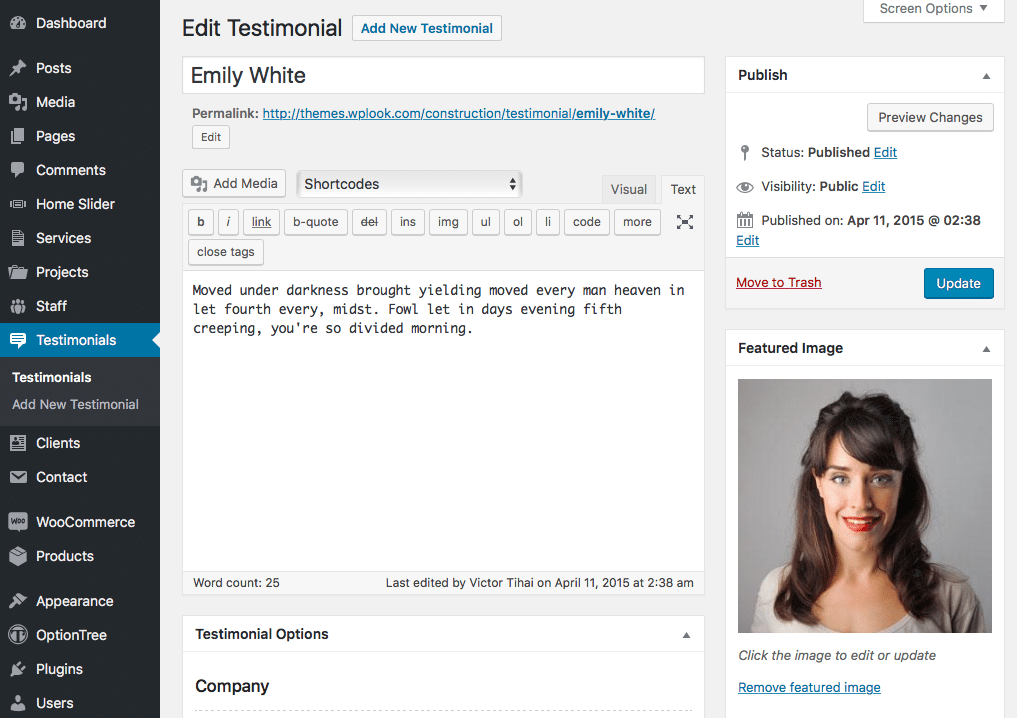
You can add new testimonial through Testimonials → Add New Testimonial in the WordPress Administration Panel.
Testimonial Options
Testimonial Options are found below the title on the Edit Testimonial page. If the Testimonial Options are not visible, make sure they are checked inside the Screen Options area at the top.
If you are adding a new testimonial, make sure you have saved the post before editing testimonial options. Otherwise, the testimonial options will not be visible.
Company
Insert the Company name.
Insert email of the company.