
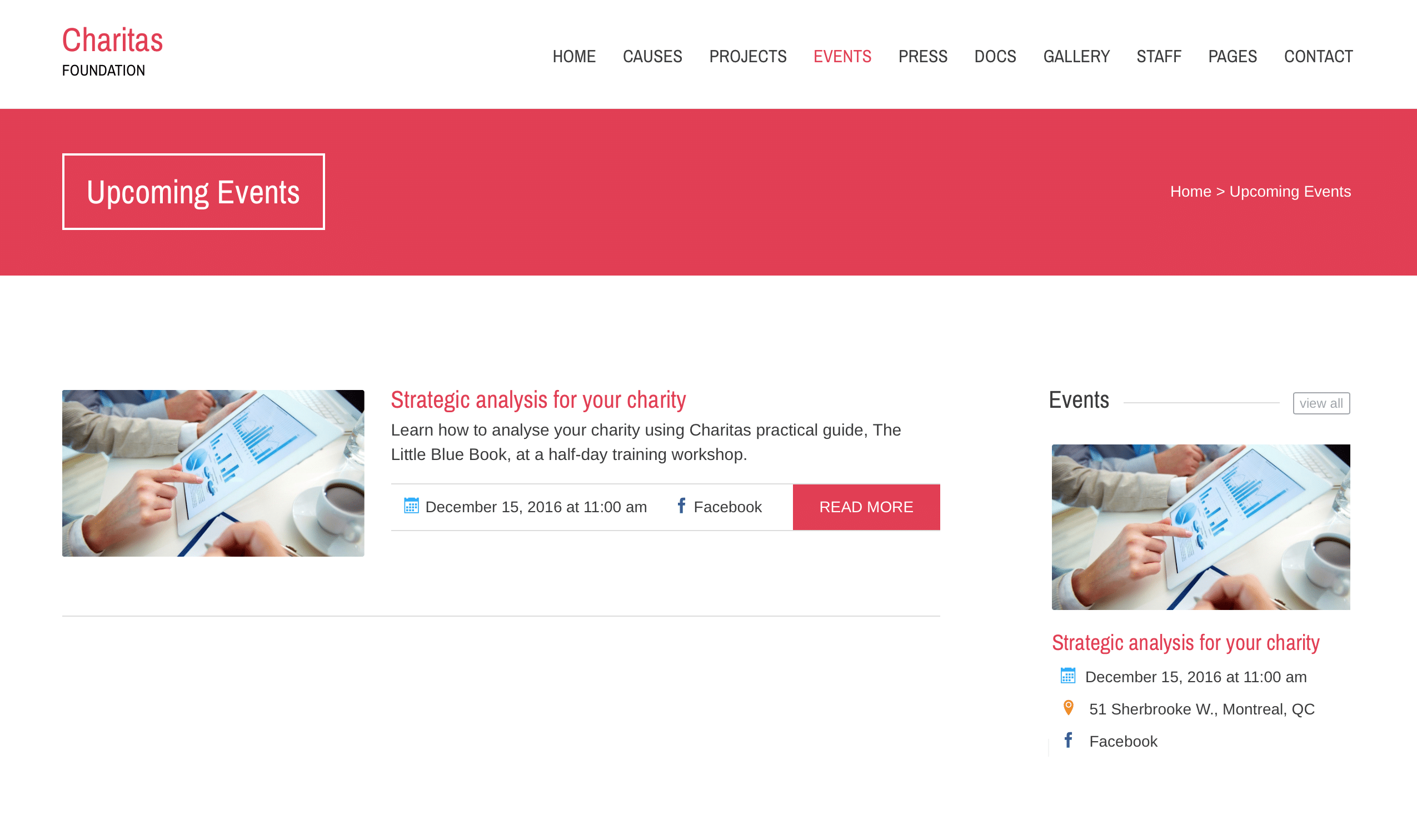
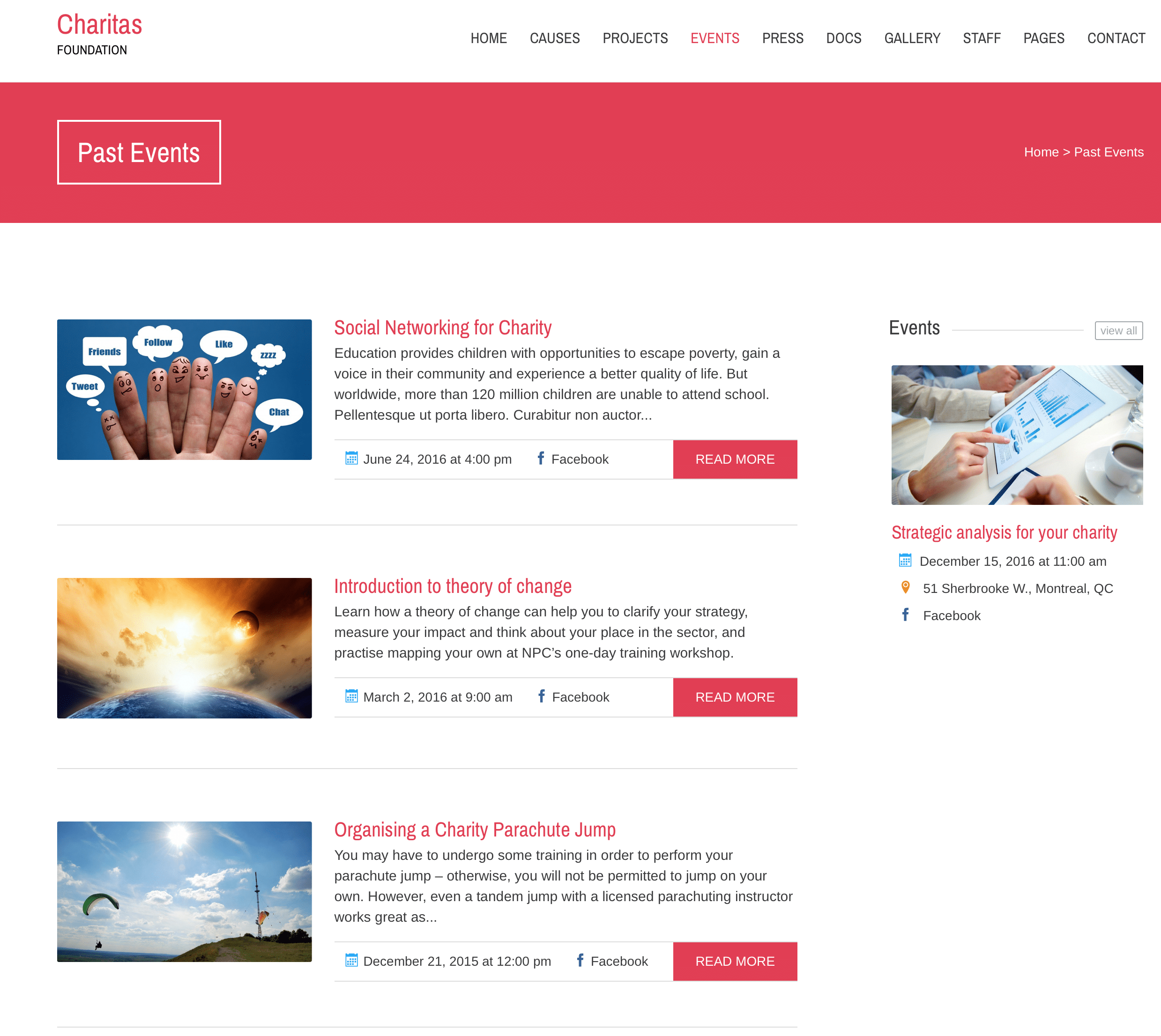
The Charitas theme comes with two page templates to display Events.
Past Events
Setting Up an Events Page
To display events using any of these templates, first create a new page by selecting Pages → Add New from the main menu. You can name this page whatever you like, give it a header image, etc.
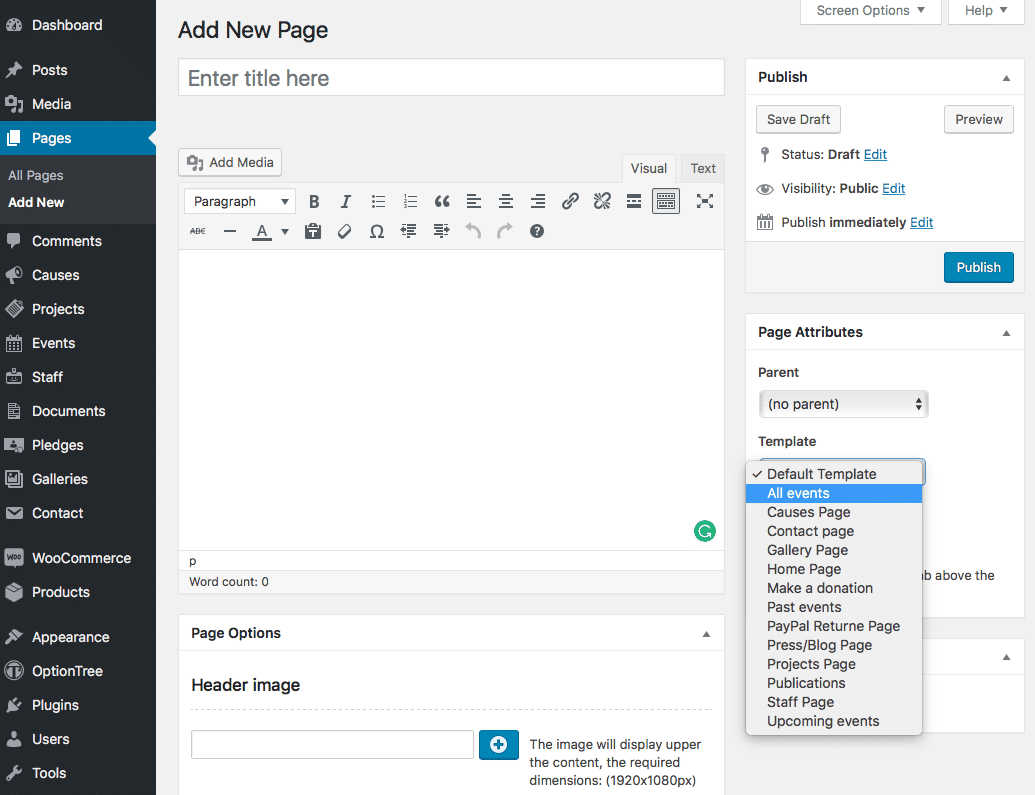
Importantly, select either Events: Past or Upcoming Events. Save the page. Your events will now be displayed on that page.
Add the page to a menu using Appearance → Menus, or link to it from elsewhere on your site, to make your events page accessible to users.